Schützen Sie PDFs mit einem Passwort in Ihrer WPF-App
WPF-PDF-Steuerelemente mit leistungsstarken Funktionen für Passwortschutz ermöglichen das sichere Anzeigen, Bearbeiten und Erstellen von Dokumenten innerhalb des jeweiligen Frameworks.
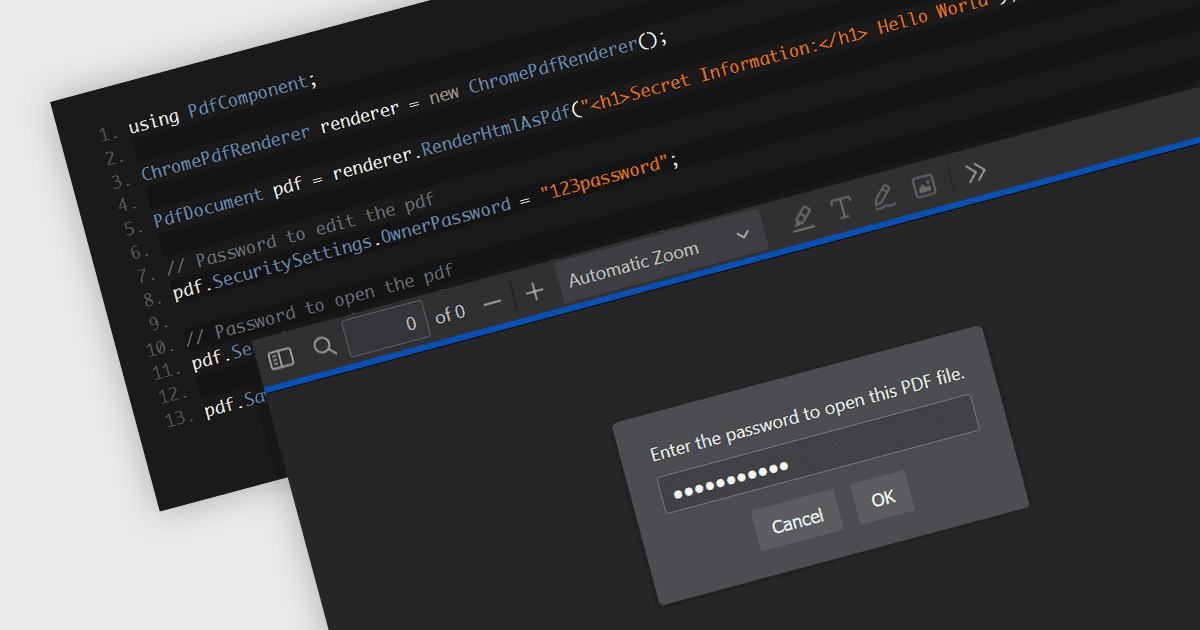
Passwortschutz in einer PDF-Komponente ist eine Sicherheitsfunktion, die das Verschlüsseln von PDF-Dokumenten ermöglicht, um unbefugten Zugriff einzuschränken. Besonders wichtig für Anwendungen, in denen sensible Daten verarbeitet werden: Durch das Festlegen von Passwörtern wird sichergestellt, dass nur autorisierte Personen das Dokument anzeigen oder Änderungen daran vornehmen können. So werden vertrauliche Informationen vor unbefugtem Zugriff und Datenlecks geschützt. Diese Funktion schützt sensible Informationen, indem sie steuert, wer den Inhalt des Dokuments anzeigen, ändern, drucken oder kopieren darf. Damit bietet sie eine entscheidende Schutzebene für vertrauliche Daten und erhöht die Vertrauenswürdigkeit der Anwendung, die sie bereitstellt.
Mehrere Windows Presentation Foundation (WPF) PDF-Komponenten ermöglichen es Ihnen, PDF-Dateien mit einem Passwort zu schützen, darunter:
- ComponentOne Studio WPF PDF von MESCIUS ermöglicht es Ihnen, PDF-Dateien ganz einfach mit Passwortschutz zu versehen, sodass der sichere Dokumentzugriff und die Kontrolle in WPF-Anwendungen gewährleistet sind.
- Telerik UI PDF für WPF (Teil von Telerik UI for WPF) erleichtert das Hinzufügen eines Passwortschutzes zu PDFs und verbessert die Sicherheit, indem unbefugter Zugriff sowie Änderungen eingeschränkt werden.
- IronPDF für .NET von Iron Software ermöglicht Entwicklern, Benutzer- und Administratorpasswörter zu PDFs hinzuzufügen, und bietet einen umfassenden PDF-Schutz für WPF-Anwendungen.
- XFINIUM.PDF WPF/UWP EDITION bietet mehrere PDF-Sicherheitsfunktionen, einschließlich Passwortschutz über Benutzer- und Besitzerpasswörter, sodass sensible Daten geschützt bleiben.
Für eine eingehende Analyse der Funktionen und Preise besuchen Sie unseren Vergleich der WPF-PDF-Komponenten.