Diagramme erfassen und in einer statischen Bilddatei bewahren
Verwandeln Sie Diagramme in statische Bilder, um eine effektive Kommunikation und Datenteilung über Plattformen und Geräte hinweg zu ermöglichen.
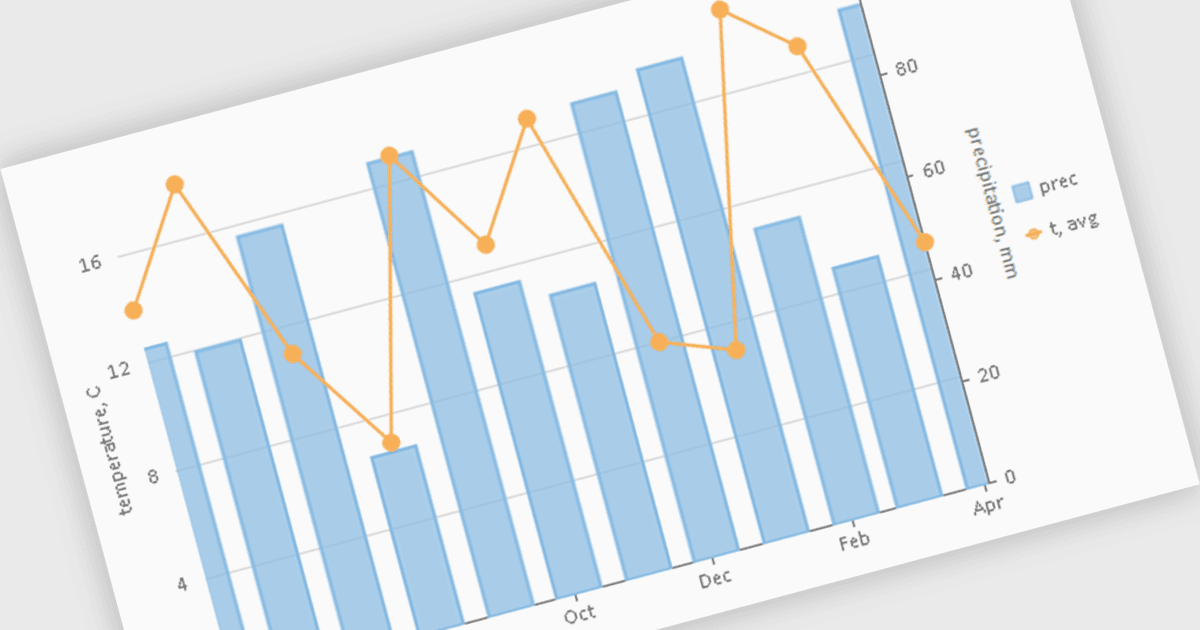
Diagramm-Komponenten mit Bildexport-Funktionen ermöglichen es Nutzern, die visuelle Darstellung eines Diagramms als statische Bilddatei zu speichern. Das bietet eine praktische Möglichkeit, um Daten-Einblicke zu teilen, einzubetten oder auszudrucken. Diese Fähigkeit ist sowohl für Entwickler als auch für Endanwender wertvoll, da sie bei der Weitergabe von Visualisierungen den Zugriff auf den ursprünglichen Datensatz oder die Diagramm-Software überflüssig macht. Mit dem Bildexport können Nutzer zudem das Design, den Stil und das Layout des Diagramms beibehalten, sodass die Darstellung über verschiedene Plattformen hinweg konsistent bleibt – von Präsentationen bis hin zu Berichten. Außerdem ermöglicht die Unterstützung gängiger Formate wie PNG, JPEG oder SVG eine nahtlose Integration von Diagrammen in Dokumente, Webseiten oder gedruckte Materialien. Dadurch wird die Flexibilität erhöht und die Art, wie Daten-Einblicke geteilt und genutzt werden können, erweitert.
Mehrere WPF-Diagramm-Komponenten unterstützen den Export in Bilder, darunter:
- ComponentOne Charts for WPF (Teil von ComponentOne Studio WPF von MESCIUS) bietet umfassende Funktionen zum Exportieren von Diagrammen, einschließlich Unterstützung für verschiedene Bildformate.
- LightningChart .NET unterstützt eine Vielzahl von Bildformaten und ermöglicht die Anpassung der Exporteinstellungen, z. B. Auflösung, Qualität und Komprimierung.
- ProEssentials von GigaSoft kann Diagramme ganz einfach in mehrere Bildformate exportieren und die Qualität sowie die Größe der exportierten Bilder steuern.
- TeeChart WPF (Teil von TeeChart für .NET von Steema Software) bietet flexible Optionen für den Diagrammexport. Damit können Nutzer Diagramme als Bilder wie PNG, JPEG, BMP und GIF speichern.
Für eine ausführliche Analyse der Funktionen und der Preise besuchen Sie unseren Vergleich der WPF-Diagramm-Komponenten.