Optimieren Sie die Dateneingabe mit vielseitigen Grid-Zelltypen
Konfigurieren Sie Grid-Komponenten ganz einfach so, dass Daten mit spezialisierten Zelltypen – z. B. Checkboxen oder Dropdowns – intuitiver angezeigt und bearbeitet werden.
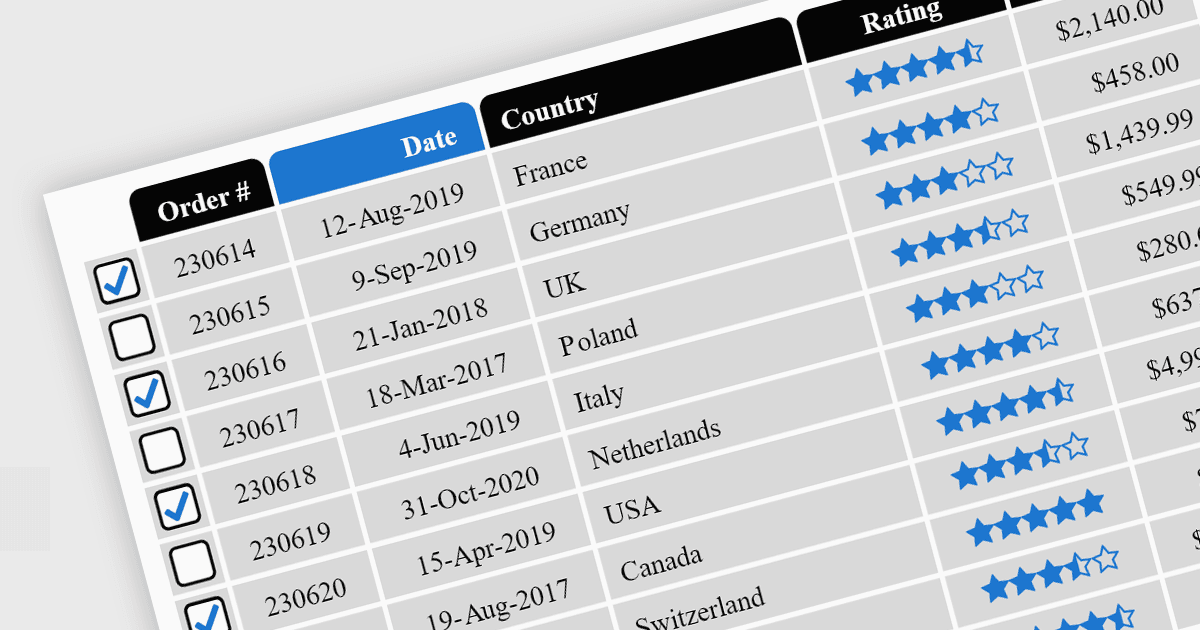
Zelltypen in Grid-Komponenten sind spezialisierte Konfigurationen, die festlegen, wie Daten in einer Grid- oder Tabellenstruktur angezeigt, bearbeitet und mit ihnen interagiert wird. Sie ermöglichen Entwicklern, die Darstellung und Funktionalität jeder Zelle so anzupassen, dass sie besser zum Typ der enthaltenen Daten passt. Durch die Angabe von Zelltypen wie Text, numerisch, Datum/Uhrzeit und mehr können Grid-Komponenten intuitive Steuerelemente und Formatierungen automatisch bereitstellen, wodurch die Dateneingabe vereinfacht und Fehler reduziert werden.
Zu den gängigen Funktionen gehören:
- Button-Zellen ermöglichen es Benutzern, Aktionen direkt im Grid auszulösen, z. B. Speichern oder Löschen.
- Checkbox-Zellen bieten eine aan intuitive Möglichkeit, mehrere Elemente auszuwählen oder Optionen umzuschalten.
- Date/Time-Zellen verfügen über Kalenderauswahlen oder Zeitauswähler, um Eingabefehler zu minimieren.
- Dropdown/List-Zellen beschränken Benutzereingaben auf vordefinierte Optionen und stellen so die Dateneinheitlichkeit sicher.
- Hyperlink-Zellen ermöglichen die Navigation zu Ressourcen oder externen Links, ohne das Grid zu verlassen.
- Image-Zellen unterstützen Vorschaubilder (Thumbnails) und verbessern so die visuelle Darstellung von Inhalten.
- Numeric-Zellen erzwingen Eingaben nur für Zahlen, oft mit integrierter Validierung.
- Text/String-Zellen sind vielseitig für allgemeine Daten und unterstützen lange oder mehrzeilige Eingaben.
Für eine ausführliche Analyse von Funktionen und Preis besuchen Sie unseren jQuery-Grid-Komponenten-Vergleich.