Spalten in Data-Grid-Apps als verpflichtend festlegen
Verwenden Sie Grid-Steuerelemente in JavaScript, um verpflichtende Spalten festzulegen und sicherzustellen, dass wesentliche Felder ausgefüllt sind, um eine vollständige und gültige Eingabe zu gewährleisten.
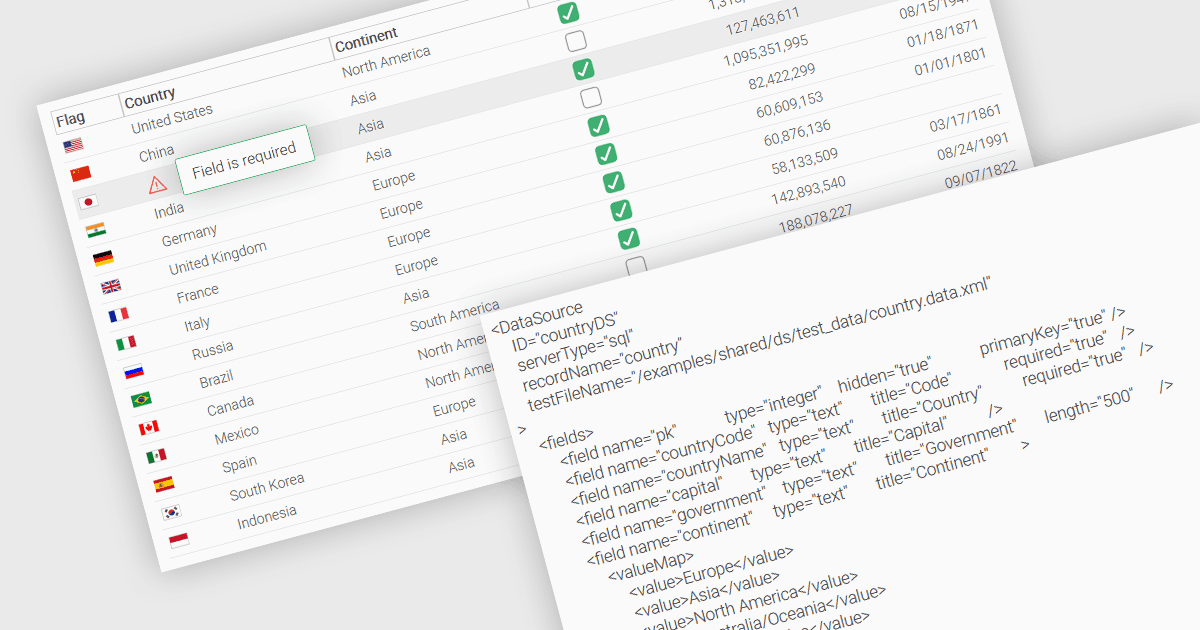
Eine grundlegende Funktion in einem Datenraster (Data Grid) ist die Möglichkeit, festzulegen, dass eine Spalte mit Werten befüllt werden muss und nicht leer bleiben darf. Indem bestimmte Spalten als verpflichtend (mandatory) gekennzeichnet werden, können Entwickler Eingaberichtlinien durchsetzen, die verhindern, dass Benutzer kritische Felder leer lassen, wie z. B. Benutzerkennungen, Produktnamen oder Zeitstempel. Erforderliche Spalten werden typischerweise über Validierungsregeln erzwungen, die das Senden oder Verarbeiten unvollständiger Datensätze verhindern und so die Vollständigkeit sowie die Richtigkeit der Daten eingehalten wird. Das verbessert die Datenintegrität, verringert die Wahrscheinlichkeit von Verarbeitungsfehlern und unterstützt eine konsistente Geschäftslogik in Anwendungen, die auf strukturierten Datensätzen basieren.
Mehrere JavaScript-Grid-Steuerelemente ermöglichen es Ihnen, Spalten als erforderlich festzulegen, darunter:
- Wijmo FlexGrid (Teil von Wijmo von MESCIUS) ist ein JavaScript-Datenraster, mit dem Spalten als erforderlich markiert werden können, einschließlich integrierter Validierungslogik zur Sicherstellung der Einhaltung.
- Jspreadsheet Pro Data Grid (Teil von Jspreadsheet Pro) unterstützt die Verwendung von Validierungsregeln, um sicherzustellen, dass Einträge vordefinierten Kriterien entsprechen, sodass Sie Pflichtfelder festlegen können.
- SmartClient Grid (Teil von SmartClient von Isomorphic Software) stellt JavaScript-Apps eine erforderliche Spaltenkonfiguration zur Verfügung, um das Senden unvollständiger Datensätze zu verhindern.
- Ignite UI Angular Grid (Teil von Infragistics Ignite UI) bietet Entwicklern einen Validator „out of the box“, um die Befüllung erforderlicher Spalten während der Dateneingabe durchzusetzen.
Für eine ausführliche Analyse der Funktionen und des Preises besuchen Sie unseren Vergleich von JavaScript-Grid-Steuerelementen.