PDFs mit Präzision und Leichtigkeit navigieren
Integrierte Navigationstools ermöglichen es Nutzern, sich mühelos durch PDF-Dokumente zu bewegen, wodurch auch komplexe Dateien leichter zugänglich und verständlich werden.
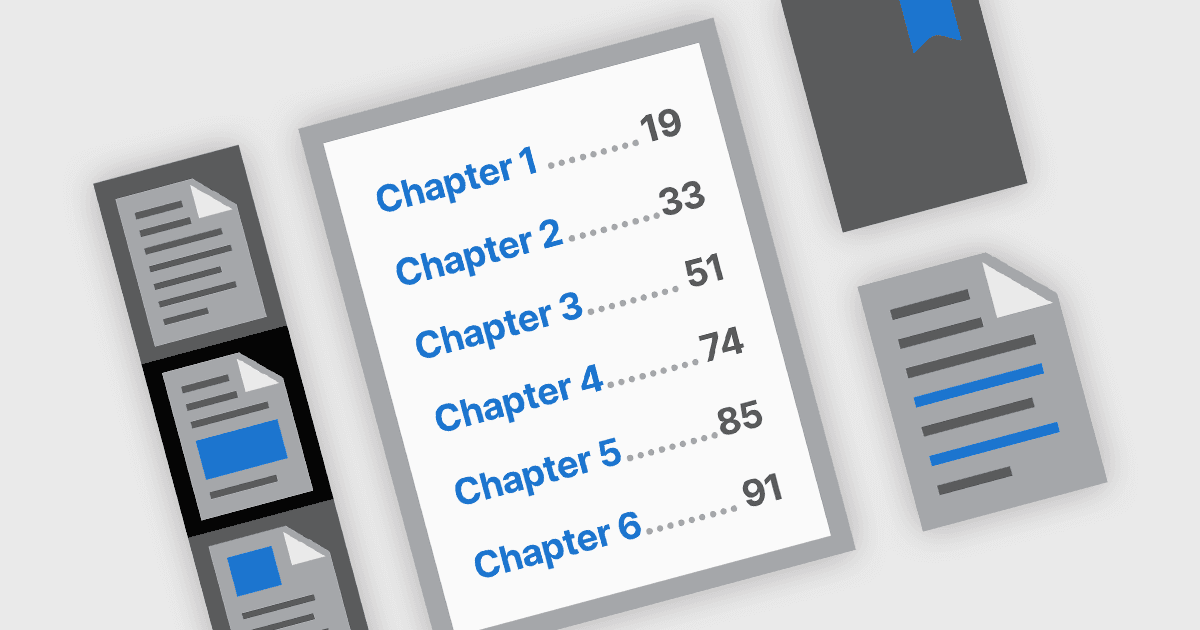
PDF-Navigationsfunktionen spielen eine entscheidende Rolle dabei, die Benutzerfreundlichkeit und Zugänglichkeit digitaler Dokumente zu verbessern. In modernen PDF-Komponenten sind Navigationswerkzeuge so konzipiert, dass sie einen intuitiven Zugriff auf den Dokumentinhalt ermöglichen und den Nutzern helfen, bestimmte Abschnitte, Seiten oder Themen schnell zu finden. Diese Tools sind besonders wichtig in umfangreichen oder komplexen PDFs wie Handbüchern, Berichten und eBooks, bei denen eine effiziente Navigation das Leseerlebnis erheblich verbessern und die Zeit, die für die Suche nach Informationen aufgewendet wird, reduzieren kann.
Häufige Funktionen sind:
- Lesezeichen-Navigation ermöglicht es Nutzern, über eine Seitenleiste mit Lesezeichen, die oft die Struktur des Dokuments widerspiegelt, zu vordefinierten Abschnitten zu springen.
- Hyperlink-Navigation unterstützt sowohl interne Links innerhalb des Dokuments als auch externe Weblinks und erleichtert den direkten Zugriff auf relevante Informationen oder Ressourcen.
- Navigation über das Inhaltsverzeichnis entspricht traditionellen Druckdokumenten, indem Kapitel oder Abschnitte mit interaktiven Links aufgelistet werden. So können Nutzer die Struktur des Dokuments auf einen Blick verstehen und direkt zu Bereichen wechseln, die sie interessieren.
- Miniaturansichten-Navigation bietet visuelle Vorschauen der Seiten, sodass Nutzer leichter durch die Seiten scrollen und diese auswählen können – insbesondere bei grafisch reichen oder seitenbezogenen Inhalten.
Für eine ausführliche Analyse der Funktionen und Preise besuchen Sie unseren Vergleich der .NET PDF-Komponenten.