PDF-Seiten direkt im Viewer löschen
Die integrierte Seitensuche ermöglicht es Benutzern, doppelte oder vertrauliche Inhalte direkt im PDF Viewer zu entfernen, wodurch schnellere und sauberere Dokumentbearbeitungen möglich sind.
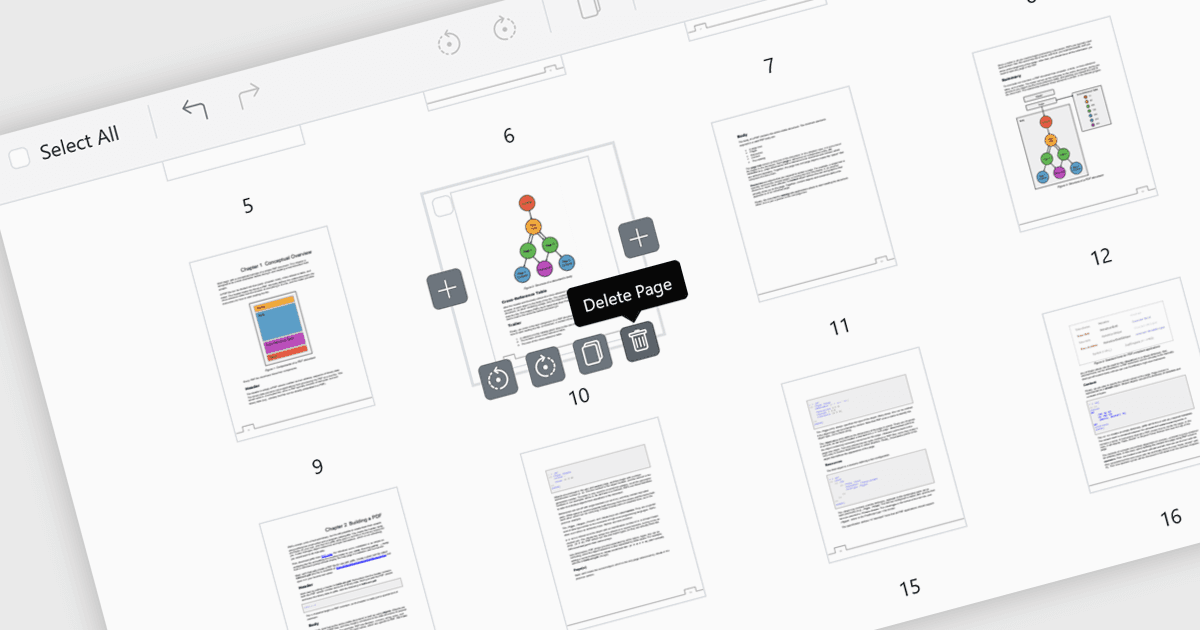
Mit dem Löschen von Seiten in einem PDF Viewer können Benutzer unerwünschte, doppelte oder vertrauliche Seiten direkt innerhalb der Anwendung entfernen, ohne einen separaten Editor zu benötigen. Diese Funktion vereinfacht die Dokumentverwaltung, indem sie die Dateigröße reduziert und dafür sorgt, dass das endgültige PDF sauber, übersichtlich und professionell ist. Sie ist besonders hilfreich, um Fehler zu korrigieren, z. B. um fälschlich hinzugefügte oder leere Seiten zu entfernen, sowie um die Sicherheit zu erhöhen, indem vertrauliche Inhalte gelöscht werden, bevor Dokumente extern geteilt werden. Durch das schnelle, integrierte Bearbeiten verbessert das Löschen von Seiten die Produktivität und macht das Anpassen von Dokumenten an bestimmte Zielgruppen effizienter.
Mehrere ASP.NET Core PDF-Viewer-Steuerelemente bieten die Möglichkeit, Seiten zu einer PDF-Datei hinzuzufügen, darunter:
- Telerik UI PDF for ASP.NET Core (Teil von Telerik UI for ASP.NET Core) ermöglicht es Ihnen, Dokumente mit Seitenlöschung zu verfeinern und so sofort professionelle PDFs zu erstellen, die für Ihre Zielgruppe bereit sind.
- Document Solutions for PDF von MESCIUS ermöglicht es Ihnen, Inhalte mit Seitentfernung zu verwalten, Vertraulichkeit zu schützen und mühelos prägnante, sichere Dateien zu erstellen.
- Syncfusion ASP.NET Core PDF (Teil von Telerik UI for ASP.NET Core) erleichtert die Dokumentanpassung durch integriertes Löschen von Seiten.
Für eine ausführliche Analyse der Funktionen und Preise besuchen Sie den Vergleich unserer ASP.NET Core PDF-Viewer-Steuerelemente.