Spaltenbreiten im Raster anpassen für klarere Datenansichten
Spaltenbreiten anpassen, um Platz zu optimieren, Unordnung zu reduzieren und ein klareres, fokussierteres Raster für schnellere Datenanalysen sowie bessere Entscheidungen zu schaffen.
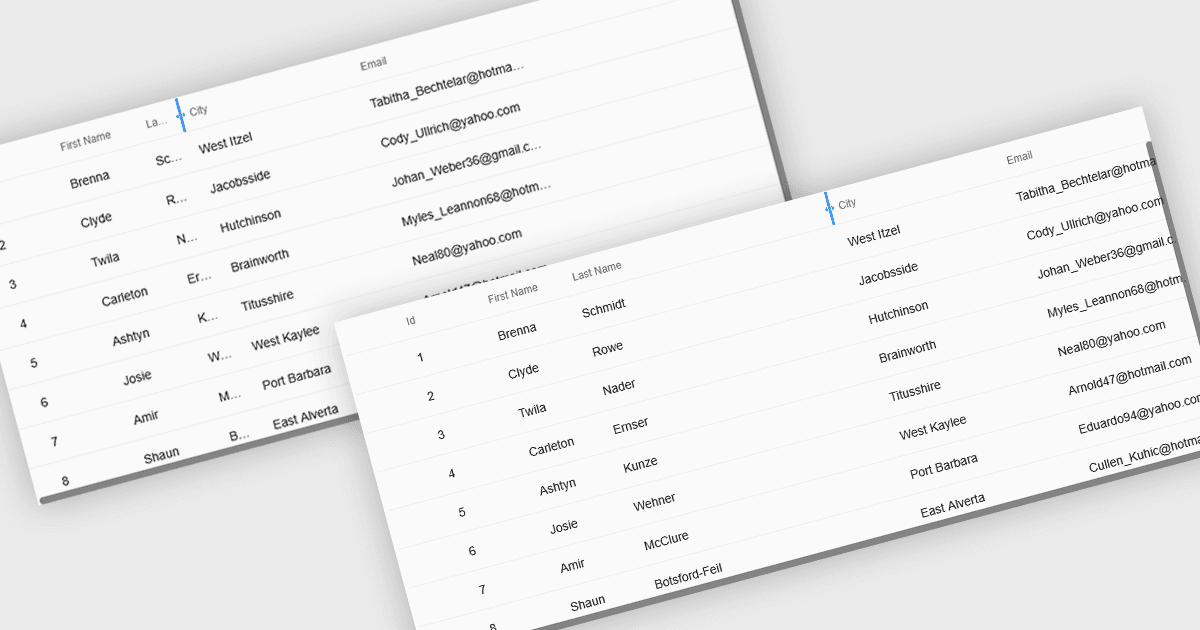
Vergrößerbare Rasterspalten ermöglichen es Benutzern, die Breite jeder Spalte in einer Datentabelle anzupassen, wodurch sie die direkte Kontrolle darüber erhalten, wie Informationen angezeigt werden. Das verbessert die Lesbarkeit, indem verhindert wird, dass Text abgeschnitten wird, verringert Unordnung, indem weniger wichtige Felder enger gefasst werden, und schafft so einen klareren, effizienteren Arbeitsplatz. Besonders nützlich ist dies bei großen Datensätzen, langen Produktnamen, detaillierten Beschreibungen oder gemischten Datentypen, z. B. indem eine „Description“-Spalte erweitert wird, um den vollständigen Text zu lesen, oder indem numerische Spalten verengt werden, um Zahlenwerte schnell zu vergleichen. Ob in Dashboards, Admin-Panels, Reporting-Tools oder Datenerfassungssystemen eingesetzt, verbessert das Ändern der Spaltengröße die Bedienbarkeit, beschleunigt die Analyse und unterstützt ein stärker personalisiertes Anzeigeerlebnis.
Mehrere React-Raster-Steuerelemente unterstützen das Erweitern und Anpassen der Spaltenbreite, darunter:
- DevExtreme React Data Grid (Teil von DevExtreme Complete by DevExpress) ermöglicht es Ihnen, Spalten zu vergrößern, um die Lesbarkeit zu verbessern, Unordnung zu reduzieren und effizienter mit Daten zu arbeiten.
- Handsontable von Handsoncode ermöglicht es Ihnen, Spalten zu vergrößern, um vollständige Inhalte anzuzeigen, Layouts anzupassen, Unordnung zu minimieren und vielfältige Datensätze effektiver und mit mehr Sicherheit zu analysieren.
- BestReactGrid vereinfacht das Anpassen der Spaltenbreite, um den verfügbaren Platz zu optimieren, wichtige Details hervorzuheben, die Lesbarkeit zu verbessern und eine klarere, effizientere Daten-Workflow-Struktur zu schaffen.
- Ignite UI React Grid (Teil von Infragistics Ignite UI) ermöglicht es Ihnen, Spalten zu vergrößern, um übersichtlichere Ansichten, schnellere Vergleiche und ein besseres Datenverständnis zu erreichen.
Für eine ausführliche Analyse der Funktionen und Preise besuchen Sie unseren Vergleich der React Grid Controls.