Optimieren Sie die Reporteingaben mit passgenauen Dialogen
Erstellen Sie mit Dialog-Parameterformularen sauberere, konsistentere Reports und stellen Sie genaue, validierte Eingaben für Filter, Gruppierungen und Berechnungen sicher.
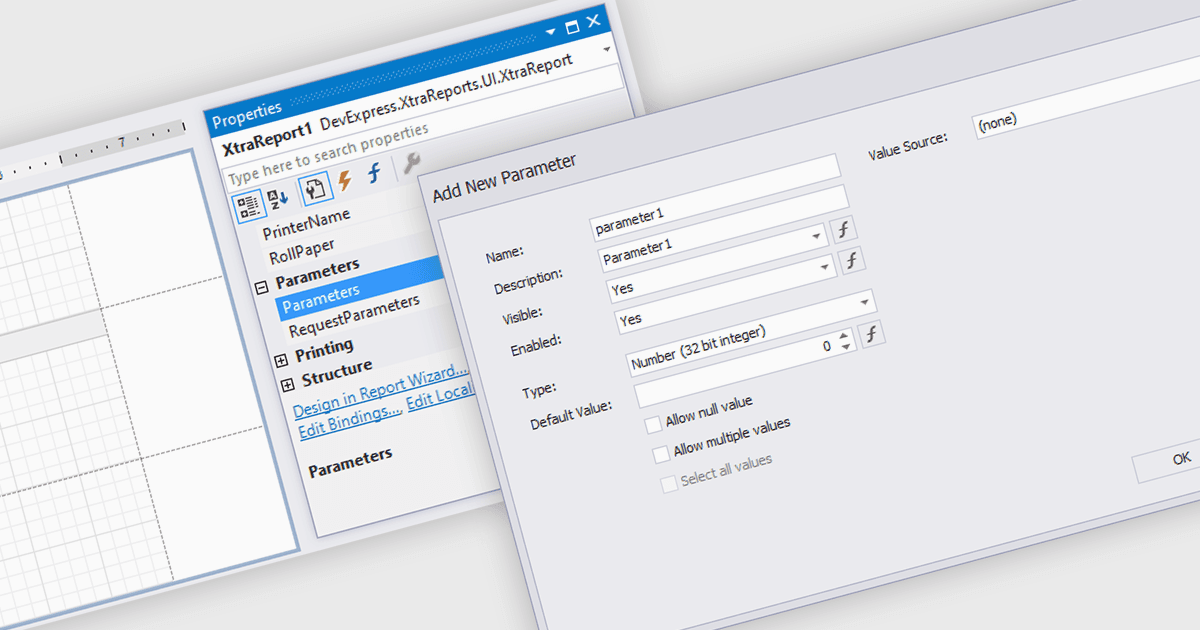
Dialogformulare für Parameter im Reporting bieten eine strukturierte und benutzerfreundliche Möglichkeit, die für genaue und relevante Reports erforderlichen Eingaben zu sammeln. Anstatt auf die manuelle Eingabe oder das Erinnern an bestimmte Kriterien zu setzen, werden Nutzer durch Felder geführt, die eine konsistente und gültige Information sicherstellen. Dies verbessert die Qualität der Reports und reduziert Fehler in Szenarien wie der Auswahl von Datumsbereichen, Produktkategorien, Regionen oder Abteilungen. Durch die Bündelung der Parametereingabe in einer übersichtlichen Oberfläche können sich Nutzer darauf konzentrieren, die Ergebnisse zu interpretieren, statt sich mit den Details der Eingabe auseinanderzusetzen.
Mehrere .NET WinForms-Reporting-Komponenten ermöglichen es Ihnen, Dialogformulare für Parameter zu erstellen, darunter:
- DevExpress Reporting ermöglicht es Ihnen, geführte Parameterdialoge zu erstellen, die genaue Benutzereingaben sammeln und so die Präzision, Benutzerfreundlichkeit und Effizienz der Reports über Anwendungen hinweg verbessern.
- Telerik Reporting ermöglicht es Ihnen, intuitive Parameterdialoge zu erstellen, die die Datenauswahl verbessern und sicherstellen, dass Nutzer konsistente, zuverlässige Reports mit minimalem Aufwand erstellen.
- FastReport .NET WinForms erleichtert anpassbare Parameterdialoge, die Benutzereingaben validieren, und verbessert so die Genauigkeit der Reports sowie die Handhabung komplexer Filter- und Konfigurationsaufgaben.
- Stimulsoft Reports.NET ermöglicht die Erstellung strukturierter Parameterdialoge, die Nutzern helfen, die korrekten Reporting-Kriterien bereitzustellen, und liefert klarere Erkenntnisse sowie verlässlichere Ergebnisse.
Für eine ausführliche Analyse von Funktionen und Preis besuchen Sie den Vergleich unserer .NET WinForms-Reporting-Komponenten.