Trends mit Balkendiagrammen visualisieren
Zeigen Sie Geschäftskennzahlen mit klaren horizontalen und vertikalen Diagrammen an, die Benutzern helfen, Muster und Leistungsänderungen zu erkennen.
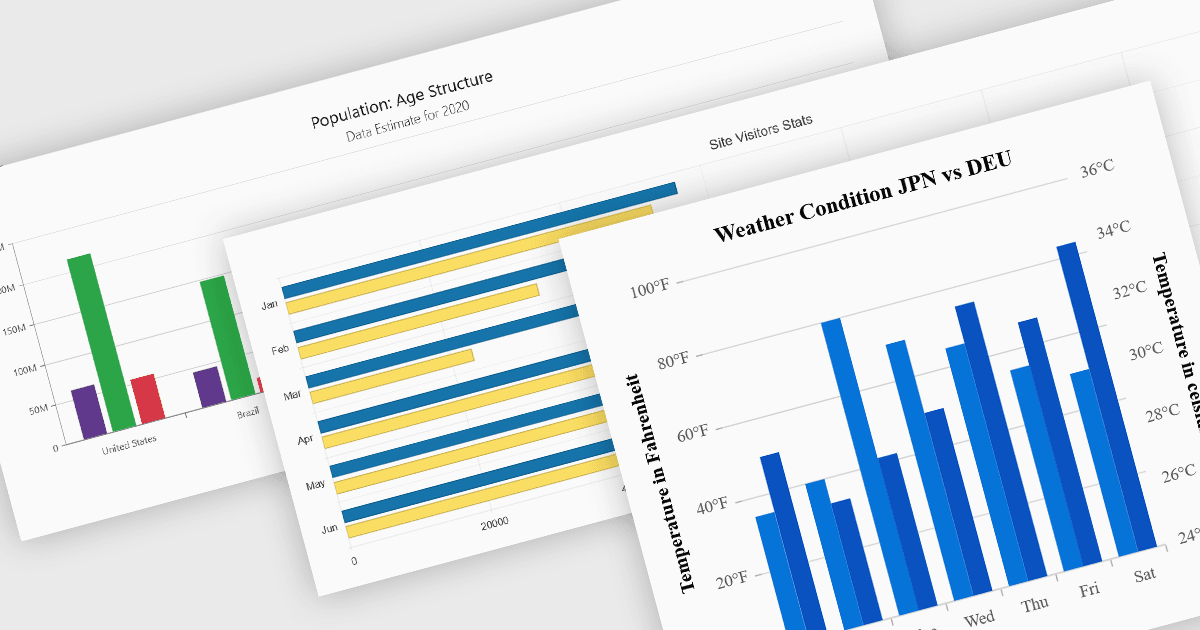
Spalten- und Balkendiagramme gehören zu den am weitesten verbreiteten Datenvisualisierungsfunktionen in modernen Charting-Komponenten und helfen Entwicklern dabei, Vergleiche, Trends und kategoriebasierte Kennzahlen in einem leicht verständlichen Format darzustellen. Indem Werte als horizontale oder vertikale Balken angezeigt werden, ermöglichen diese Diagrammtypen Anwendungen, Veränderungen bei Leistung, Rankings, Verteilungen und anderen Geschäftsdaten klar zu vermitteln. Moderne Charting-Komponenten unterstützen typischerweise Anpassungsoptionen wie gestapelte Reihen, gruppierte Kategorien, Animationen, Tooltips, responsive Layouts und interaktive Verhaltensweisen, sodass Entwickler Dashboards und Reporting-Erlebnisse erstellen können, die zu einer Vielzahl von Enterprise- und Analyseszenarien passen.
Mehrere Blazor-Chart-Controls bieten Spalten- und Balkendiagramme an, darunter:
- DevExpress Blazor Charts (Teil von DevExpress ASP.NET und Blazor) bietet Spalten- und Balkendiagrammtypen mit Unterstützung für gestapelte und vollständig gestapelte Reihen sowie Fadenkreuz-Cursor.
- Telerik UI Blazor Chart (Teil von Telerik UI for Blazor) umfasst konfigurierbare Balken- und Spaltenreihen mit Datenbindung, responsiver Darstellung und interaktiven Funktionen.
- Syncfusion Blazor Charts (Teil von Syncfusion Essential Studio Enterprise) bietet eine breite Sammlung von Varianten für Balken- und Spaltendiagramme, darunter gestapelte und Bereichsdiagramme.
- Infragistics Ignite UI for Blazor Chart (Teil von Infragistics Ignite UI) liefert leistungsstarke Visualisierungen für Spalten- und Balkendiagramme mit erweiterter Dateninteraktion.
Für eine eingehende Analyse von Funktionen und Preisen besuchen Sie unseren Vergleich der Blazor-Chart-Controls.