PDF-Navigation mit Lesezeichen organisieren
Greifen Sie schneller auf wichtige PDF-Inhalte zu, indem Sie mit der Lesezeichen-Navigation das Scrollen reduzieren und das Durchsuchen von Dokumenten vereinfachen.
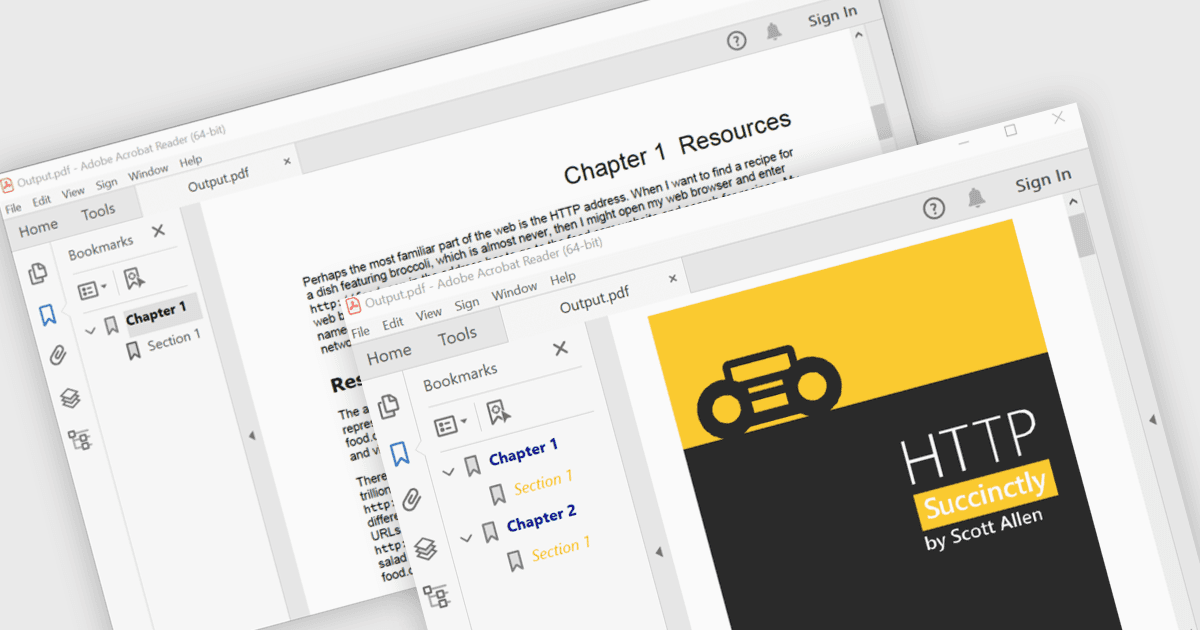
Die PDF-Lesezeichen-Navigation ermöglicht es, Dokumente mit einer strukturierten Liste von Lesezeichen zu versehen, die direkt auf bestimmte Kapitel, Abschnitte oder Seiten verlinken. Dies erleichtert es den Benutzern, sich ohne umfangreiches Scrollen oder Suchen durch den Inhalt zu bewegen. Dadurch wird die Navigation verbessert, Zeit gespart und das Leseerlebnis insgesamt, insbesondere bei großen oder informationsreichen Dokumenten, verbessert. Gängige Anwendungsfälle sind technische Dokumentationen, Benutzerhandbücher, Verträge, Berichte, eBooks, Schulungsmaterialien und Referenzhandbücher, bei denen Benutzer schnellen Zugriff auf bestimmte Themen oder häufig referenzierte Abschnitte benötigen.
Mehrere .NET WPF PDF-Komponenten bieten Lesezeichen-Navigation an, darunter:
- Telerik UI for WPF PdfProcessing ermöglicht das Erstellen und Verwalten von PDF-Lesezeichen und verbessert die Navigation durch strukturierte, mehrseitige Dokumente auf einfache Weise.
- ComponentOne WPF PDF von MESCIUS erlaubt das Hinzufügen von Lesezeichen-Navigation, um Benutzern den schnellen Zugriff auf Abschnitte innerhalb komplexer PDF-Dokumente und Berichte zu erleichtern.
- IronPDF for .NET erleichtert die Erstellung von PDF-Lesezeichen, die eine organisierte Dokumentstruktur ermöglichen, wodurch die Navigation vereinfacht und das Leseerlebnis insgesamt verbessert wird.
- Syncfusion WPF PDF ermöglicht Entwicklern das Erzeugen hierarchischer Lesezeichen, die einen schnellen Zugriff auf wichtige Inhalte in umfangreichen PDF-Dokumenten effizient bereitstellen.
Für eine ausführliche Analyse der Funktionen und Preise besuchen Sie unseren Vergleich der .NET WPF PDF-Komponenten.