Convertir des installateurs de EXE en MSI
Rendez les installations plus sécurisées et plus faciles à gérer en exploitant le format d’installateur MSI.
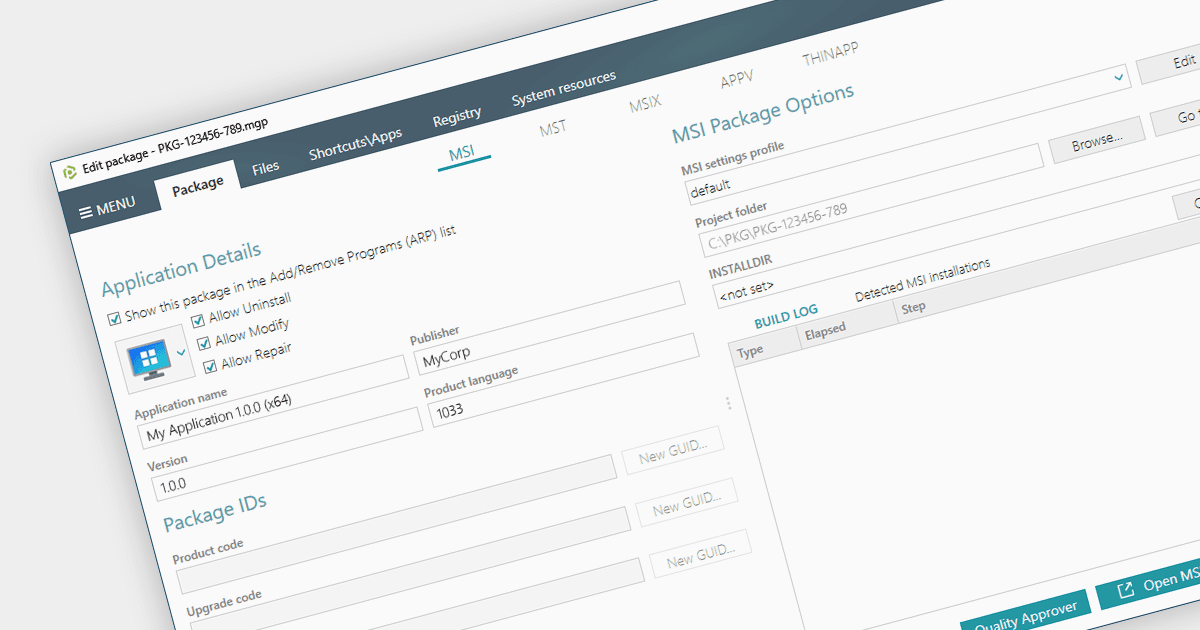
Convertir un EXE en MSI offre une multitude d’avantages aux administrateurs système. Oubliez les installations manuelles sur d’innombrables appareils : les MSIs s’intègrent parfaitement aux outils de gestion, automatisant le déploiement et permettant des installations silencieuses. Les MSIs assurent aussi un suivi de chaque modification, ce qui vous permet d’effectuer facilement un retour en arrière ou une désinstallation en un seul clic. La sécurité s’en trouve renforcée également : des autorisations granulaires et des vérifications des dépendances garantissent que seuls des composants autorisés peuvent être ajoutés à vos systèmes. La gestion centralisée signifie que vous pouvez stocker et gérer tous vos MSIs au même endroit, rendant les mises à jour logicielles et la distribution des licences plus faciles que jamais.
Plusieurs outils d’installation proposent la conversion d’EXE en MSI, notamment :
- PACE Suite par Infopulse simplifie la gestion des logiciels grâce à des outils puissants pour convertir des EXE en MSIs, permettant des installations sans effort et des retours en arrière rapides.
- RayPack Studio par Raynet améliore l’efficacité des équipes IT en automatisant les conversions EXE-vers-MSI, apportant agilité et maîtrise à votre réseau.
- Advanced Installer Enterprise par Caphyon vous permet de prendre le contrôle des installations de logiciels grâce à des conversions précises d’EXE en MSI, offrant une maîtrise fine et une grande flexibilité.
- Master Packager vous aide à maîtriser l’installation des logiciels grâce à des conversions automatiques d’EXE en MSI, ce qui permet des installations automatisées et des retours en arrière infaillibles.
Pour une analyse approfondie des fonctionnalités et des prix, consultez notre comparatif des outils d’installation Windows.