Aidez les utilisateurs à trouver des informations grâce à la recherche PDF
Choisissez un composant PDF avec prise en charge de la recherche intégrée afin d’améliorer l’accessibilité, d’accroître l’engagement et de renforcer l’expérience utilisateur.
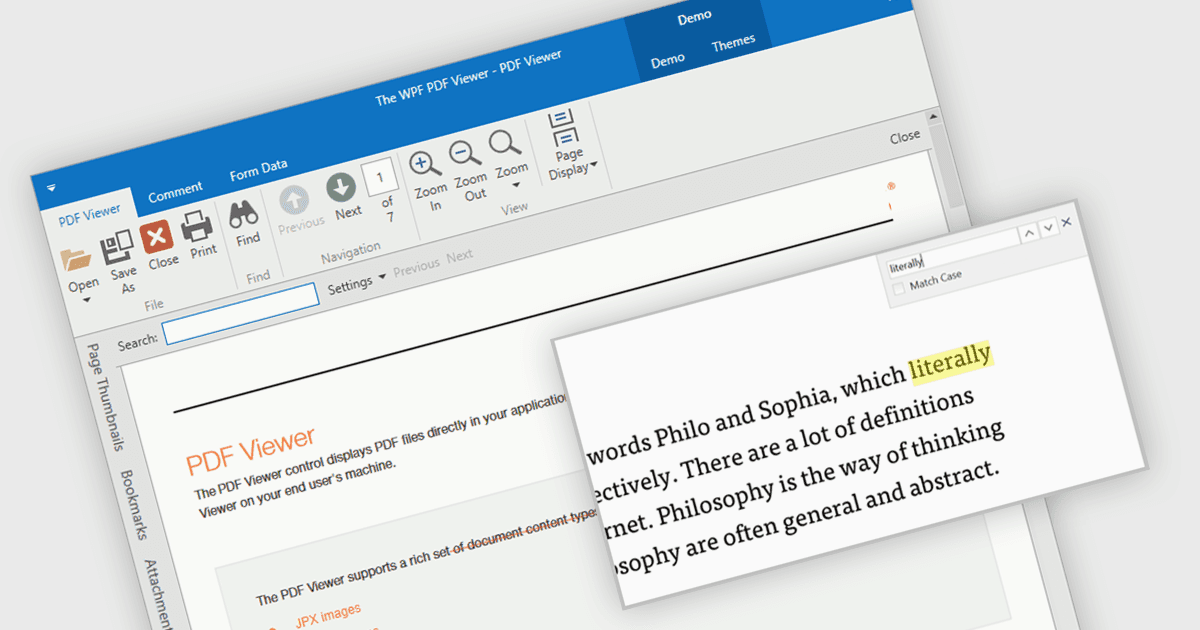
Intégrer un composant PDF avec une fonctionnalité de recherche à votre application offre des avantages significatifs. Les utilisateurs peuvent retrouver facilement des informations spécifiques dans des documents complexes, ce qui simplifie leur expérience et améliore la productivité. Cela se traduit par une application plus conviviale et plus efficace, réduisant la frustration et permettant aux utilisateurs de trouver rapidement ce dont ils ont besoin, sans avoir à installer de logiciel supplémentaire.
Plusieurs contrôles de visionneuse PDF WPF vous permettent de rechercher du texte dans des fichiers PDF, notamment :
- DevExpress WPF PDF Viewer permet la recherche de texte dans l’application pour les PDF, en mettant en évidence les correspondances et en naviguant pour une récupération efficace des informations.
- Telerik UI PDF for WPF peut rechercher facilement des PDF pour des mots-clés et des expressions, en mettant en évidence les résultats pour une récupération rapide des informations.
- PDFView4NET WPF Edition de O2 Solutions facilite la recherche de texte dans les documents PDF, en proposant à la fois des barres de recherche pilotées par l’utilisateur et un contrôle par programme pour l’intégration.
- Syncfusion WPF PDF fournit une fonctionnalité de recherche de texte incluant la mise en évidence des correspondances et des options de recherche par programme.
Pour une analyse approfondie des fonctionnalités et des tarifs, consultez notre comparaison des contrôles de visionneuse PDF WPF.