








Fournisseur officiel
Comme nous somme les distributeurs officiels et autorisés, nous vous fournissons des licences légitimes directement à partir de 200+ éditeurs de logiciels.
Voyez toutes nos marques.
Continuer de lire en anglais:
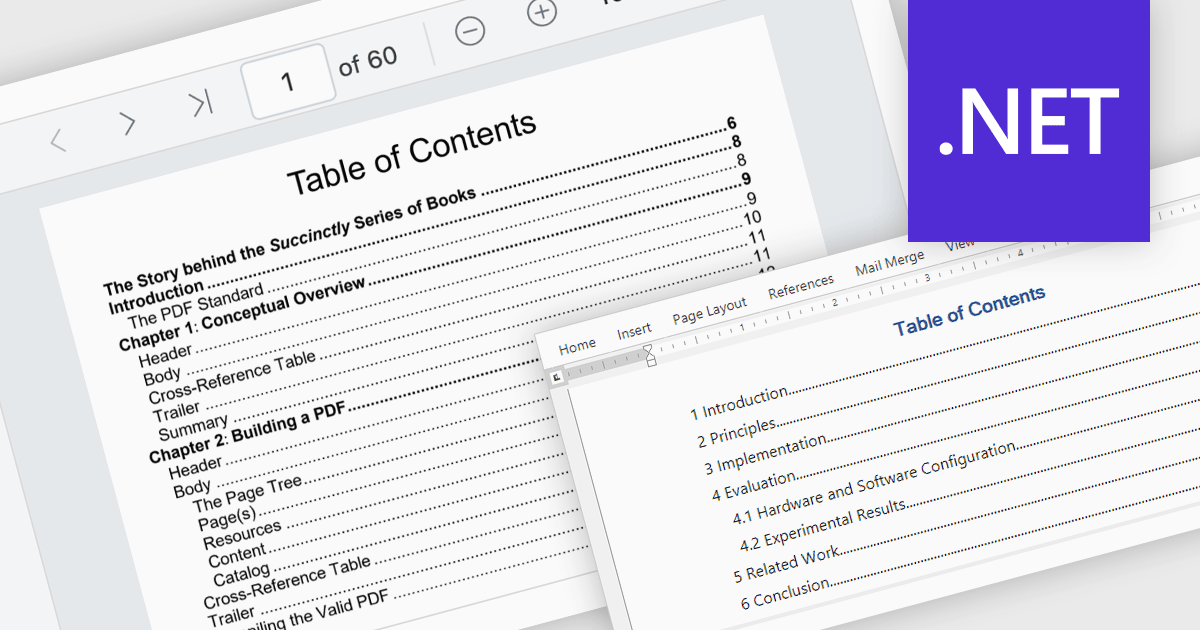
A table of contents is a powerful navigation tool that provides users with a structured overview of a document's hierarchy, allowing them to jump directly to specific sections with a single click. This feature significantly enhances the user experience, saving time when dealing with lengthy or complex documents. For developers, integrating a table of contents into applications ensures better usability and accessibility, making it a key feature in professional document management solutions. Common use cases include navigating through extensive eBooks, technical manuals, legal documents, financial reports, or any file with a well-defined structure. By streamlining document exploration, a table of contents boosts productivity and ensures seamless interaction with large-scale content.
Several .NET PDF viewer components offer Table of Contents Navigation support including:
For an in-depth analysis of features and price, visit our .NET PDF viewer comparison.





Tél : (888) 850 9911
Fax : +1 770 250 6199


