Améliorez la portabilité des données de grille avec l’export Excel
L’exportation des données de grille vers XLS/XLSX donne accès à des fonctionnalités puissantes, telles que les formules, les tableaux croisés dynamiques et les graphiques, pour des analyses plus approfondies des données.
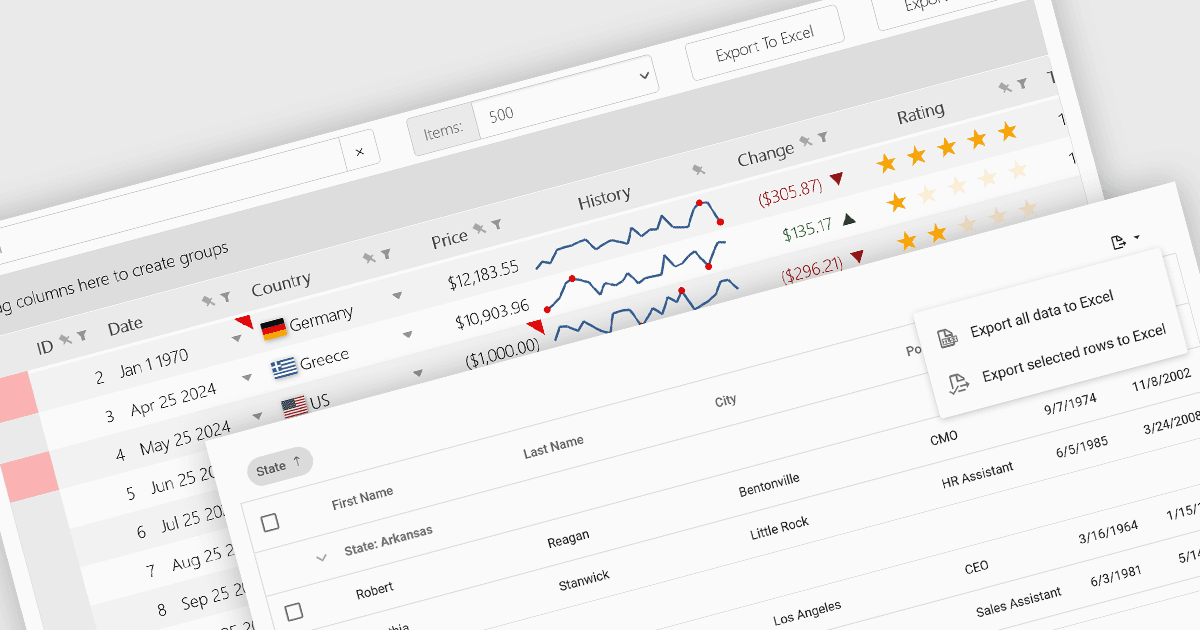
Les contrôles de grille qui prennent en charge l’exportation vers Excel offrent aux utilisateurs un format portable et largement compatible, idéal pour l’accès hors ligne, l’analyse avancée et les rapports personnalisés. Les fonctionnalités puissantes d’Excel, y compris les tableaux croisés dynamiques, les formules et les outils de création de graphiques, permettent aux utilisateurs d’effectuer des tâches sophistiquées qui vont au-delà des capacités natives de la grille. En outre, cette fonctionnalité facilite l’intégration transparente avec d’autres processus et systèmes, en prenant en charge la tenue de dossiers, la collaboration et les exigences de conformité. En permettant une plus grande flexibilité et une meilleure productivité, la fonctionnalité d’export Excel améliore considérablement la valeur et l’utilisabilité des applications de grille.
Plusieurs contrôles de grille React offrent la possibilité d’exporter les grilles vers Excel, notamment :
- DevExtreme HTML5 JavaScript Data Grid (fait partie de DevExtreme by DevExpress) vous permet d’exporter les données de la grille vers Excel avec une mise en forme et des options personnalisables.
- Wijmo FlexGrid (fait partie de Wijmo by MESCIUS) vous permet d’exporter facilement les données de la grille vers Excel, y compris la mise en forme et le style des données.
- KendoReact Data Grid (fait partie de KendoReact by Telerik) facilite l’export des données de la grille vers Excel avec diverses options de personnalisation, comme le filtrage et le tri.
- SmartClient Grid (fait partie de SmartClient by Isomorphic Software) permet d’exporter les données de la grille vers Excel, en prenant en charge plusieurs formats d’exportation et options de personnalisation.
Pour une analyse approfondie des fonctionnalités et des prix, consultez notre comparaison des contrôles de grille React.