Mapper des serveurs SFTP en lecteurs locaux
SFTP Drive de Callback Technologies permet d’accéder de manière sécurisée et transparente aux fichiers distants grâce à une authentification SSH fiable et à une configuration simple.
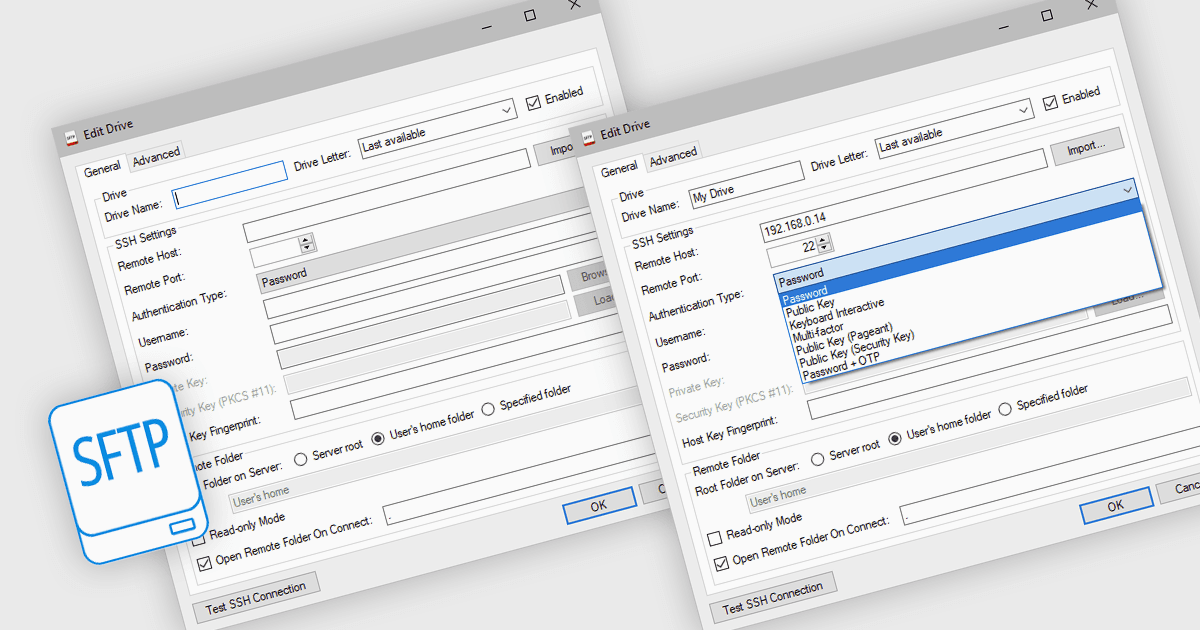
SFTP Drive de Callback Technologies vous permet de mapper des serveurs SFTP distants en tant que lecteurs locaux sur votre système Windows. En attribuant une lettre de lecteur (par exemple, "S:" ou "Z:") à votre serveur SFTP, vous pouvez lire, écrire et modifier des fichiers distants directement depuis l’Explorateur Windows ou toute autre application, comme s’ils se trouvaient sur votre machine locale. Cette intégration transparente préserve la structure des répertoires et ne nécessite aucune modification de vos applications existantes.
Toutes les communications entre votre système et le serveur distant sont chiffrées à l’aide du robuste protocole SFTP, garantissant ainsi un transfert de données sécurisé. La connexion et la gestion des données s’effectuent de manière fluide en arrière-plan, éliminant le besoin de transferts de fichiers manuels ou de clients SFTP spécialisés. Les applications conçues pour des systèmes de fichiers locaux peuvent accéder aux fichiers distants de manière transparente via SFTP Drive, améliorant la productivité sans complexité supplémentaire. SFTP Drive s’intègre harmonieusement à Windows et prend en charge diverses plateformes Windows. Il s’adapte facilement aux besoins des utilisateurs individuels ou des équipes, offrant une solution flexible pour l’accès à distance sécurisé aux fichiers.
SFTP Drive de Callback Technologies est concédé sous licence par utilisateur ou par serveur et est disponible avec un an de mises à niveau gratuites et un support prioritaire. Consultez notre page de licences de SFTP Drive de Callback Technologies pour tous les détails.
Pour plus d’informations, visitez notre page produit SFTP Drive de Callback Technologies.