Fournissez des rapports flexibles pour la diffusion ou l’archivage
Les fonctions d’exportation et d’impression donnent aux utilisateurs un contrôle total sur la manière dont les rapports sont partagés, stockés et réutilisés sur différentes plateformes et dans différents formats.
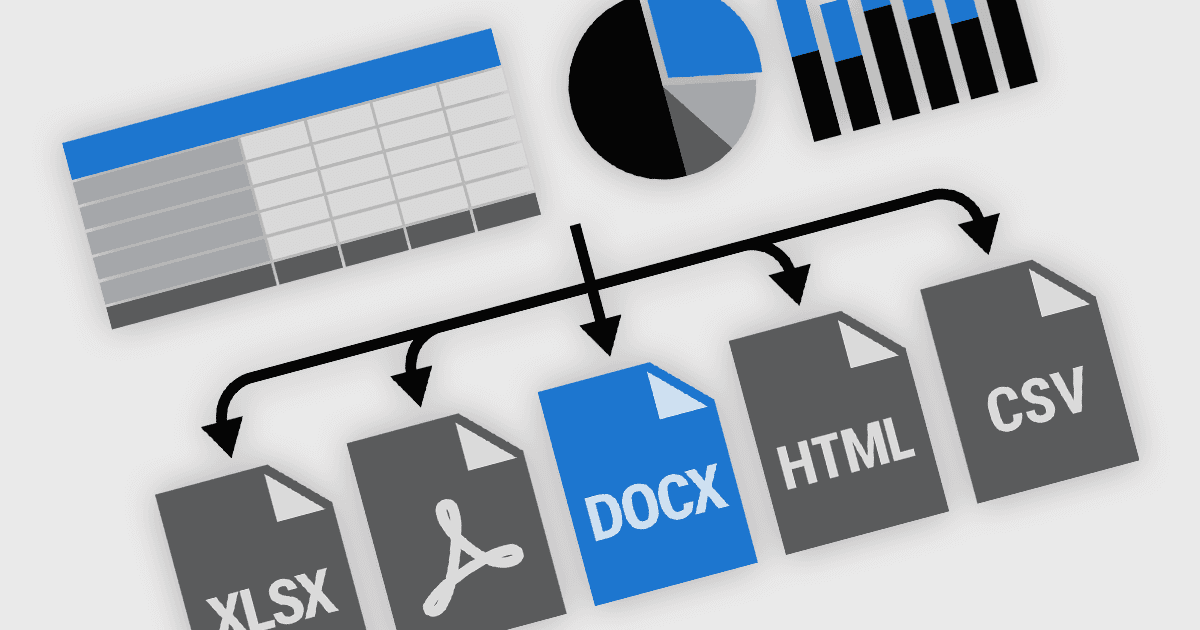
La fonctionnalité d’exportation et d’impression dans les composants de reporting est une exigence fondamentale pour de nombreuses applications logicielles, en particulier celles utilisées dans le domaine de l’entreprise, de la finance et de l’analytique. Ces capacités permettent aux utilisateurs de transformer des rapports dynamiques affichés à l’écran en formats portables ou en versions imprimées adaptées à la diffusion, à l’archivage ou à un traitement ultérieur. Les outils de reporting hautes performances proposent des options d’exportation et d’impression flexibles pour s’adapter à différents flux de travail, que ce soit pour la conformité réglementaire, les communications avec les clients ou la documentation interne. La prise en charge d’une large gamme de formats de sortie garantit aux utilisateurs la possibilité d’interagir avec le contenu des rapports de la manière la mieux adaptée à leurs besoins.
Les fonctionnalités courantes incluent :
- Exportation vers CSV prend en charge l’extraction de données tabulaires, couramment utilisée dans les flux d’échange et de traitement de données.
- Exportation vers DOCX permet d’ouvrir et de modifier des rapports dans Microsoft Word, en conservant la mise en forme du texte et la disposition.
- Exportation vers HTML transforme les rapports en formats adaptés au web, pour un affichage dans un navigateur ou une intégration.
- Exportation vers des images capture les rapports sous forme d’images statiques pour une utilisation dans des présentations ou la documentation.
- Exportation vers PDF génère des fichiers à mise en page fixe, idéaux pour le partage et la conservation de la fidélité des rapports sur différentes plateformes.
- Exportation vers PDF avec AcroForms permet d’inclure des champs de formulaire interactifs dans les PDF, en prenant en charge la saisie utilisateur et la collecte de données.
- Exportation vers RTF propose un format modifiable plus léger qui conserve la mise en forme essentielle pour des applications de traitement de texte de base.
- Exportation vers TXT simplifie les rapports en texte brut pour des cas d’utilisation légers ou une intégration système.
- Exportation vers XLS/XLSX fournit des sorties compatibles avec les tableurs pour une analyse et une manipulation ultérieures dans Microsoft Excel.
- Impression permet de produire des sorties physiques de haute qualité et configurables, souvent avec des options pour gérer la pagination, les en-têtes, les pieds de page et les paramètres propres à l’imprimante.
Pour une analyse approfondie des fonctionnalités et des prix, consultez notre comparatif des composants de reporting React.
Découvrir les fonctionnalités d’exportation et d’impression de React