Naviguez dans les PDF avec précision et facilité
Les outils de navigation intégrés permettent aux utilisateurs de parcourir les documents PDF sans effort, rendant même les fichiers complexes plus faciles d’accès et à comprendre.
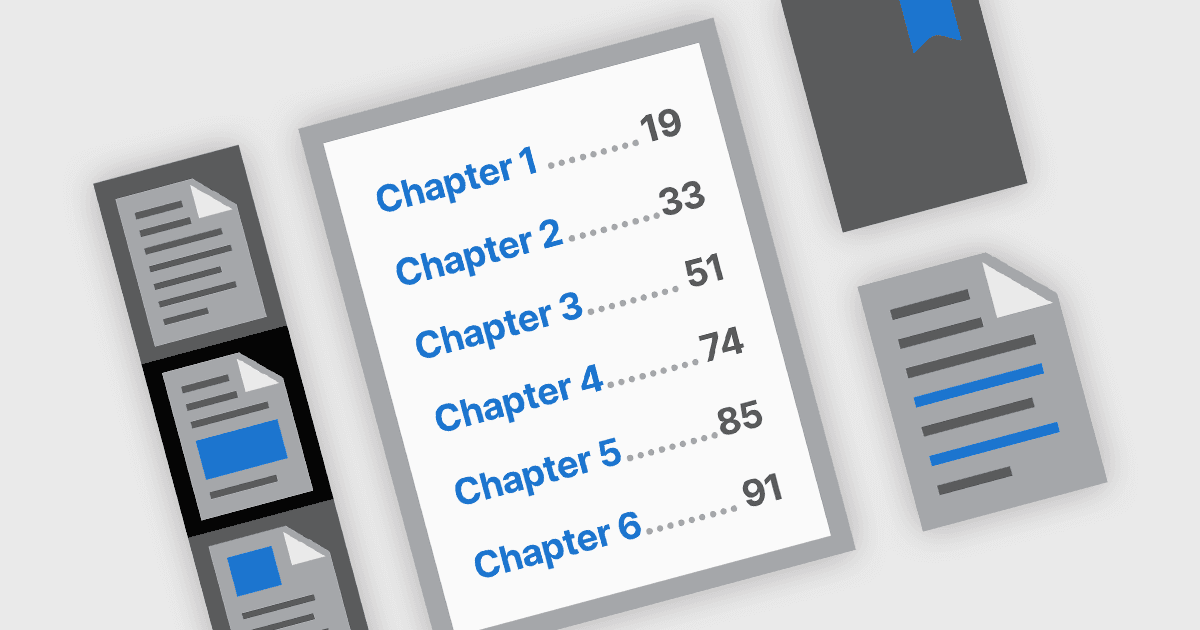
Les fonctionnalités de navigation PDF jouent un rôle crucial dans l’amélioration de l’utilisabilité et de l’accessibilité des documents numériques. Dans les composants PDF modernes, les outils de navigation sont conçus pour offrir un accès intuitif au contenu du document, aidant ainsi les utilisateurs à localiser rapidement des sections, des pages ou des sujets précis. Ces outils sont particulièrement importants dans les PDF longs ou complexes, tels que les manuels, rapports et eBooks, où une navigation efficace peut améliorer de manière significative l’expérience de lecture et réduire le temps passé à rechercher des informations.
Parmi les fonctionnalités courantes :
- Navigation via signets permet aux utilisateurs d’accéder directement à des sections prédéfinies grâce à une barre latérale de signets qui reflète souvent la structure du document.
- Navigation par hyperliens prend en charge à la fois les liens internes au document et les liens web externes, facilitant l’accès direct à des informations ou ressources associées.
- Navigation via table des matières reproduit les documents imprimés traditionnels en listant les chapitres ou sections avec des liens interactifs, aidant les utilisateurs à comprendre la structure du document en un coup d’œil et à accéder directement aux zones qui les intéressent.
- Navigation via miniatures fournit des aperçus visuels des pages, permettant aux utilisateurs de faire défiler et de sélectionner plus facilement des pages, en particulier dans les contenus riches en graphiques ou spécifiques à certaines pages.
Pour une analyse approfondie des fonctionnalités et des prix, consultez notre comparaison des composants .NET PDF.