Rendre le HTML en PDF pour un rendu précis
La conversion HTML vers PDF préserve la mise en page et le style du web dans un format portable, idéal pour les rapports, les relevés ou les documents dynamiques.
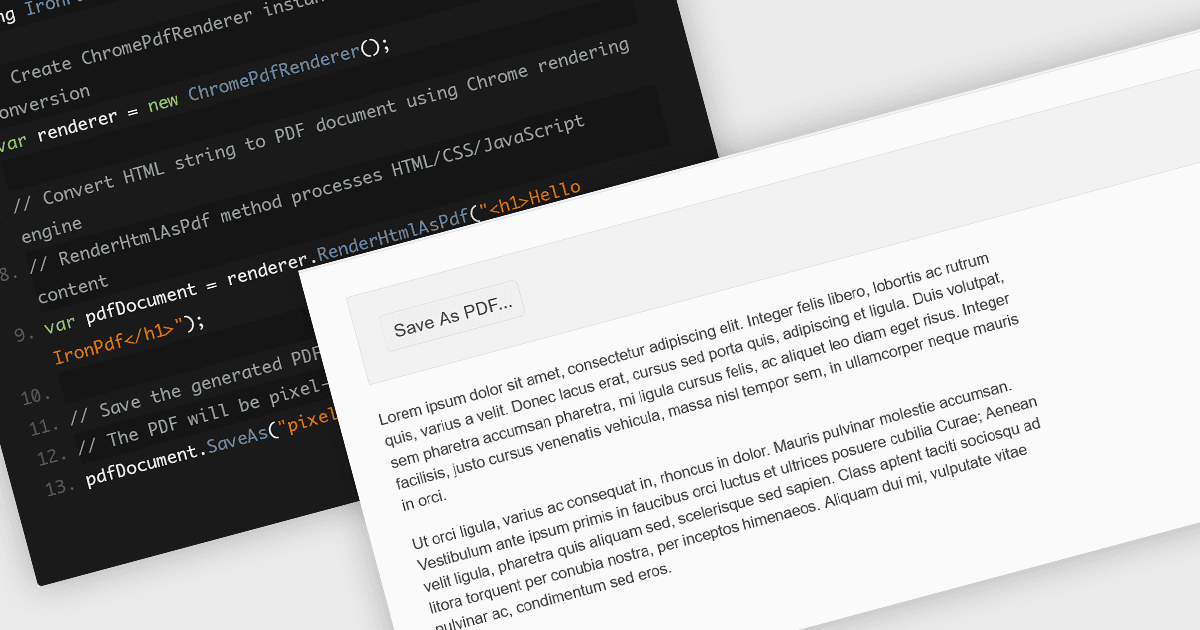
La conversion de fichiers HTML en PDF dans des bibliothèques de composants PDF offre un moyen simple de capturer un contenu richement stylé basé sur le web dans un format fixe, partageable. Cette fonctionnalité utilise généralement un moteur de rendu semblable à celui d’un navigateur pour représenter avec précision le CSS, les images, les polices et les liens, afin de garantir que ce que vous voyez dans le navigateur est préservé dans le document. Elle est particulièrement utile pour générer des rapports, des factures, de la documentation et des instantanés statiques de pages web dynamiques, en combinant la familiarité de la mise en page web avec la portabilité et la cohérence des PDF.
Plusieurs contrôles PDF en JavaScript offrent une conversion HTML en PDF, notamment :
- Kendo UI PDF pour Angular (partie de Kendo UI par Telerik) permet l’export côté client de n’importe quel élément HTML ou de pages entières directement au format PDF..
- Aspose.PDF pour JavaScript via C++ inclut un moteur robuste de conversion HTML en PDF (disponible à la fois via des API cloud et sur site) qui prend en charge le CSS et les ressources externes.
- IronPDF pour Node.js par Iron Software exploite un moteur de rendu basé sur Chromium pour convertir des chaînes HTML, des fichiers ou des URL en documents PDF.
Pour une analyse approfondie des fonctionnalités et des tarifs, consultez notre comparatif des contrôles PDF en JavaScript.