Transformer des fichiers plats en tableurs interactifs
L’importation de fichiers CSV dans les composants de tableur permet aux utilisateurs de manipuler, formater et analyser des données en texte brut à l’aide d’interfaces familières.
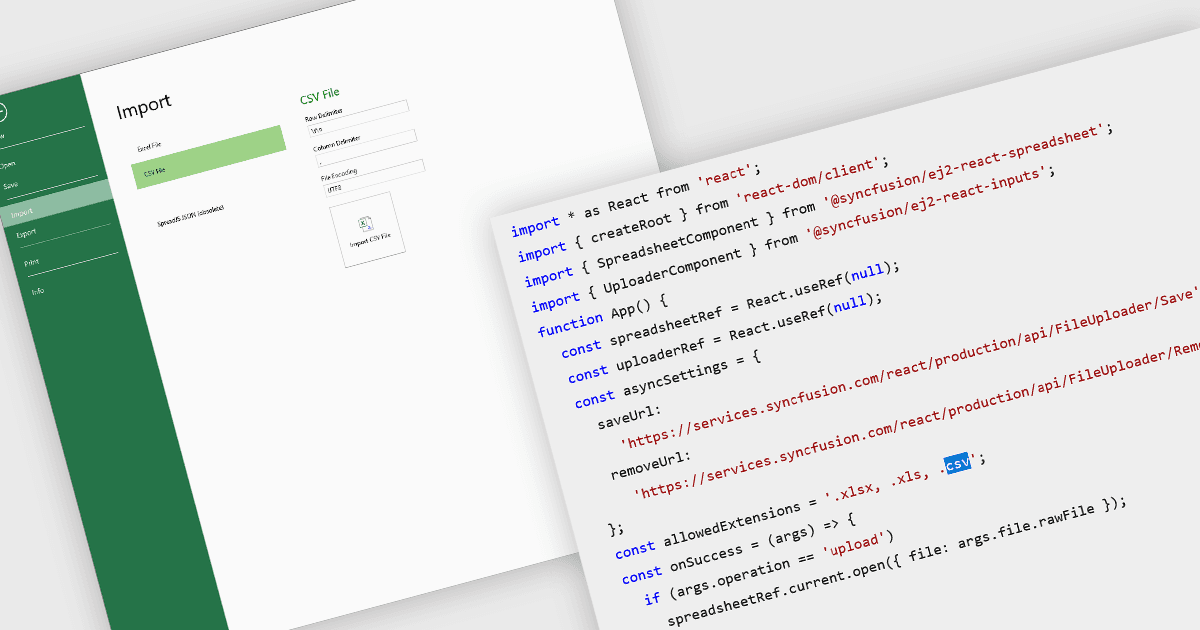
L’importation de fichiers CSV dans les composants de tableur permet aux développeurs et aux utilisateurs finaux de charger des données tabulaires à partir de formats textuels simples dans une grille interactive. La fonctionnalité prend généralement en charge la lecture de CSV avec divers délimiteurs, des en-têtes optionnels et des options concernant la façon de traiter le texte entre guillemets, les fins de lignes et la mise en forme du texte. Elle établit un pont entre les sources de données brutes (tableurs exportés depuis d’autres outils, journaux, exports provenant de bases de données) et des fonctionnalités d’édition, de mise en forme, d’analyse ou d’exportation plus poussées directement dans le navigateur ou dans l’application. Pour de nombreuses applications, pouvoir accepter des imports CSV est essentiel pour l’interopérabilité, la facilité d’ingestion des données et pour permettre aux utilisateurs ne disposant pas de compétences techniques approfondies d’intégrer leurs données dans un système.
Plusieurs contrôles React de tableur offrent la possibilité d’importer des fichiers CSV, notamment :
- SpreadJS de MESCIUS vous permet d’importer directement des fichiers CSV dans le tableur, en conservant la mise en forme des données, les formules et la structure pour une édition immédiate.
- Syncfusion Spreadsheet JavaScript (faisant partie de Syncfusion Essential Studio Enterprise) permet de charger des fichiers CSV dans des feuilles interactives.
- Jspreadsheet Pro facilite l’importation de fichiers CSV, en convertissant instantanément des données brutes en un tableur modifiable avec des options de tri, de filtrage et de personnalisation.
Pour une analyse approfondie des fonctionnalités et du prix, consultez notre comparaison des contrôles React de tableur.