Complétez vos formulaires facilement grâce à l’édition PDF intégrée
Permettez aux utilisateurs de compléter, valider et soumettre des champs de formulaire directement dans des documents PDF afin de bénéficier de flux de travail numériques plus rapides et plus précis.
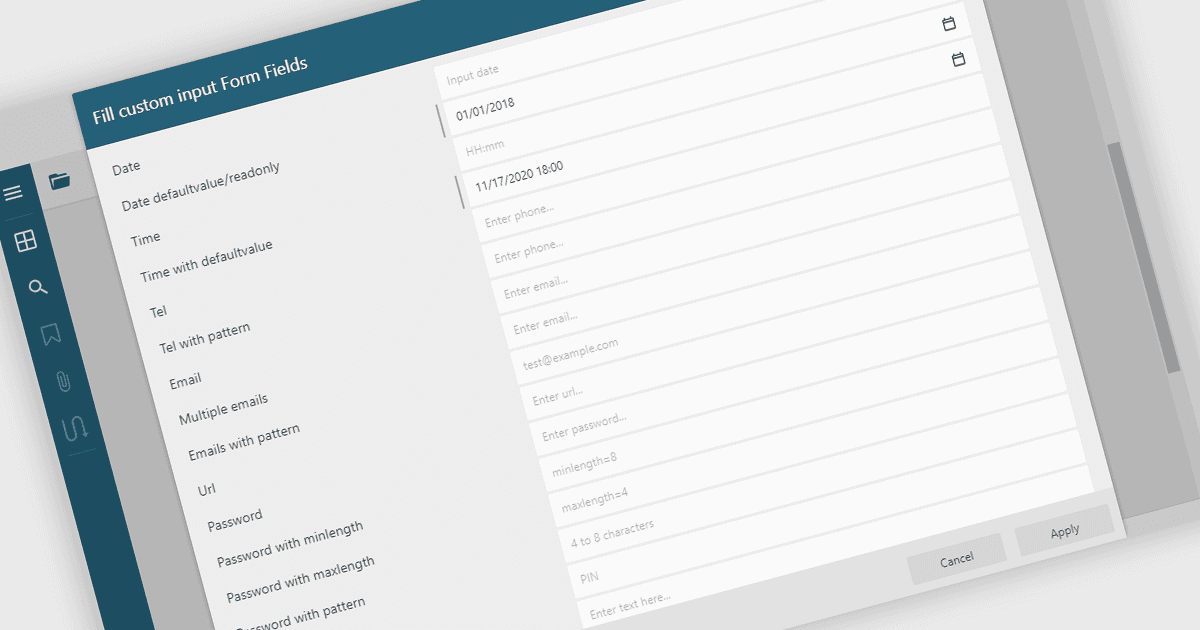
Remplir les champs de formulaire PDF permet aux utilisateurs de saisir des informations directement dans des éléments interactifs d’un document PDF tels que des zones de texte, des cases à cocher, des listes déroulantes et des champs de signature. Cette fonctionnalité transforme des PDF statiques en formulaires dynamiques remplissables, pouvant être complétés numériquement, ce qui réduit le besoin d’imprimer ou de saisir manuellement les données. La possibilité de remplir, valider et soumettre des formulaires directement dans un visualiseur PDF améliore l’efficacité, la précision et l’expérience utilisateur tout en prenant en charge l’accessibilité et l’utilisation multiplateforme. Les cas d’utilisation courants incluent la complétion de demandes, de formulaires d’inscription, d’enquêtes, de contrats et de documents d’approbation, faisant de cette fonctionnalité un élément essentiel pour les entreprises souhaitant rationaliser les flux de travail axés sur les documents.
Plusieurs visualiseurs PDF .NET WinForms prennent en charge le remplissage de formulaires, notamment :
- DevExpress WinForms PDF Viewer (faisant partie de DevExpress WinForms) vous permet de compléter et de soumettre des formulaires PDF interactifs directement dans des applications.
- Telerik UI PDF for WinForms (faisant partie de Telerik UI for WinForms) permet aux utilisateurs de saisir, de valider et de gérer facilement les données de formulaire directement dans les PDF.
- PDFView4NET Windows Forms Edition vous permet de remplir, modifier et enregistrer facilement les champs de formulaire PDF, en prenant en charge une interaction dynamique des documents pilotée par les données.
- Syncfusion Windows Forms PDF (faisant partie de Syncfusion Essential Studio Enterprise) facilite le remplissage, la validation et la soumission efficaces des formulaires dans des documents PDF.
Pour une analyse approfondie des fonctionnalités et des prix, consultez notre comparaison des visualiseurs PDF .NET WinForms.