Réorganiser les pages directement dans les lecteurs PDF
Modifiez rapidement l’ordre des pages dans les PDF à l’aide des outils intégrés des lecteurs WPF, en réduisant les interruptions dans votre processus de document.
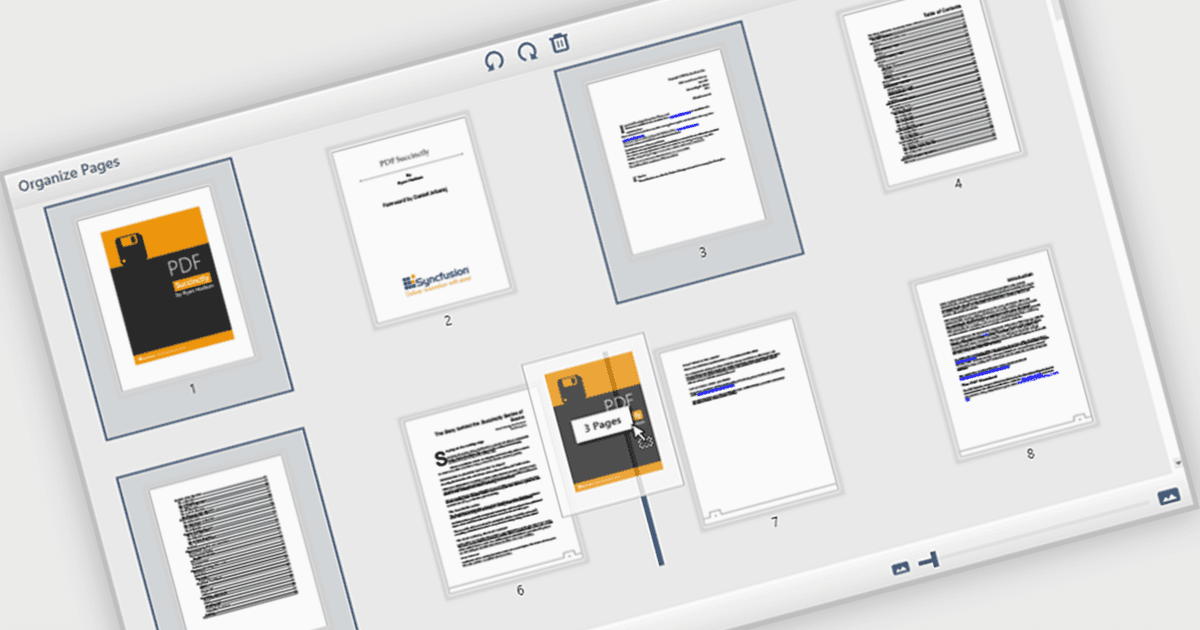
La possibilité de déplacer et de réorganiser des pages dans un lecteur PDF permet aux utilisateurs de réordonner des pages individuelles au sein d’un document PDF directement via l’interface. Pour les développeurs de logiciels, cette fonctionnalité prend en charge des processus de documents plus dynamiques, en particulier dans les applications impliquant l’assemblage de contenu, la gestion de formulaires ou la génération automatique de rapports. Elle réduit le besoin d’outils externes ou de modifications manuelles, ce qui simplifie l’intégration et améliore l’expérience utilisateur lors de la gestion de documents complexes ou multi-pages.
Plusieurs composants de lecteur PDF WPF (Windows Presentation Foundation) vous permettent de déplacer et de réorganiser des pages dans un PDF, notamment :
- Telerik UI PDF for WPF (faisant partie de Telerik UI for WPF) vous permet de réordonner, d’insérer ou de supprimer des pages dans votre contrôle de visionneuse PDF WPF afin de générer des rapports de documents dynamiques.
- Syncfusion WPF PDF (faisant partie de Syncfusion Essential Studio Enterprise) permet de réorganiser interactivement les pages à l’intérieur du lecteur PDF, en optimisant les processus de documents multi-pages.
- XFINIUM.PDF CROSS PLATFORM EDITION offre des fonctionnalités complètes de gestion des pages, notamment le repositionnement, l’extraction et un contrôle total sur les pages PDF.
Pour une analyse approfondie des fonctionnalités et des prix, consultez notre comparaison de lecteurs PDF WPF.