Concevoir des rapports avec l’intégration à Visual Studio
Créez et maintenez plus efficacement des mises en page de rapports parfaitement fidèles aux pixels grâce à Visual Studio, en unifiant les flux de travail de code, de données, de style et de déploiement.
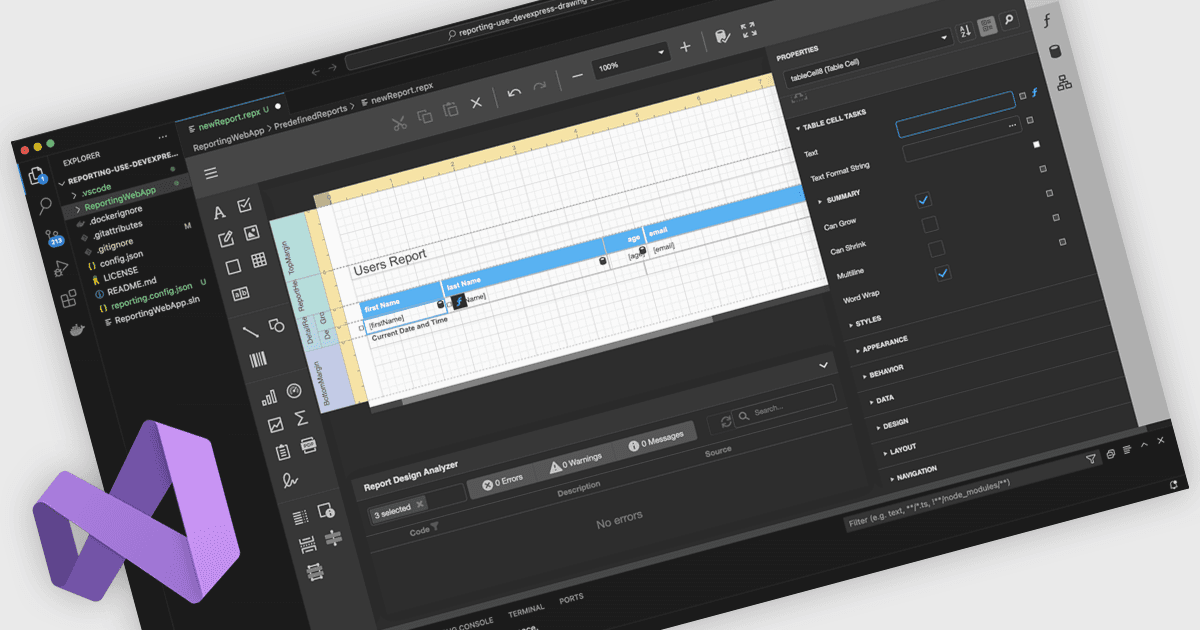
Un concepteur de rapports intégré à Visual Studio permet aux développeurs de créer et de modifier les mises en page de rapports directement dans l’IDE Visual Studio, plutôt que d’utiliser un outil de reporting distinct. Les définitions de rapports vivent à côté du code d’application, des modèles de données et des ressources, améliorant l’intégration, la maintenance et l’utilisation du contrôle de source et de la chaîne CI/CD. Les développeurs travaillent dans un environnement familier avec la conception de mise en page par glisser-déposer, des grilles de propriétés et des expressions prises en charge par IntelliSense, ainsi que la possibilité d’ajouter une logique personnalisée en C# ou VB. Les cas d’utilisation typiques incluent des tableaux de bord de vente interactifs, des rapports opérationnels et des audits où les équipes doivent itérer rapidement, lier des données en direct et prévisualiser les résultats.
Plusieurs contrôles de reporting .NET proposent des concepteurs intégrés à Visual Studio, notamment :
- DevExpress Reports vous permet de concevoir, prévisualiser et affiner des mises en page de rapports indépendantes de la plateforme dans Visual Studio, en unifiant les flux de travail de données, de code et de déploiement.
- ActiveReports.NET vous permet de créer, modifier et déboguer des mises en page de rapports .NET directement dans Visual Studio, en réduisant les changements de contexte et l’effort de maintenance.
- Telerik Reporting facilite la création de mises en page de rapports interactifs dans Visual Studio, en s’appuyant sur des outils de conception WYSIWYG étroitement intégrés à vos projets .NET.
- MindFusion.Reporting pour Windows Forms vous permet d’organiser, de styliser et de prévisualiser des rapports dans Visual Studio, en reproduisant de près les flux de travail familiers du concepteur WinForms.
Pour une analyse approfondie des fonctionnalités et du prix, consultez notre comparaison des contrôles de reporting .NET.