Localiser des informations dans des PDF avec la recherche par mots-clés
Trouvez rapidement du texte grâce à la recherche PDF, ce qui aide les utilisateurs à localiser des mots-clés, à naviguer dans les documents et à accéder instantanément au contenu pertinent.
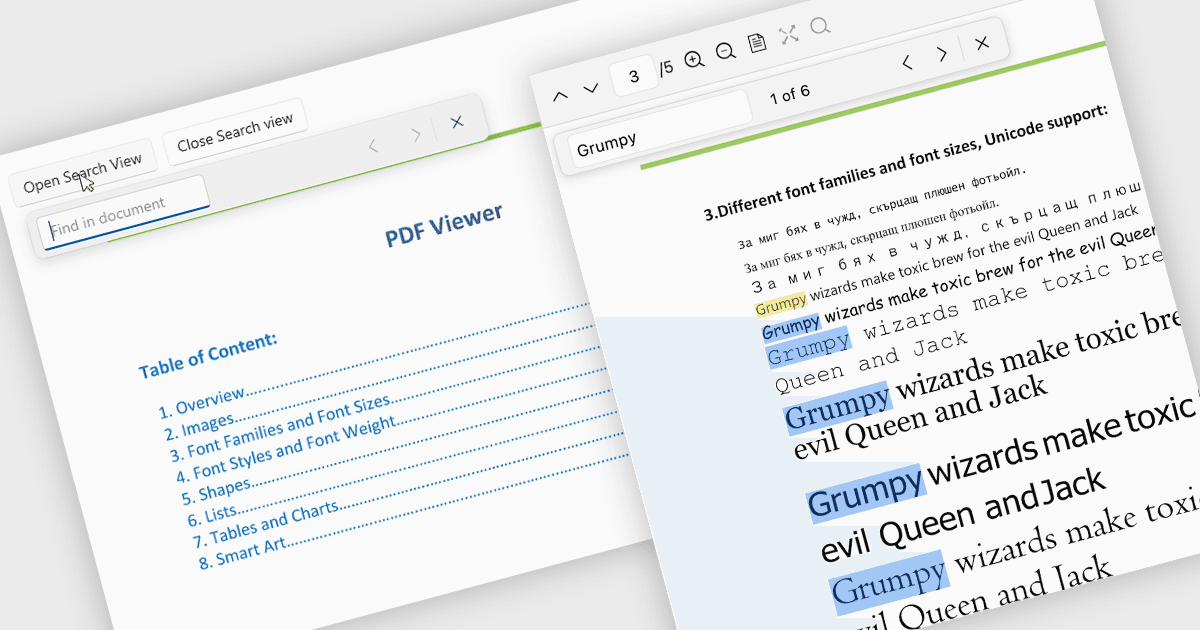
La recherche dans une visionneuse PDF permet aux utilisateurs de localiser rapidement des mots, des phrases ou des données spécifiques dans un document sans parcourir manuellement chaque page. En mettant instantanément en surbrillance les résultats et en naviguant entre eux, la recherche facilite le travail avec des PDF volumineux ou complexes tels que des rapports, des manuels, des contrats ou des articles de recherche. Cette fonctionnalité améliore la productivité en aidant les utilisateurs à trouver plus vite les informations pertinentes, à comprendre le contenu dans son contexte et à accéder directement aux sections importantes.
Plusieurs contrôles de visionneuse PDF .NET permettent de rechercher du texte dans des fichiers PDF, notamment :
- Telerik UI for .NET MAUI PDF Viewer (part of Telerik UI for .NET MAUI) vous permet de rechercher rapidement du texte, de mettre en surbrillance les correspondances et de naviguer entre les résultats sur plusieurs pages.
- IronPDF for .NET par Iron Software vous permet de rechercher par programmation du texte dans un PDF, d’identifier des mots-clés et d’extraire le contenu pertinent.
- ImageGear for .NET par Accusoft facilite la recherche rapide de texte dans les pages PDF, permettant aux applications de localiser des phrases, de mettre en surbrillance les résultats et de guider la navigation.
- GroupDocs.Viewer for .NET permet aux développeurs de rechercher rapidement du texte dans les documents PDF visualisés, de trouver les correspondances et d’afficher les résultats mis en surbrillance dans les applications.
Pour une analyse approfondie des fonctionnalités et des prix, consultez notre comparaison des contrôles de visionneuse PDF .NET.