Empêcher les modifications indésirables de la grille
Les grilles JavaScript avec des colonnes en lecture seule aident les développeurs à protéger les valeurs fixes tout en clarifiant les règles de modification dans l’interface.
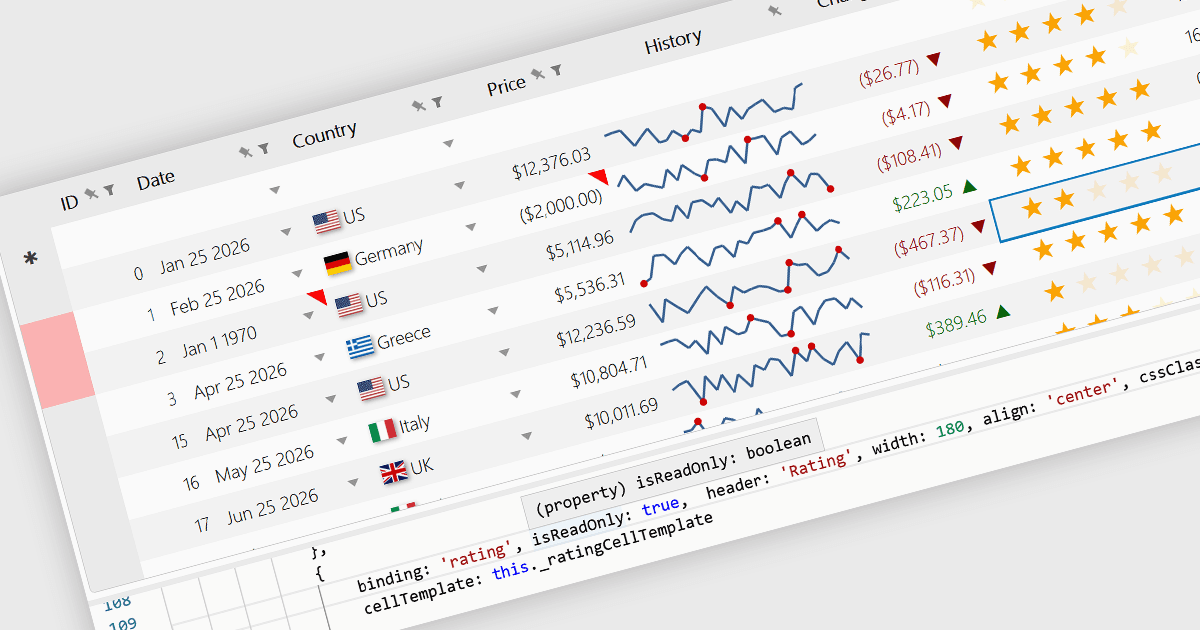
Les colonnes en lecture seule sont des colonnes de grille configurées pour afficher des données sans permettre aux utilisateurs de modifier directement les valeurs dans l’interface. Dans un contrôle de grille JavaScript, cela est généralement utilisé pour des champs qui doivent rester fixes, tels que des valeurs calculées, des identifiants, des données d’audit ou des informations contrôlées par des règles métier ou des processus back-end. Le principal avantage est qu’il aide à préserver l’intégrité des données tout en rendant les informations importantes visibles, réduit le risque de modifications accidentelles, prend en charge des flux de modification plus clairs en distinguant les champs modifiables et non modifiables, et facilite pour les développeurs l’application cohérente des exigences de validation et d’autorisation dans toute l’application.
Plusieurs contrôles de grille JavaScript prennent en charge les colonnes en lecture seule, notamment :
- Highcharts Grid Pro vous permet de configurer des colonnes non modifiables pour les valeurs protégées, contribuant à préserver l’intégrité des données tout en gardant les champs de référence constamment visibles.
- Kendo UI Angular Grid vous permet de contrôler l’état modifiable des colonnes, en conservant certains champs en lecture seule afin d’appliquer les règles et de réduire les modifications accidentelles.
- Wijmo React DataGrid (FlexGrid) facilite les scénarios de colonnes en lecture seule grâce aux contrôles et événements d’édition, en prenant en charge les champs protégés et les restrictions conditionnelles.
- DataGridXL vous permet de définir des colonnes en lecture seule, empêchant la modification des données protégées tout en conservant une interaction rapide de type feuille de calcul.
- Handsontable vous permet de verrouiller certaines cellules de la grille contre l’édition, en préservant les valeurs affichées tout en prenant en charge le tri, le filtrage, la validation et la navigation de type feuille de calcul.
- JSpreadsheet Pro vous permet de marquer des colonnes ou des cellules comme en lecture seule, protégeant ainsi les valeurs fixes tout en laissant d’autres données modifiables ailleurs.
Pour une analyse approfondie des fonctionnalités et des prix, consultez notre comparaison des contrôles de grille JavaScript.