Réorganisez facilement les lignes dans les grilles WPF
Les contrôles de grille .NET WPF permettent aux utilisateurs de modifier directement l’ordre d’affichage des lignes, ce qui prend en charge le séquencement personnalisé et la gestion interactive des données.
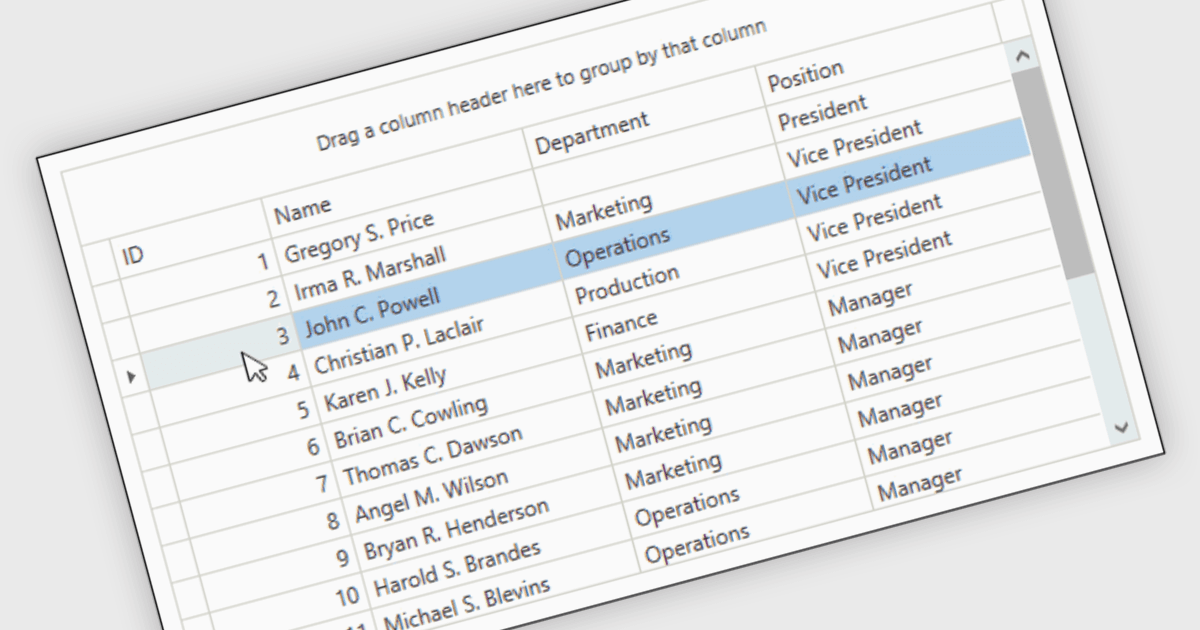
Reorder Rows est une fonctionnalité de grille WPF qui permet aux utilisateurs de déplacer une ligne en modifiant directement son ordre d’affichage dans le contrôle, généralement par glisser-déposer, afin que les données puissent être organisées selon une séquence personnalisée et pertinente. Pour les développeurs .NET, elle est utile lorsque la position d’une ligne représente une intention métier, comme la priorité d’une tâche, l’ordre de traitement ou une disposition définie par l’utilisateur, car elle prend en charge l’interaction directe tout en réduisant le besoin de contrôles de tri séparés ou de code supplémentaire pour le séquencement manuel.
De nombreux contrôles de grille WPF .NET incluent une fonctionnalité de réorganisation des lignes, notamment :
- DevExpress WPF Data Grid (qui fait partie de DevExpress WPF) permet de réorganiser les lignes par glisser-déposer, aidant ainsi les utilisateurs à ajuster directement la séquence d’affichage dans les vues liées aux données.
- ComponentOne WPF FlexGrid (qui fait partie de ComponentOne Studio WPF) vous permet de déplacer les lignes en les faisant glisser avec la souris, ce qui rend l’ordre d’affichage simple dans les grilles interactives.
- Telerik UI WPF DataGrid (qui fait partie de Telerik UI for WPF) facilite la réorganisation des lignes via un comportement de glisser-déposer, permettant de modifier l’ordre d’affichage au sein des grilles.
- Infragistics Ultimate UI for WPF DataGrid (qui fait partie de Infragistics Ultimate UI for WPF) fournit une infrastructure de glisser-déposer pouvant prendre en charge la réorganisation des lignes moyennant un travail d’implémentation supplémentaire dans les applications.
Pour une analyse approfondie des fonctionnalités et du prix, consultez notre comparaison des contrôles de grille .NET WPF.