Organisez les commandes avec des menus flexibles
Créez une navigation intuitive pour les applications React avec des composants de menu flexibles qui aident les utilisateurs à trouver rapidement les fonctionnalités et commandes.
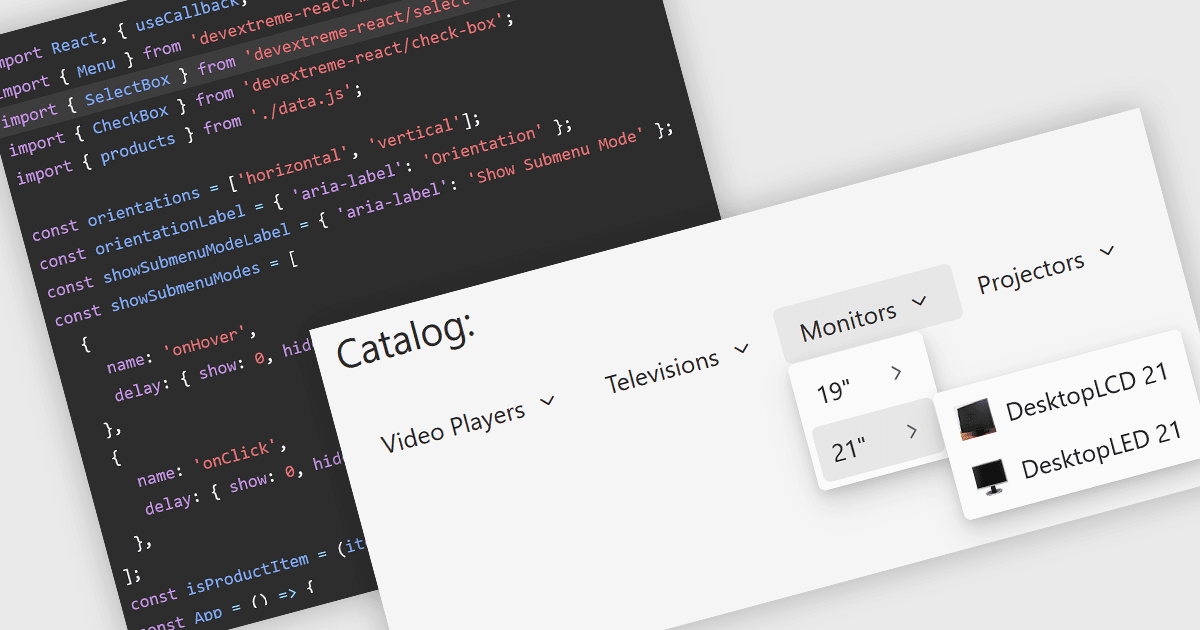
Les composants de menu sont une partie fondamentale des suites UI modernes, offrant une navigation structurée et un accès rapide aux commandes, actions et fonctionnalités des applications. Ils aident les développeurs à créer des expériences utilisateur intuitives aussi bien sur desktop que sur web, en supportant des modes d'interaction courants tels que les menus contextuels, les menus de navigation, les barres d'outils et les structures de menus hiérarchiques, tout en proposant des options de personnalisation pour correspondre au design et aux exigences d'accessibilité de l'application.
Plusieurs suites UI React proposent des composants menu, parmi lesquelles :
- DevExtreme Complete de DevExpress inclut des composants Menu et Context Menu configurables supportant une navigation hiérarchique, des mises en page adaptatives, des templates, des icônes et une intégration avec sa vaste collection de contrôles UI.
- KendoReact de Telerik propose des composants Menu et ContextMenu conçus pour les applications React, avec un support des éléments imbriqués, navigation clavier, accessibilité, intégration de routing et personnalisation flexible.
- Syncfusion Essential Studio UI Component Suite offre des composants Menu, Context Menu, Hamburger Menu et Toolbar avec des mises en page responsives, des templates riches, un support d'accessibilité et de nombreuses options de style pour les applications web.
- Wijmo de MESCIUS inclut des contrôles Menu et ContextMenu fournissant la sélection de commandes, menus déroulants, liaison de données, support clavier et une intégration facile avec d'autres contrôles Wijmo pour créer des applications business responsives.
Pour une analyse approfondie des fonctionnalités et des tarifs, consultez notre comparatif des suites UI React.