MST 변환으로 MSI 패키지 사용자 지정하기
MSI 패키지의 동작을 변경하세요. 여기에는 설치, 제거 또는 업그레이드 방식이 포함됩니다.
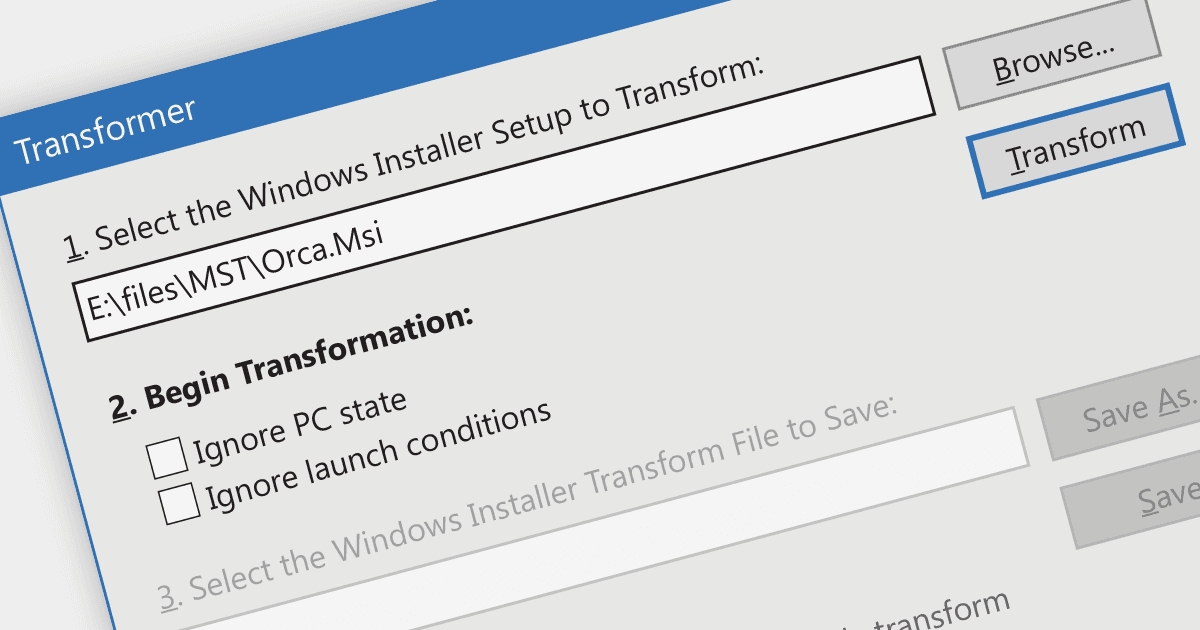
MST (Microsoft Transform 파일 형식)를 만드는 작업은 MSI 설치 패키지에 적용할 수정 사항을 포함한 파일을 생성하는 것을 의미합니다. 이러한 변환(MST)은 특정 대상 환경에 맞게 설정과 구성을 조정하여 설치 프로세스를 최적화합니다. MST 변환을 사용하면 개발자는 서로 다른 시스템에 맞게 소프트웨어 설치를 효율적으로 조정하여, 전반적인 비용과 리소스 사용을 줄이면서도 원활하고 끊김 없는 배포 환경을 보장할 수 있습니다.
여러 설치 도구에서 MST 변환 기능을 제공합니다. 예:
- Revenera의 InstallShield는 MST 변환 생성을 지원하는 것을 포함한 고급 기능을 제공합니다. 직관적인 인터페이스와 폭넓은 기능을 통해 InstallShield는 다양한 대상 환경에 맞게 설정과 구성을 사용자 지정하여 소프트웨어 설치를 최적화할 수 있게 해줍니다.
- Caphyon의 Advanced Installer Architect는 MST 변환 생성을 지원하며, 개발자가 특정 요구 사항에 맞춰 효율적인 설치를 만들도록 돕습니다. 다양한 사용자 지정 옵션과 MST 편집기를 제공하여 소프트웨어 배포를 정밀하게 제어할 수 있습니다.
- Infopulse의 PACE Suite에는 MST 변환을 만들 수 있는 기능이 포함되어 있습니다. PACE Suite는 직관적인 도구와 자동화 기능을 제공하여 소프트웨어 패키지 준비 과정을 간소화함으로써, 효율적이고 사용자 지정 가능한 설치의 생성을 쉽게 합니다.
기능과 가격에 대한 자세한 분석은 설치 도구 비교를 참고하세요.