모든 기기에서 그리드가 일관되게 표시되도록 보장
반응형 레이아웃을 지원하는 그리드 컨트롤은 다양한 화면 크기에서 데스크톱, 모바일 및 웹 환경에서도 데이터에 쉽게 액세스할 수 있도록 해줍니다.
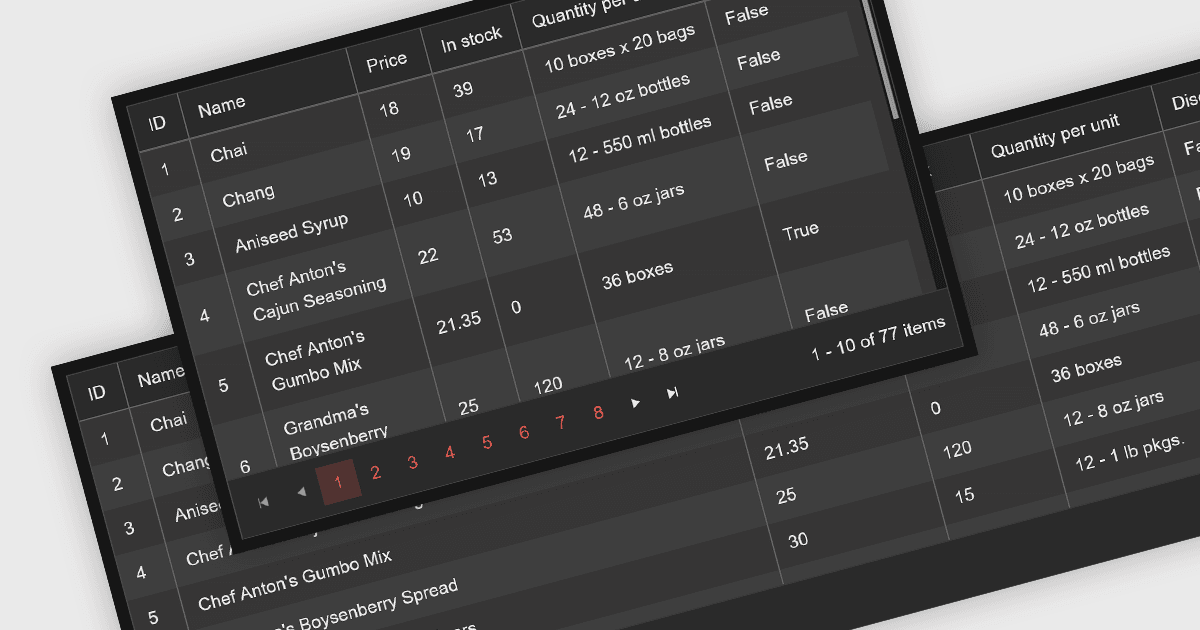
반응형 레이아웃을 지원하는 Blazor 그리드 컨트롤을 활용하면 다양한 화면 크기와 방향에서 애플리케이션의 최적 데이터 시각화가 가능해집니다. 이를 통해 사용자 환경이 데스크톱 컴퓨터, 태블릿 또는 모바일 폰에서 접속하든 관계없이 그리드 콘텐츠를 원활하게 탐색하고, 가독성을 높이며, 상호작용할 수 있어 사용자 경험이 향상됩니다. 이러한 유연성은 더 넓은 접근성을 제공하고 사용자 참여를 개선하며 궁극적으로 Blazor 애플리케이션의 전반적인 가치 제안을 강화합니다.
다음과 같은 여러 Blazor 그리드 컨트롤은 반응형 레이아웃을 제공합니다.
- DevExpress Blazor Data Grid (DevExpress ASP.NET 및 Blazor의 일부)는 열 크기 조정과 유연한 레이아웃을 통해 다양한 화면 크기에 손쉽게 적응합니다.
- FlexGrid for Blazor (MESCIUS의 ComponentOne Studio Blazor Edition)에서는 유연한 그리드 시스템을 활용하여 기기 전반에서 유동적이고 반응형인 사용자 경험을 제공합니다.
- Syncfusion Blazor DataGrid (Syncfusion Essential Studio Enterprise의 일부)는 열과 레이아웃을 최적화하여 자동으로 기기 완벽한 보기를 지원합니다.
- Telerik UI for Blazor Grid (Telerik UI for Blazor의 일부)는 기본 제공 터치 제스처와 반응형 브레이크포인트로 모바일 사용성을 강화합니다.
기능과 가격에 대한 심층 분석은 Blazor 그리드 컨트롤 비교를 방문하세요.