사용자가 쉽게 날짜를 선택할 수 있도록
날짜 편집기는 날짜를 입력, 표시, 편집하는 데 직관적이고 사용자 지정이 가능하며 효율적인 방법을 제공하여 날짜 입력을 더 빠르고 쉽게 만듭니다.
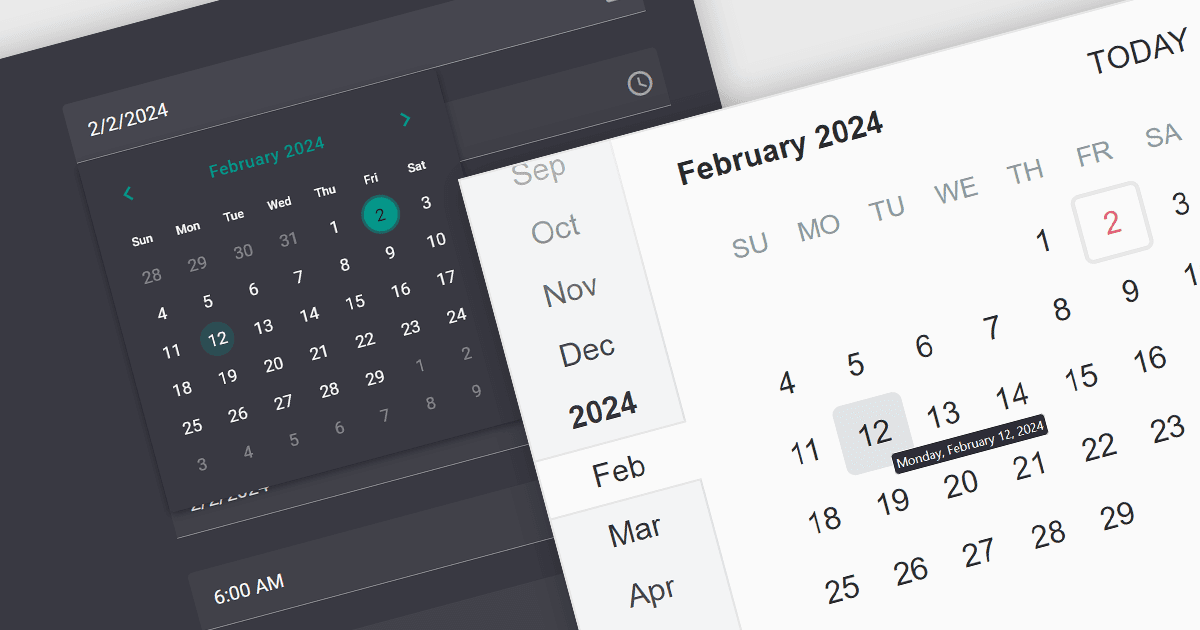
날짜 편집기 컨트롤은 날짜를 선택하고 입력하기 위해 설계된 사용자 인터페이스 요소입니다. 일반적으로 수동 입력을 위한 텍스트 필드와 시각적 선택을 위한 캘린더 팝업을 결합합니다. 기본적인 날짜 선택을 넘어, 많은 컨트롤이 시간 선택, 범위 정의, 미리 정의된 날짜를 위한 드롭다운 목록, 특정 날짜 형식을 강제하기 위한 입력 마스크 같은 기능을 제공합니다. 폼, 예약 시스템, 캘린더 등 다양한 애플리케이션에서 흔히 사용되는 날짜 편집기 컨트롤은 날짜 입력을 간소화하여 사용자 경험과 데이터 정확성을 향상시킵니다.
여러 React 데이터 편집기 컬렉션에서 날짜 편집기를 제공합니다. 예:
- DevExtreme Complete Data Editors (DevExtreme Complete의 일부) by DevExpress에는 React용 DateBox 및 DateRangeBox UI 구성 요소가 포함되어 있으며, 다양한 형식을 지원하면서 유연한 날짜 및 시간 입력을 사용자에게 제공합니다.
- KendoReact Data Editors (KendoReact의 일부) by Telerik은 날짜/시간 편집을 위한 유연하고 사용자 지정 가능한 인터페이스를 자랑하는 React 개발자용 UI 키트로, 내장 현지화 및 날짜 범위 선택을 제공합니다.
- Wijmo Input and Editors (Wijmo의 일부) by MESCIUS (이전 GrapeCity)는 React를 완벽하게 지원하는 여러 날짜/시간 입력 컨트롤을 제공하며, 유효한 범위를 지원하는 직관적인 캘린더 및 시간 피커가 포함됩니다.
- Syncfusion Essential Studio for JavaScript Data Editors (Syncfusion Essential Studio Enterprise의 일부)는 범위 제한 및 글로벌라이제이션을 지원하는 React용 가벼운 날짜 피커 구성 요소를 제공합니다.
기능과 가격에 대한 심층 분석은 React Data Editors 비교를 참고하세요.