워터마크로 PDF 보안과 브랜딩을 강화하세요
텍스트 또는 이미지 워터마크로 PDF 문서에 스탬프를 찍어 표절을 방지하고 브랜드 아이덴티티를 강화하세요.
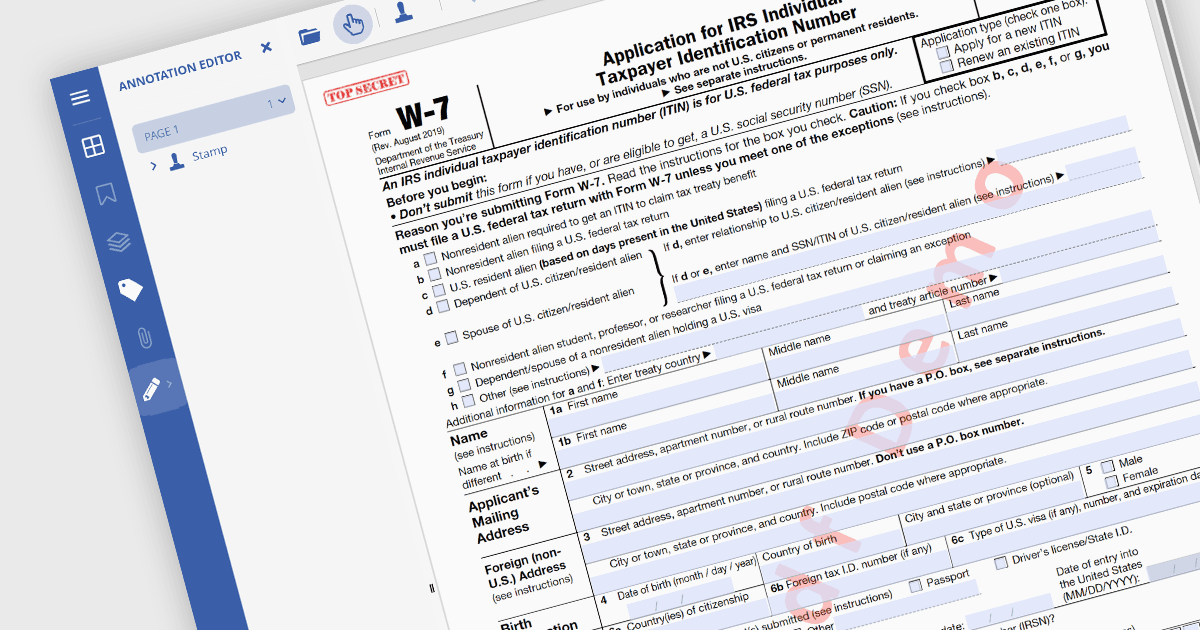
PDF 워터마킹은 반투명한 텍스트 또는 이미지 오버레이를 PDF 문서에 삽입하는 과정입니다. 저작권 보호나 브랜딩에 자주 사용되는 이 시각적 식별 요소는 문서의 주요 콘텐츠 뒤에 배치되어, 문서의 메시지는 그대로 전달하면서도 무단 복사나 수정을 은근히 차단합니다. 워터마크는 모든 페이지 또는 특정 범위에 적용할 수 있어 다양한 사용 사례에 유연하게 대응할 수 있습니다.
여러 .NET PDF 뷰어 컴포넌트에서 PDF에 워터마크를 추가할 수 있습니다. 예를 들어:
- Telerik UI PDF for WPF (Telerik UI for WPF의 일부)은 WPF 애플리케이션을 위한 강력한 PDF 조작 기능을 제공하며, 워터마킹도 포함됩니다.
- Syncfusion Xamarin PDF (Syncfusion Essential Studio Enterprise의 일부)은 개발자가 PDF에 사용자 지정 워터마크를 삽입할 수 있도록 하여, 플랫폼 전반에서 문서의 진위를 보장합니다.
- Document Solutions for PDF (MESCIUS 제공)는 PDF에 워터마크를 추가하는 도구를 제공하며, .NET 환경에서 문서 보호 및 정체성 강화를 지원합니다.
- GroupDocs.Viewer for .NET은 .NET 애플리케이션에서 워터마크가 포함된 PDF를 표시하는 데 도움을 주어, 안전하고 브랜드가 반영된 문서 뷰어링을 보장합니다.
기능과 가격에 대한 자세한 분석은 .NET PDF 뷰어 컴포넌트 비교 페이지를 확인하세요.