그리드를 떠나지 않고 관련 작업에 액세스하기
컨텍스트 메뉴는 다른 곳으로 이동할 필요 없이 특정 정보를 편집하거나 복사하는 데 유용한 명령에 대한 액세스를 제공합니다.
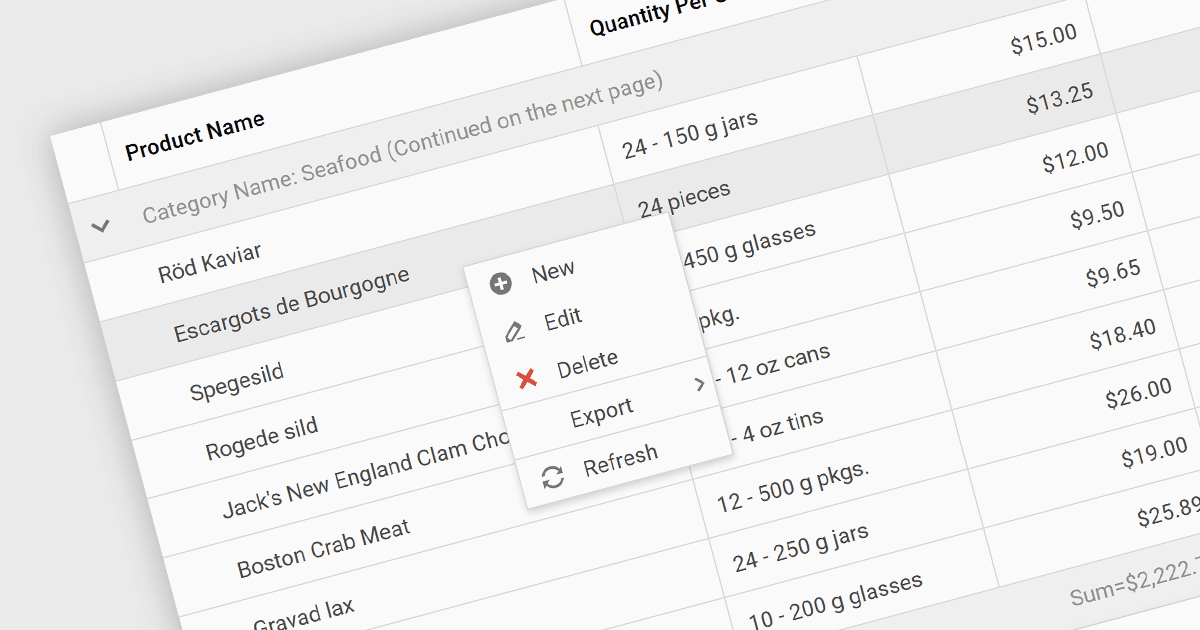
그리드의 컨텍스트 메뉴는 사용자가 셀을 마우스 오른쪽 버튼으로 클릭할 때 나타나는 사용자 활성화 드롭다운 메뉴입니다. 복사, 행 편집 또는 그리드 콘텐츠에 특화된 사용자 지정 작업처럼, 선택한 데이터에 대한 관련 작업에 빠르게 액세스할 수 있습니다. 이 기능은 그리드에서 벗어나지 않고도 상황에 맞는 옵션을 제공함으로써 사용자 경험을 향상시킵니다.
몇 가지 ASP.NET Core Grid 컨트롤은 컨텍스트 메뉴를 제공합니다. 예를 들어:
- DevExpress ASP.NET Core Data Grid (DevExpress ASP.NET 및 Blazor의 일부)는 그리드 데이터에 대한 사용자 지정 작업으로 컨텍스트 메뉴를 설계할 수 있게 해줍니다.
- Telerik UI for ASP.NET Core Grid (Telerik UI for ASP.NET Core의 일부)는 편집 및 내보내기를 포함해 데이터 상호 작용을 위한 맥락 기반 메뉴를 제공합니다.
- Syncfusion ASP.NET Core DataGrid (Syncfusion Essential Studio Enterprise의 일부)는 편집, 복사 및 내보내기와 같은 기본 제공 옵션으로 그리드 콘텐츠용 사용자 지정 컨텍스트 메뉴를 손쉽게 만들 수 있도록 합니다.
- Wisej.NET DataGridView를 사용하면 전체 애플리케이션에 대해 대화형 컨텍스트 메뉴를 설계할 수 있습니다.
기능과 가격에 대한 자세한 분석은 ASP.NET Core Grid 컨트롤 비교를 방문하세요.