개발자 생산성과 코드 품질 향상
IDE 코드 편집 기능은 반복 작업을 자동화하고, 가독성을 높이며, 개발자가 오류를 더 일찍 발견하도록 돕습니다.
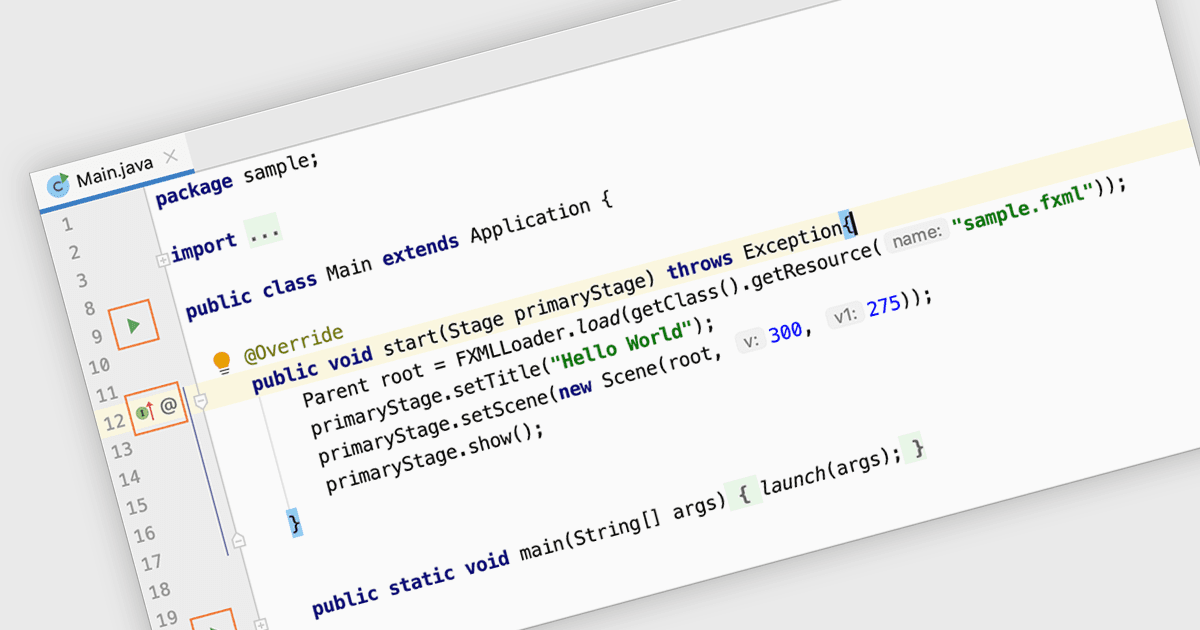
IDE에서의 코드 편집은 기본 텍스트 편집을 넘어 프로그래머를 위해 특별히 설계된 지능형 기능을 제공합니다. 구문 하이라이팅, 자동 완성, 코드 탐색 도구는 작성 과정을 간소화하며, IDE 내의 디버깅 및 빌드 자동화 기능은 오류를 효율적으로 식별하고 수정하는 데 도움을 줍니다. 이 모든 기능이 하나의 통합된 환경에서 이루어집니다. 이러한 통합 접근 방식은 개발 워크플로우와 생산성을 크게 향상시킵니다.
다음과 같은 여러 IDE에서 코드 편집 기능을 제공합니다:
- IntelliJ IDEA는 JetBrains가 제공하며, 자바 개발자에게 지능형 코드 완성 및 리팩토링 도구를 제공합니다.
- RAD Studio Architect는 Embarcadero에서 제공하며, 시각적 디자인 컴포넌트와 강력한 코드 편집을 통해 빠른 애플리케이션 개발을 지원합니다.
- UEStudio는 UltraEdit Enterprise의 일부로, 코드 편집, 디버깅 및 버전 관리를 통합하여 개발을 간소화합니다.
- PrimalScript는 SAPIEN Technologies에서 제공하며, 효율성을 위해 설계된 사용자 친화적인 IDE로 스크립팅 작업을 간소화합니다.
기능 및 가격에 대한 자세한 분석은 IDE 비교 페이지를 방문하세요.