WinForms 앱에서 다이어그램 만들기
다이어그램 작성 컨트롤을 사용하면 마인드맵, 플로우차트 등을 활용하여 복잡한 시스템을 명확하고 효율적으로 시각화할 수 있습니다.
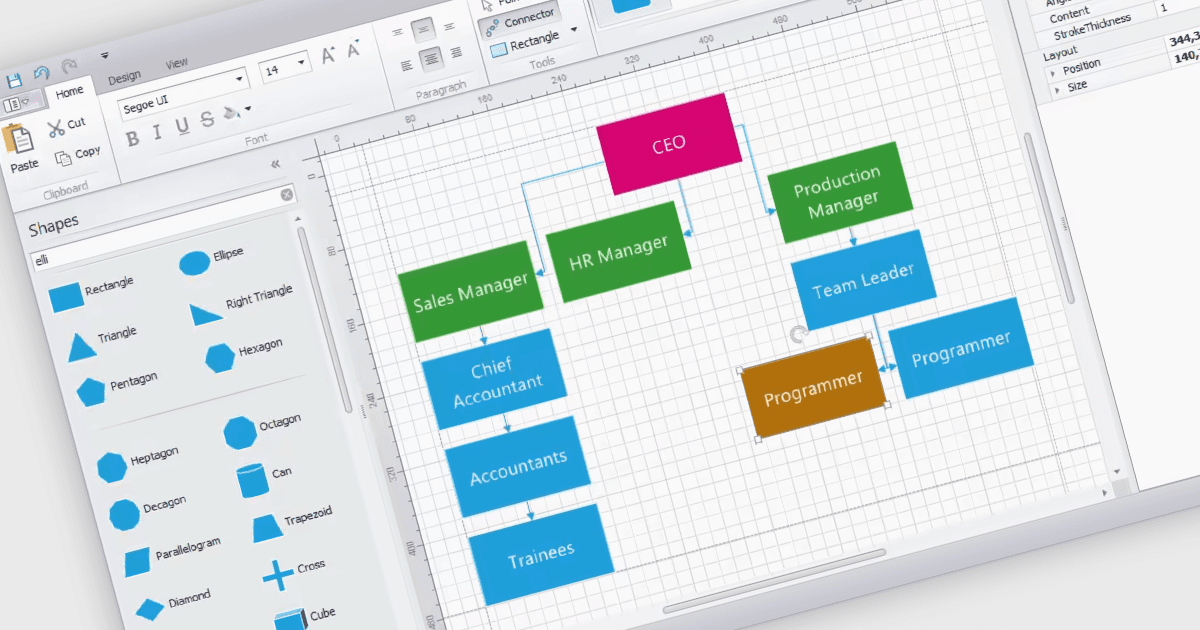
WinForms 다이어그램 컨트롤은 사용자가 시각적 표현을 만들고 조작할 수 있도록 전용 캔버스를 제공합니다. 이러한 컨트롤은 다양한 도형, 커넥터 및 텍스트 요소를 표시하고 편집하는 기능과 같은 기능을 제공합니다. 또한 복잡한 다이어그램을 효율적으로 구성할 수 있도록 자동 레이아웃 기능을 갖추는 경우가 많습니다. 다이어그램은 복잡한 아이디어, 프로세스 또는 데이터를 단순화하고 전달하는 데 흔히 사용됩니다. 요소 간의 관계를 보여주거나, 시퀀스의 단계를 설명하거나, 구조 및 계층을 나타낼 수 있습니다.
여러 WinForms UI 제품군에는 다음과 같은 다이어그램 작성 구성 요소가 포함됩니다:
- DevExpress WinForms에는 플로우차트, UML 다이어그램 등을 만들 수 있는 유연한 다이어그램 컨트롤이 포함되어 있습니다.
- Telerik UI for WinForms는 유익한 다이어그램을 만들기 위한 다양한 도형, 커넥터 및 레이아웃 도구가 포함된 다이어그램 작성 도구를 제공합니다.
- Syncfusion Essential Studio Enterprise에는 계층형 다이어그램, 네트워크 레이아웃 및 플로우차트를 생성하고 편집할 수 있는 다이어그램 작성 구성 요소가 포함되어 있습니다.
- MindFusion.WinForms Pack은 마인드 맵, 조직도 및 플로우차트를 포함하여 다이어그램을 설계하고 조작할 수 있도록 해줍니다.
기능과 가격에 대한 심층 분석을 보려면 WinForms UI 제품군 비교를 방문하세요.