드래그 앤 드롭 지원 IDE로 UI를 더 빠르게 빌드하세요

4월 15, 2024
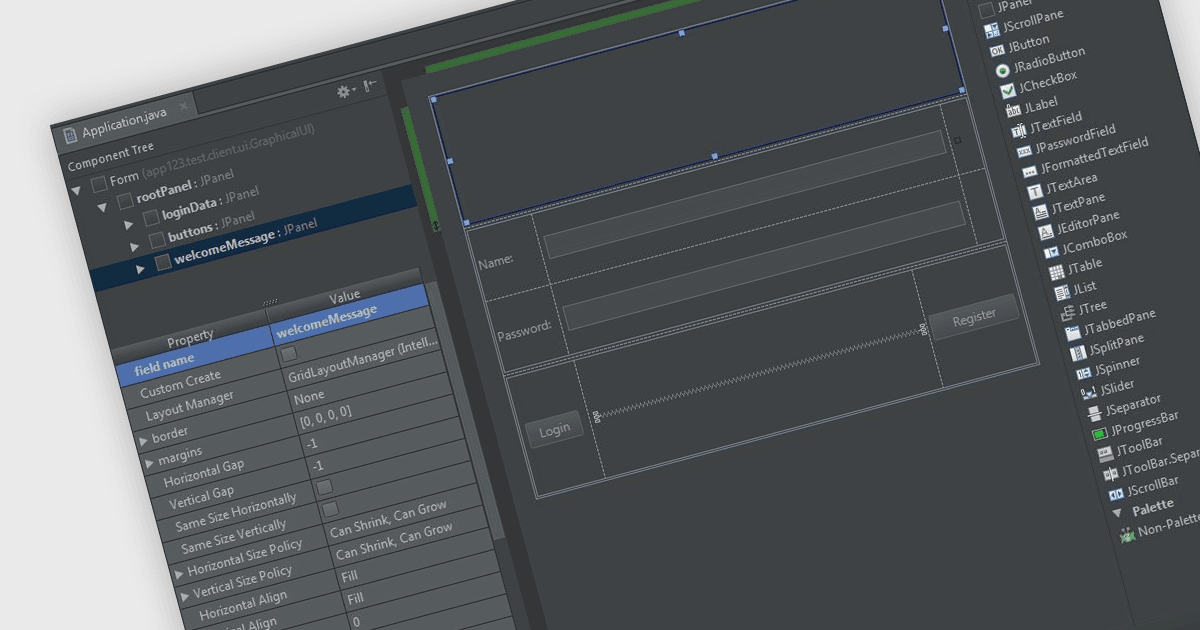
드래그 앤 드롭 기능은 직관적인 워크플로우를 제공하여 통합 개발 환경에서 사용자 인터페이스 디자인을 간소화합니다.

영어로 계속 읽기:

In integrated development environments (IDEs), the drag-and-drop interface provides a user-friendly graphical interface that simplifies the creation, modification, and configuration of applications. This feature enables developers to intuitively place objects such as buttons, text fields, pre-written code modules, and images onto the application's canvas or design surface by merely dragging items with a mouse. This method not only accelerates the development process, particularly in crafting user interfaces, but also reduces the likelihood of coding errors. By minimizing the need for direct code entry, it offers a streamlined and intuitive workflow that benefits both novice and seasoned developers alike.

Several integrated development environments offer a drag and drop interface, including:

  • IntelliJ IDEA by JetBrains is an intelligent IDE for Java that offers drag and drop functionality, simplifying complex tasks by letting you visually arrange elements with the mouse.
  • Delphi Enterprise by Embarcadero is an advanced IDE featuring a visual design menu which allows you to drag and drop visual and non-visual components from the palette.
  • EiffelStudio by Eiffel Software provides a visual GUI builder with drag-and-drop capabilities, supporting structured interface design aligned with object-oriented and design-by-contract principles.
  • B4i (iOS) by Anywhere Software is a development tool for native iOS applications that allows developers to drag and drop elements in a WYSIWYG designer.
  • Microsoft Visual Studio Professional includes a powerful drag-and-drop designer for building interfaces, supporting rapid UI development, component configuration, and tight integration with code.

For an in-depth analysis of features and price, visit our comparison of IDEs.

Compare IDEs