WPF 앱에서 PDF 파일의 페이지를 추출하기
범위 또는 개별 선택으로 페이지를 추출할 수 있어 최대 유연성을 제공하는 PDF 뷰어 컴포넌트를 선택하세요.
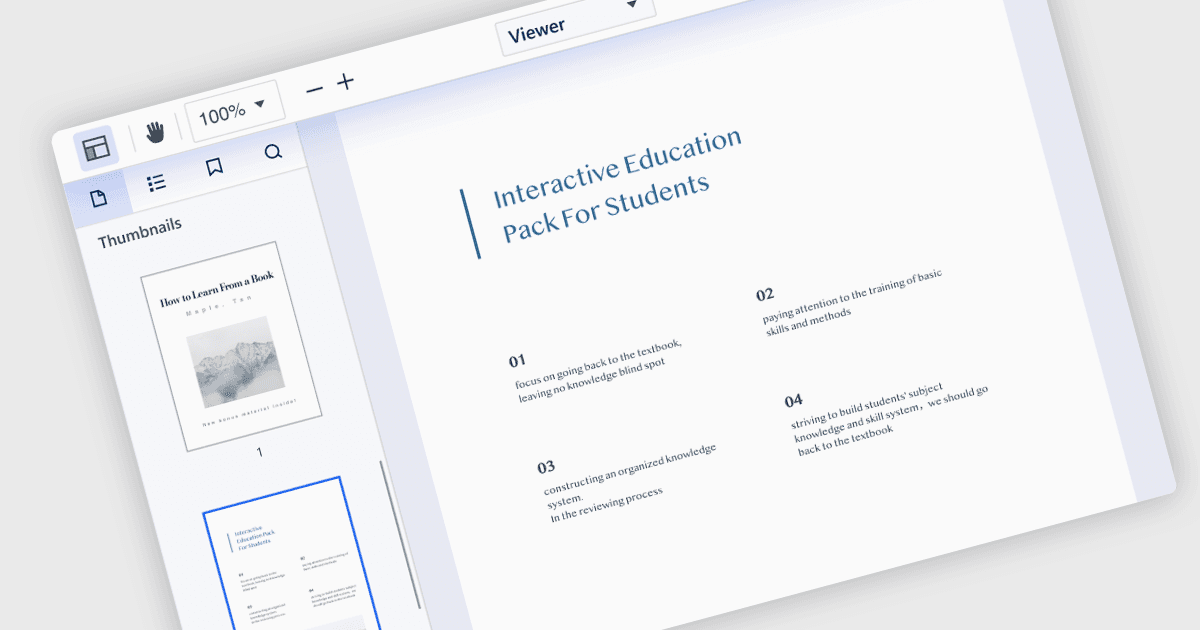
Portable Document Format (PDF) 파일에서 페이지를 추출하면 사용자가 뷰어에서 특정 페이지 또는 범위를 선택하고, 선택한 내용만 포함하는 새 PDF를 만들 수 있습니다. 이 기능은 더 큰 문서에서 공유 또는 추가 편집을 위해 목적에 맞는 발췌 부분을 만드는 데 유용합니다. 결과 PDF는 선택한 페이지의 원래 서식, 이미지 및 텍스트를 그대로 유지하여 추출된 콘텐츠의 무결성이 보존되도록 합니다.
여러 .NET WPF PDF 뷰어 컴포넌트에서 PDF에서 페이지를 추출할 수 있으며, 예를 들어:
- Telerik UI PDF for WPF (Telerik UI for WPF의 일부)는 WPF 앱 내에서 특정 페이지를 보고 추출할 수 있어 문서 처리 기능을 강화합니다.
- Syncfusion WPF PDF (Syncfusion Essential Studio Enterprise의 일부)에는 효율적인 페이지 추출을 지원하는 PDF 뷰어가 포함되어 있어 WPF 프레임워크 내에서 사용자 편의성을 높이며 프로세스를 간소화합니다.
- ComPDFKit PDF SDK for Windows는 PDF 보기 및 페이지 추출 기능을 WPF 앱에 통합하여 문서에서 페이지 또는 페이지 범위를 추출하고 이를 새 PDF 문서로 저장할 수 있게 합니다.
- XFINIUM.PDF WPF/UWP EDITION은 크로스플랫폼 PDF 개발을 위한 WPF 컨트롤을 제공하며, 특정 페이지를 쉽게 추출할 수 있도록 통합 PDF 뷰어를 갖추고 있습니다.
기능과 가격에 대한 자세한 분석은 .NET WPF PDF 뷰어 컴포넌트 비교를 참고하세요.