React 앱에서 연속 값 쉽게 조정하기
트랙바 / 슬라이더 컨트롤은 사전 정의된 범위 내에서 사용자가 숫자 또는 선형 데이터를 입력할 수 있도록 하는 공간 효율적이고 직관적인 방법을 제공합니다.
2024년 4월 22일기능 강조
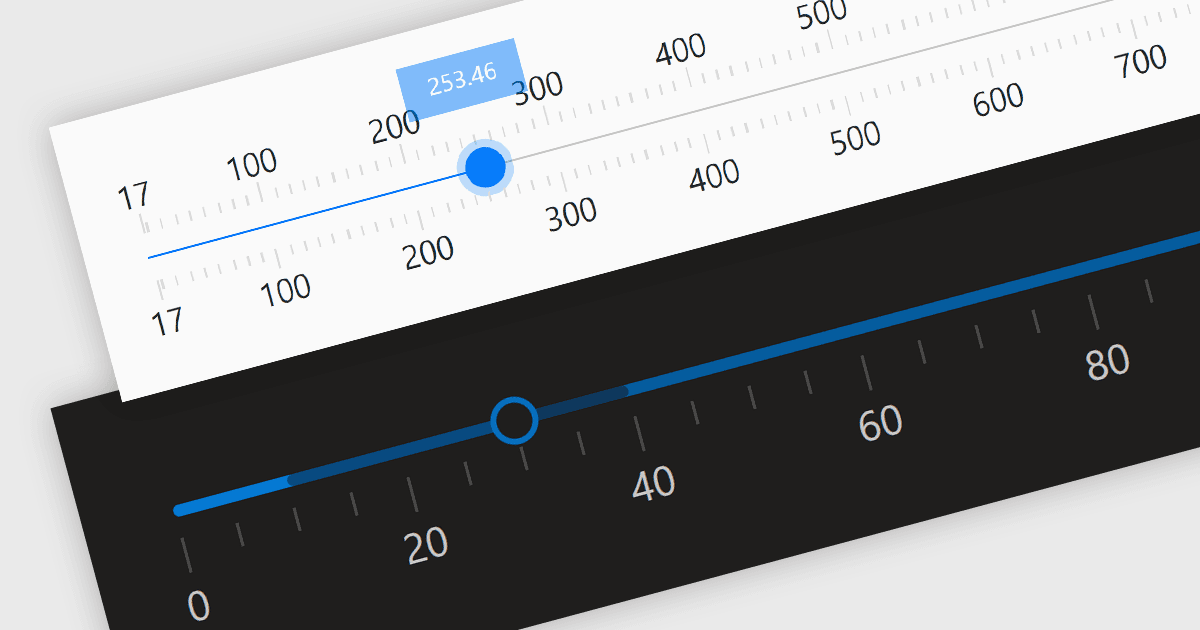
트랙바 컨트롤(슬라이더라고도 함)은 바를 따라 슬라이더를 이동하여 정의된 범위 내에서 수치 값을 조정할 수 있도록 하는 사용자 인터페이스(UI) 요소입니다. 이러한 컨트롤은 볼륨, 밝기 또는 기타 애플리케이션별 매개변수처럼 조정에 대한 시각적 표현이 필요한 설정에 특히 유용합니다. 트랙바는 직접적인 숫자 입력이 필요하지 않으면서 설정을 정밀하게 미세 조정하는 데 특히 유용할 수 있는, 값을 입력하기 위한 간단하고 효과적인 방법을 제공함으로써 사용자 경험을 향상시킵니다. 직관적인 디자인은 사용 편의성과 빠른 상호작용을 촉진하여 공간이 제한되고 정밀도가 필요한 그래픽 사용자 인터페이스에서 탁월한 선택이 됩니다.
여러 React 구성 요소에서 Trackbar Data Editors를 제공합니다. 여기에는:
- DevExtreme React Data Editors (DevExpress의 DevExtreme Complete 일부)는 직관적인 입력을 위한 기능이 풍부한 슬라이더로 애플리케이션을 강화하여 데이터 입력을 더 쉽게 해줍니다.
- KendoReact Data Editors (Telerik의 KendoReact 일부)는 사용자에게 데이터를 상호작용하는 맞춤형 방법을 제공하는 사용자 지정 가능한 슬라이더 컨트롤로 사용자 경험을 한 단계 높여줍니다.
- Smart HTML Elements Data Editors (Smart HTML Elements의 일부)는 앱에 가로 또는 세로 방향의 접근 가능한 슬라이더를 손쉽게 추가할 수 있도록 해줍니다.
- Syncfusion Essential Studio for JavaScript Data Editors (Syncfusion Essential Studio Enterprise의 일부)는 사용자가 수량을 쉽게 선택할 수 있도록 하는 유연한 슬라이더 컨트롤을 제공합니다.
기능과 가격에 대한 심층 분석을 보려면 React Data Editors 비교를 확인하세요.