하이라이팅으로 PDF 이해도를 높이세요
하이라이팅 지원이 있는 PDF 뷰어를 사용하면 사용자가 PDF에서 핵심 포인트에 주의를 환기시킬 수 있어, 긴 파일을 스캔할 때 시간을 절약할 수 있습니다.
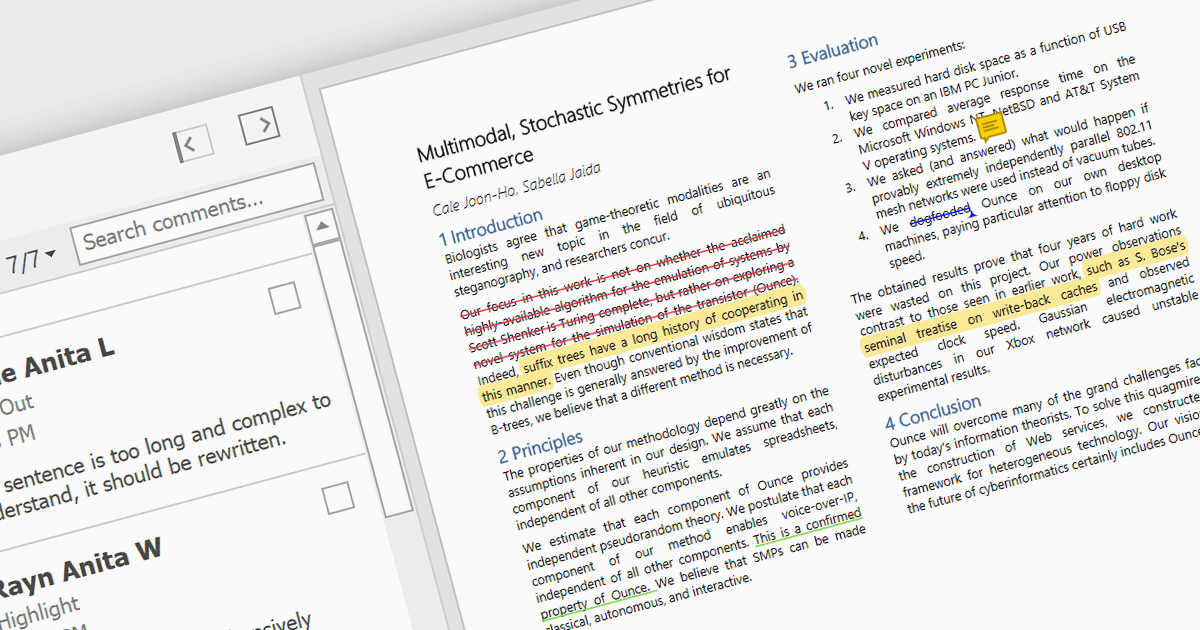
PDF 뷰어에서 텍스트를 하이라이트하면 문서 내의 중요한 구절을 시각적으로 강조할 수 있습니다. 원하는 텍스트를 선택한 다음, 일반적으로 반투명인 색상 오버레이를 적용하여 주변 텍스트와 구분되도록 하는 방식으로 구현됩니다. 이 기능은 학습, 핵심 정보 참조, 읽기 과정에서 중요한 지점을 추적하는 데 특히 유용합니다.
여러 WinForms PDF Viewer 컨트롤은 다음과 같이 PDF 파일에서 텍스트를 하이라이트하는 기능을 제공합니다.
- DevExpress WinForms PDF Viewer (DevExpress WinForms의 일부)는 내장 텍스트 하이라이터로 PDF를 시각적으로 주석 처리할 수 있게 해 줍니다.
- Telerik UI PDF for WinForms (Telerik UI for WinForms의 일부)는 문서에서 중요한 구절을 강조하기 위한 기본(네이티브) 하이라이팅 기능을 제공합니다.
- XFINIUM.PDF CROSS PLATFORM EDITION은 PDF에서 명확한 강조를 위해 텍스트를 하이라이트할 수 있으면서도 크로스 플랫폼 호환성을 제공합니다.
- Syncfusion Windows Forms PDF (Syncfusion Essential Studio Enterprise의 일부)는 중요한 정보를 집중해 볼 수 있도록 텍스트 선택 및 하이라이팅을 쉽게 할 수 있게 해 줍니다.
기능과 가격을 자세히 살펴보려면 WinForms PDF Viewer 컨트롤 비교를 방문하세요.