의사 결정 개선을 위한 차트 데이터를 CSV로 저장
CSV 내보내기 기능이 포함된 Angular 차트 컴포넌트를 사용하면 시각적 데이터로부터 손쉽게 공유하고, 분석하며, 더 나은 의사 결정을 내릴 수 있습니다.
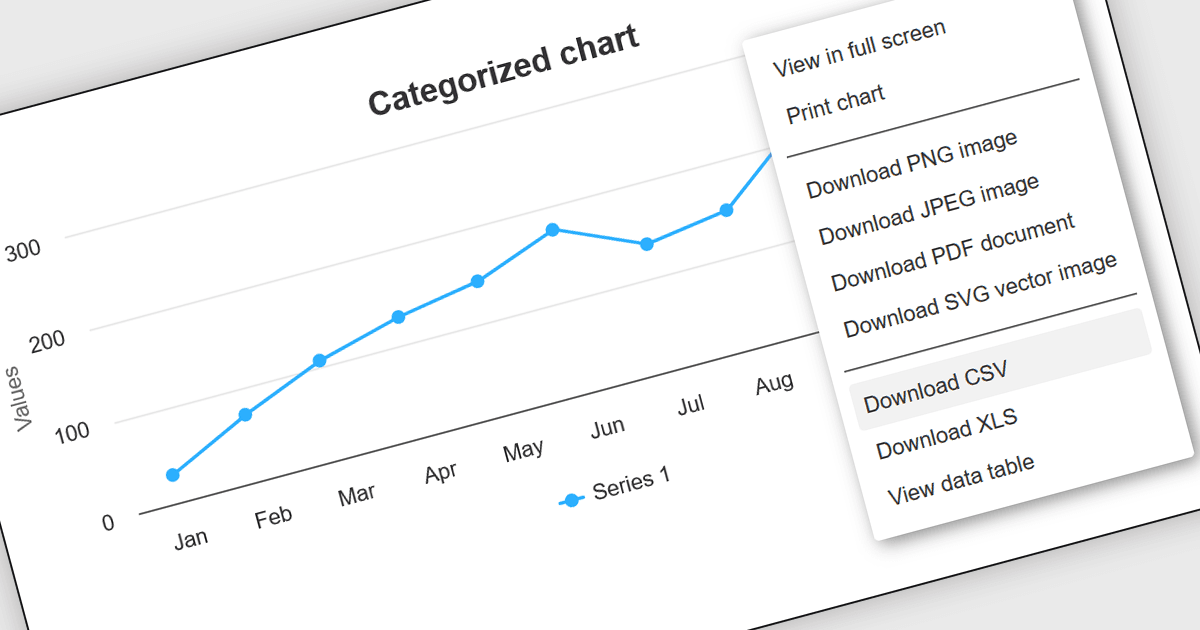
Angular 차트 컴포넌트의 CSV 내보내기 기능을 사용하면 사용자가 차트 형태로 표현된 데이터를 CSV(쉼표로 구분된 값) 파일로 손쉽게 다운로드할 수 있으며, 이를 통해 Angular 기반 웹 애플리케이션에서 직접 데이터를 내보낼 수 있습니다. 이 기능은 웹 인터페이스와 독립적으로 차트 데이터를 조작, 분석 또는 저장해야 하는 유연성이 필요한 개발자에게 특히 유용합니다. CSV 내보내기를 통합하면 애플리케이션의 데이터 접근성을 높이고 사용자 만족도를 향상시켜 데이터 전송 및 오프라인 분석을 가능하게 합니다. 또한 이 기능은 더 나은 데이터 관리 관행을 지원하며, 데이터를 서로 다른 플랫폼 또는 시스템 간에 공유해야 하는 환경에서는 애플리케이션의 상호 운용성과 실용성을 높이는 데 중요할 수 있습니다.
여러 Angular 차트 컨트롤에서 CSV로 내보내기를 지원하며, 포함됩니다:
- Highcharts Core by Highsoft는 다양한 분석 애플리케이션에 필요한 데이터 이식성을 향상시키면서 CSV로의 손쉬운 데이터 내보내기를 제공합니다.
- FusionCharts Suite XT는 직관적인 CSV 내보내기를 제공하여 풍부한 시각화에서 데이터 교환 및 오프라인 분석을 가능하게 합니다.
- amCharts 5: Charts는 대화형 차트에서 직접 CSV 다운로드를 지원하여 데이터 조작과 외부 보고를 간편하게 해줍니다.
- AnyChart JS는 사용자가 차트 데이터를 CSV 형식으로 쉽게 내보낼 수 있도록 하여 데이터 접근성과 크로스 플랫폼 사용성을 최적화합니다.
- JSCharting는 효율적인 CSV 내보내기 기능을 제공하여 정교한 시각적 표현에서 데이터를 빠르게 추출하고 활용할 수 있게 해줍니다.
기능과 가격에 대한 자세한 분석을 보려면 Angular 차트 컨트롤 비교를 방문하세요.