.NET 앱에서 PDF에 폴리라인 주석 추가
PDF 문서에서 특정 영역을 강조 표시하거나, 요소를 시각적으로 연결하거나, 경로를 추적하여 독자의 더 나은 커뮤니케이션과 명확성을 돕습니다.
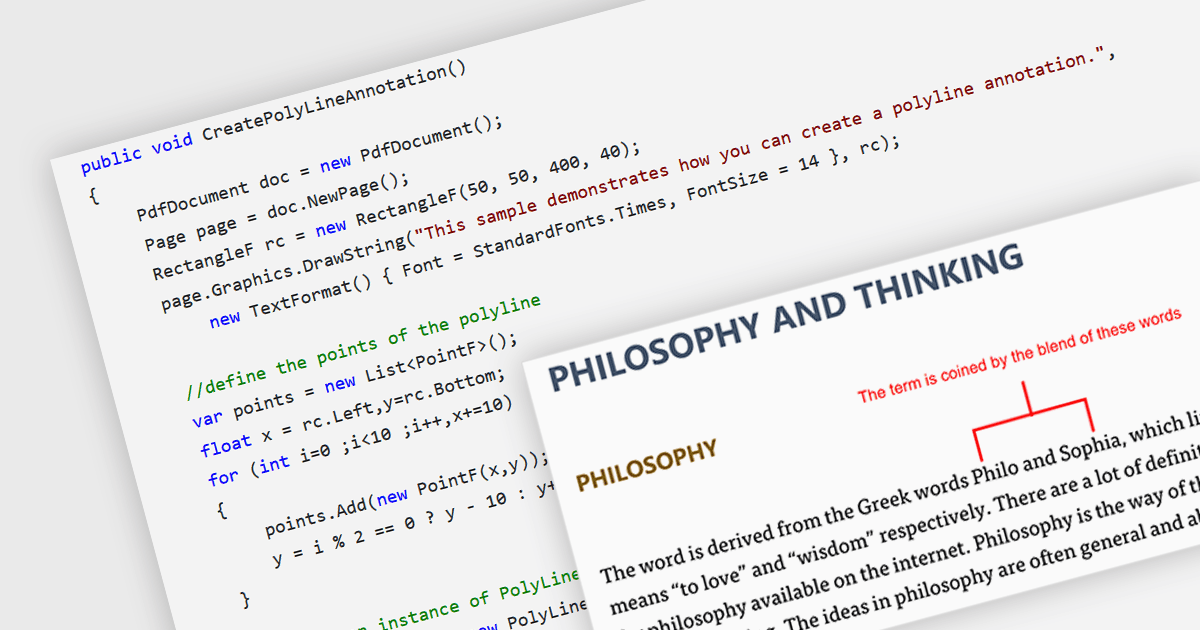
PDF의 폴리라인 주석은 연결된 직선 선분으로 정의되는 자유 형식 도형을 만들 수 있는 대화형 요소로, 검토자나 편집자가 특정 영역을 정확히 표시하거나 요소를 시각적으로 연결하거나 PDF 문서 내 경로를 따라 추적할 수 있도록 해줍니다. 이러한 기능은 더 복잡한 그래픽 데이터를 임베딩하는 데 도움이 되어, 공학, 건축, 디자인과 같은 기술 분야에서 PDF의 사용성과 가독성을 향상시키는 등 동적이며 대화형 문서를 만드는 데 특히 유용합니다.
여러 .NET PDF 구성 요소를 사용하면 PDF 파일에서 폴리라인의 모양을 이동, 크기 조정, 제거 또는 편집할 수 있습니다. 예를 들어:
- DevExpress PDF Document API (DevExpress Office File API의 일부) 는 PDF에서 요소를 강조 표시하거나 연결하기 위한 대화형 폴리라인을 추가하고 관리할 수 있게 해줍니다.
- MESCIUS의 Document Solutions for PDF 는 시각적 데이터 표현과 문서 상호 작용을 개선하기 위한 강력한 폴리라인 그리기 도구를 제공합니다.
- Aspose.PDF for .NET 은 C#을 사용하여 PDF 문서 내의 폴리라인 주석을 만들고 조작할 수 있도록 해줍니다.
- Syncfusion WPF PDF (Syncfusion Essential Studio Enterprise의 일부) 는 개발자가 사용자 친화적인 인터페이스 내에서 고급 그래픽 제어를 통해 폴리라인을 구현할 수 있게 합니다.
기능과 가격에 대한 자세한 분석은 .NET PDF 구성 요소 비교를 참고하세요.