Angular 스프레드시트 가독성 강화
셀 서식 지원 기능이 있는 스프레드시트 컨트롤을 선택하면 데이터를 더 쉽게 읽을 수 있고, 일관성을 높이며, 사용자 경험을 향상시킬 수 있습니다.
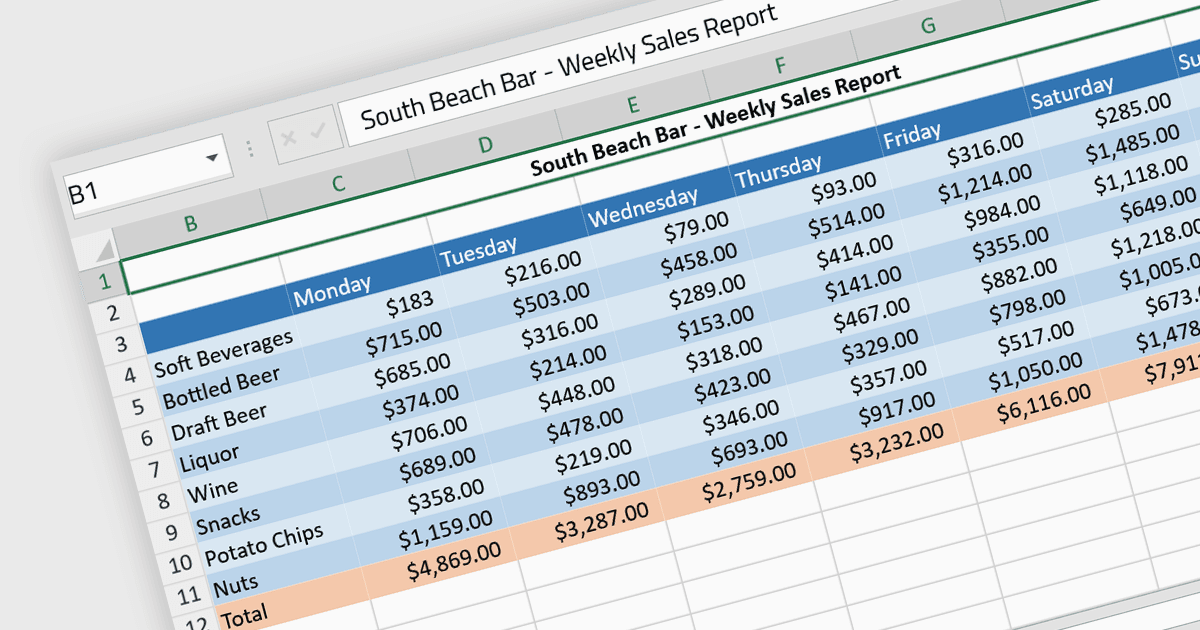
셀 서식은 스프레드시트 또는 데이터 테이블 내의 개별 셀에 대해 표시와 동작을 사용자 지정할 수 있게 해 주어 데이터 표시의 가독성, 이해도 및 정확성을 향상시킵니다. 여기에는 글꼴 스타일, 크기, 색상 조정뿐만 아니라 테두리, 음영, 숫자 또는 날짜 서식, 셀 정렬 등도 포함될 수 있습니다. 셀 서식을 적용하면 사용자는 스프레드시트를 크게 더 읽기 쉽고 체계적으로 만들 수 있으며, 데이터 이해를 더 빠르게 하고 그 안에 담긴 정보를 더 명확하게 전달할 수 있습니다. 또한 서로 다른 유형의 데이터를 구분하고 중요한 수치를 강조하며 관련 문서 전반의 일관성을 유지함으로써 오류와 오해가 발생할 가능성을 줄이는 데도 도움이 됩니다.
여러 Angular 스프레드시트 구성 요소는 셀 서식을 지원하며, 예를 들면:
- SpreadJS by MESCIUS는 Angular 개발자가 맞춤형 스프레드시트 솔루션을 만들 수 있도록 어떤 셀 속성에 대해서도 광범위한 셀 서식을 제공합니다.
- Telerik Excel Export (Kendo UI의 일부) 는 Angular와 함께 작동하며 Microsoft Excel로 데이터가 원활하게 내보내지도록 도와 복잡한 셀 서식, 정렬 등을 지원합니다.
- Jspreadsheet Pro는 Angular용으로 맞춤화된 스프레드시트와 유사한 컨트롤을 제공하며, 글꼴, 색상, 숫자 형식 등 셀 모양을 사용자 지정할 수 있는 도구를 갖추고 있습니다.
- Infragistics Spreadsheet Angular (Infragistics Ignite UI의 일부)는 Excel과 유사한 인터페이스를 제공하여 동적이고 일관된 데이터 표시를 위한 셀 서식 기능을 제공합니다.
기능과 가격을 자세히 살펴보려면 Angular 스프레드시트 컨트롤 비교를 방문하세요.