수식과 함수로 계산을 간편하게
수식 및 함수 지원이 포함된 React 스프레드시트 컨트롤을 사용하면 브라우저 안에서 실시간의 역동적인 데이터 분석과 조작이 가능합니다.
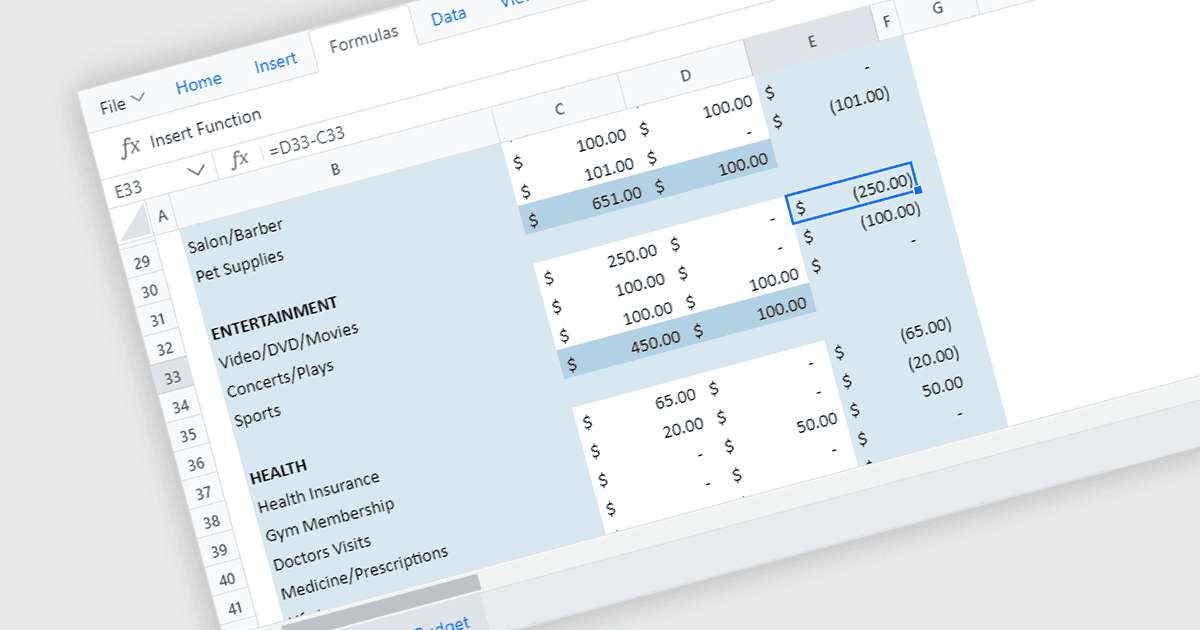
수식 및 함수 기능을 갖춘 React 스프레드시트 컨트롤은 스프레드시트의 강력한 기능을 현대적인 웹 애플리케이션에 제공합니다. 이러한 컴포넌트는 사용자가 데이터를 입력하고 SUM 또는 AVERAGE 같은 기본 제공 수식이나 사용자 지정 함수를 사용해 데이터를 조작한 다음, 웹 인터페이스 내에서 결과가 동적으로 업데이트되는 것을 확인할 수 있도록 해줍니다. 이를 통해 개발자는 React 애플리케이션 안에서 대화형 데이터 분석 도구, 재무 계산기, 또는 기획 대시보드까지 직접 만들 수 있습니다.
다음은 수식 및 함수 지원을 제공하는 여러 React 스프레드시트 컨트롤입니다.
- Telerik Spreadsheet React (KendoReact의 일부) 는 셀 내에서 복잡한 수식 계산과 함수 실행을 지원하여 동적이고 상호작용하는 데이터 분석을 가능하게 합니다.
- Wijmo FlexSheet (MESCIUS의 Wijmo 일부) 는 광범위한 수식 지원을 제공하여 사용자가 스프레드시트 안에서 포괄적인 계산과 데이터 조작을 수행할 수 있게 합니다.
- Jspreadsheet Pro 는 강력한 수식 기능을 제공하여, 향상된 데이터 처리를 위한 고급 수학, 논리 및 텍스트 함수를 사용할 수 있도록 지원합니다.
- Infragistics Spreadsheet React (Infragistics Ignite UI의 일부) 는 다양한 함수와 수식을 지원하여 실시간 계산과 정교한 데이터 분석을 가능하게 합니다.
- Syncfusion Spreadsheet JavaScript (Syncfusion Essential Studio Enterprise의 일부) 는 광범위한 수식 및 함수 지원을 제공하여 손쉽게 데이터를 조작할 수 있습니다.
기능과 가격에 대한 심층 분석은 React 스프레드시트 컨트롤 비교를 참고하세요.