













공식 공급 업체
200 이상의 소프트웨어 개발처와 판매 계약을 맺은 공인 디스트리뷰터로서 합법적인 라이선스를 제공합니다.
모든 브랜드 보기.
영어로 계속 읽기:
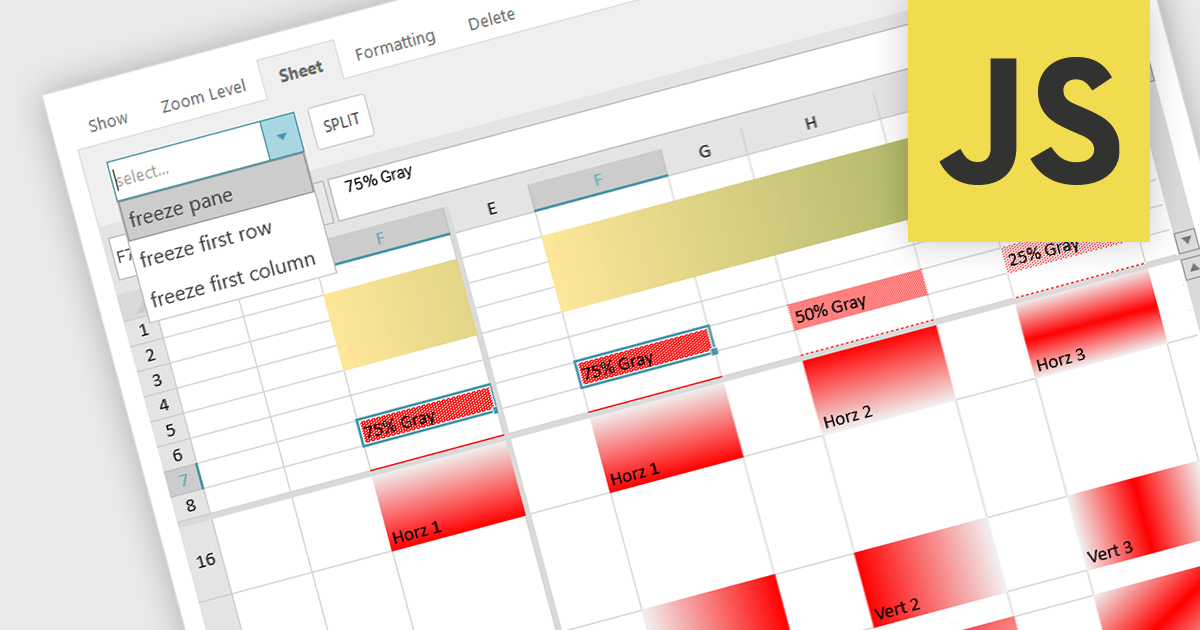
Spreadsheet controls with freeze pane support enable developers to lock specific rows or columns in place while allowing the rest of the data to scroll freely. This feature enhances the user experience by keeping headers or key reference data visible at all times, thus improving navigation and readability in large datasets. It is particularly beneficial for applications where users need to compare data across extensive spreadsheets, ensuring that critical information remains accessible without disrupting the workflow. This functionality contributes to a more efficient and user-friendly interface, reducing the cognitive load on users and facilitating better data analysis.
Several JavaScript spreadsheet controls offer freeze pane support including:
For an in-depth analysis of features and price, visit our comparison of Compare JavaScript Spreadsheet Controls.
전화 : 00798 14 800 6332
팩스 : +1 770 250 6199


