PDF 문서의 특정 섹션에 집중
PDF 페이지 추출 기능은 사용자가 콘텐츠를 간소화하여 대상에 맞는 읽기와 효율적인 문서 생성을 가능하게 합니다.
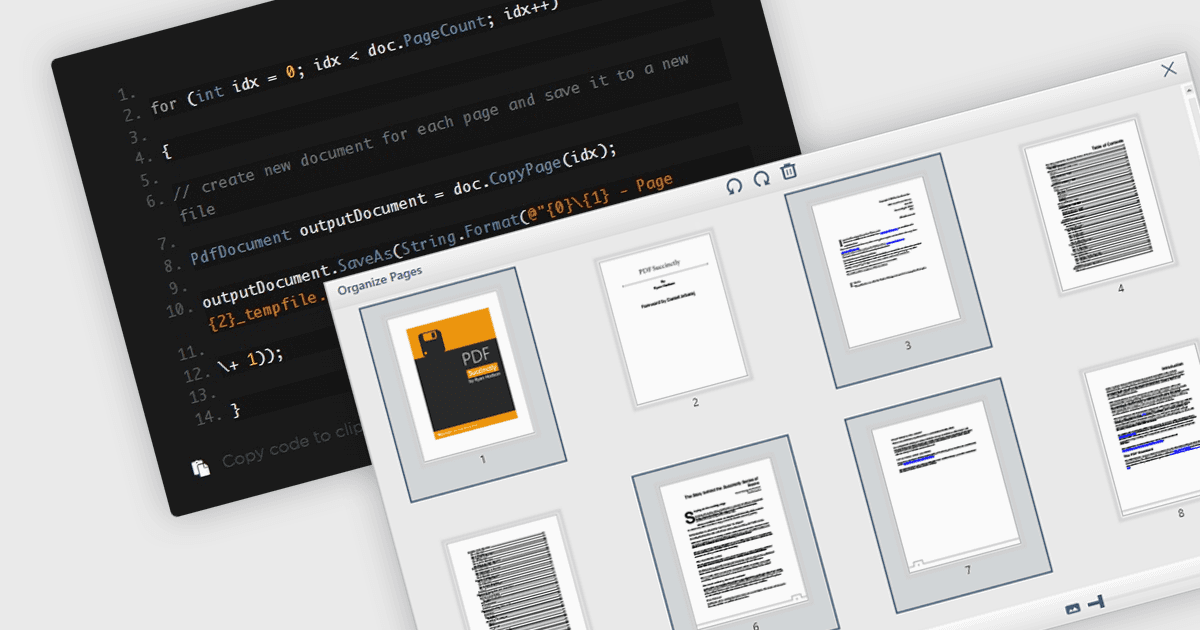
PDF에서 페이지를 추출하면 간소화된 워크플로우와 정보 관리 측면에서 상당한 이점이 있습니다. 사용자는 문서의 특정 섹션에 집중해 대상에 맞는 읽기 또는 공유를 할 수 있고, 관련 콘텐츠만 전송할 때 파일 크기를 줄일 수 있으며, 기존 PDF에서 새로운 문서를 만드는 과정을 손쉽게 하여 궁극적으로 생산성을 높이고 문서 구성을 향상시킵니다.
여러 WPF PDF 구성 요소는 PDF 파일에서 페이지를 추출할 수 있는 기능을 제공합니다. 예를 들어:
- Telerik UI PDF for WPF (Telerik UI for WPF의 일부)는 WPF 개발자가 PDF 문서에서 특정 페이지를 효율적으로 추출할 수 있도록 지원합니다.
- IronPDF for .NET (Iron Software)은 .NET으로 구축된 애플리케이션에 프로그래밍 방식으로 PDF에서 원하는 페이지를 추출할 수 있는 기능을 제공합니다.
- XFINIUM.PDF CROSS PLATFORM EDITION은 WPF를 포함한 다양한 플랫폼에서 페이지를 추출하기 위한 단일 API를 제공합니다.
- Syncfusion WPF PDF (Syncfusion Essential Studio Enterprise의 일부)는 WPF 애플리케이션에서 페이지를 추출하는 과정을 간소화하여 사용자 편의성을 높여줍니다.
기능과 가격에 대한 자세한 분석은 WPF PDF Components 비교를 방문하세요.