PDF에서 텍스트를 손쉽게 선택하고 복사하세요
PDF에서 텍스트를 손쉽게 문서, 이메일 또는 프레젠테이션에 붙여 넣을 수 있도록 추출하여 사용자 경험을 향상시키고 워크플로를 간소화하세요.
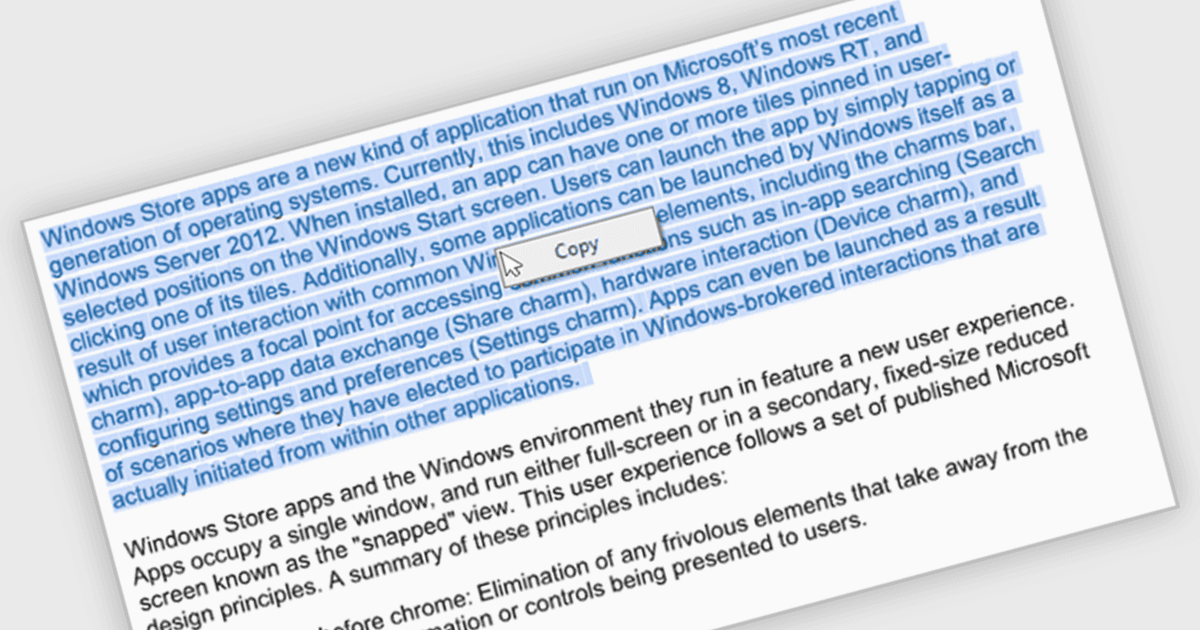
텍스트를 선택하고 복사할 수 있는 기능은 사용자가 문서에서 정보를 손쉽게 추출하여 다른 애플리케이션에 붙여 넣거나 짧은 발췌 내용을 공유할 수 있게 해줍니다. 이는 데이터 전송 중 시간을 절약하고 오류를 줄일 뿐만 아니라, 연구 메모 작성, 제안서 작성을 위한 인용문 추출, 또는 텍스트를 프레젠테이션에 포함하는 등 다양한 워크플로에 더 잘 호환되도록 하여 PDF의 활용도를 넓혀줍니다.
여러 .NET WinForms PDF 뷰어 구성 요소에는 PDF에서 텍스트를 선택하고 복사하는 기능이 포함되어 있습니다. 예:
- DevExpress WinForms PDF Viewer (DevExpress WinForms의 일부)는 원활한 텍스트 선택 및 복사를 가능하게 하는 풍부한 PDF 뷰어 구성 요소로 개발자를 지원합니다.
- Telerik UI PDF for WinForms (Telerik UI for WinForms의 일부)는 직관적인 텍스트 선택 및 추출 기능을 제공하는 PDF 뷰어 컨트롤을 제공합니다.
- PDFView4NET Windows Forms Edition은 PDF 문서 뷰어 내에서 손쉽게 텍스트를 선택하고 복사할 수 있도록 해줍니다.
- Syncfusion Windows Forms PDF (Syncfusion Essential Studio Enterprise의 일부)는 사용자가 편리하게 텍스트를 선택하고 복사할 수 있게 해주는 강력한 PDF 뷰어 구성 요소를 제공합니다.
기능과 가격에 대한 심층 분석은 .NET WinForms PDF 뷰어 구성 요소 비교를 방문하세요.