Microsoft Store에 배포할 수 있도록 앱을 패키징하세요
설치 도구를 활용하면 개발자가 애플리케이션을 MSIX/APPX로 패키징하여 Microsoft Store에 손쉽게 배포할 수 있습니다.
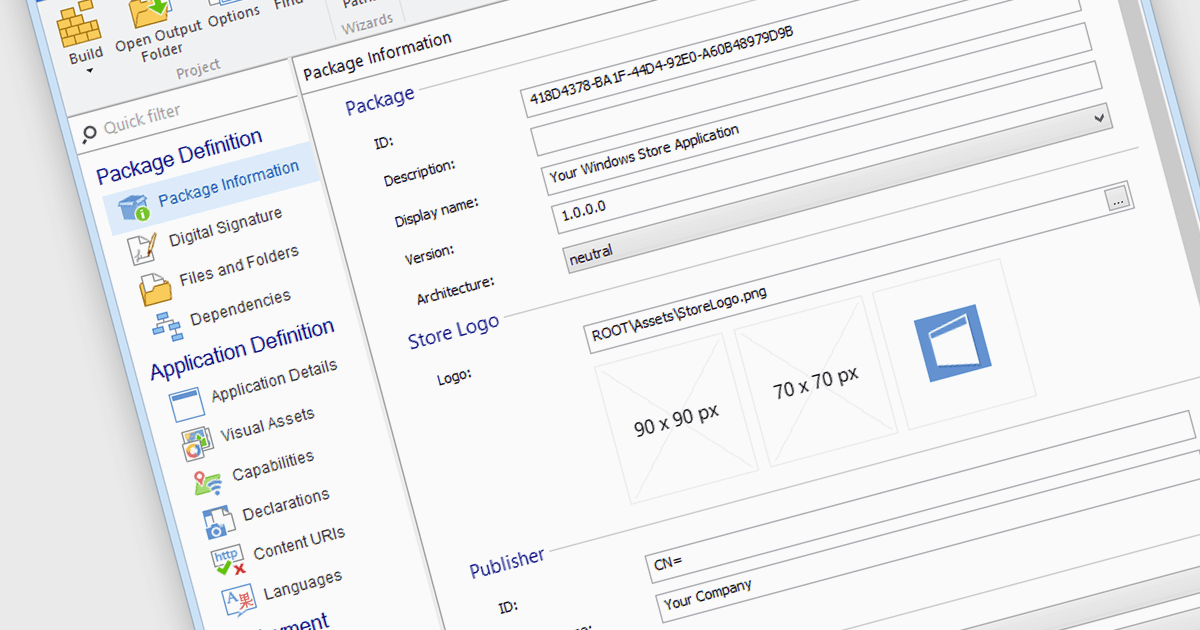
Microsoft Store Apps는 Universal Windows Platform (UWP) 앱으로도 알려져 있으며, Microsoft Store(이전에 Windows Store로 알려짐)를 통해 배포할 수 있도록 하는 특수 개발 프레임워크를 사용합니다. 이로써 최종 사용자의 설치 절차가 간소화되고 수동 설정 스크립트가 필요하지 않으며, 다양한 Windows 디바이스와의 호환성이 보장됩니다. UWP 전략을 사용하는 소프트웨어 개발자는 중앙 집중식 배포 채널, 더 간단한 배포, 더 큰 잠재 고객층의 혜택을 누릴 수 있습니다. 프로그램을 MSIX 또는 APPX 파일로 패키징하기 위해 설치 도구를 사용하면 Microsoft Store에 규정을 준수하는 애플리케이션을 제출하기가 더 쉬워집니다.
Microsoft Store Apps에 대한 패키징을 제공하는 여러 Installation Tools에는 다음이 포함됩니다:
- Advanced Installer by Caphyon을 사용하면 애플리케이션을 Microsoft Store에 효율적으로 배포할 수 있어 개발자의 패키징 및 제출 프로세스를 간소화할 수 있습니다.
- InstallShield by Revenera를 사용하면 애플리케이션을 Microsoft Store에 배포할 수 있어 전체 패키징 및 인증 워크플로를 간소화할 수 있습니다.
- Master Packager를 사용하면 Microsoft의 요구 사항을 준수하는 패키지를 준비하고 Microsoft Store에 배포할 수 있습니다.
- PACE Suite by Infopulse를 사용하면 애플리케이션을 Microsoft Store에 손쉽게 배포할 수 있으며, 패키지 생성 및 관리를 위한 포괄적인 도구를 제공합니다.
기능과 가격을 자세히 알아보려면 Installation Tools 비교를 방문하세요.