WPF 앱에서 암호로 PDF 보호하기
강력한 암호 보호 기능을 제공하는 WPF PDF 컨트롤을 사용하면, 해당 프레임워크 내에서 안전한 문서 보기, 편집, 생성을 수행할 수 있습니다.
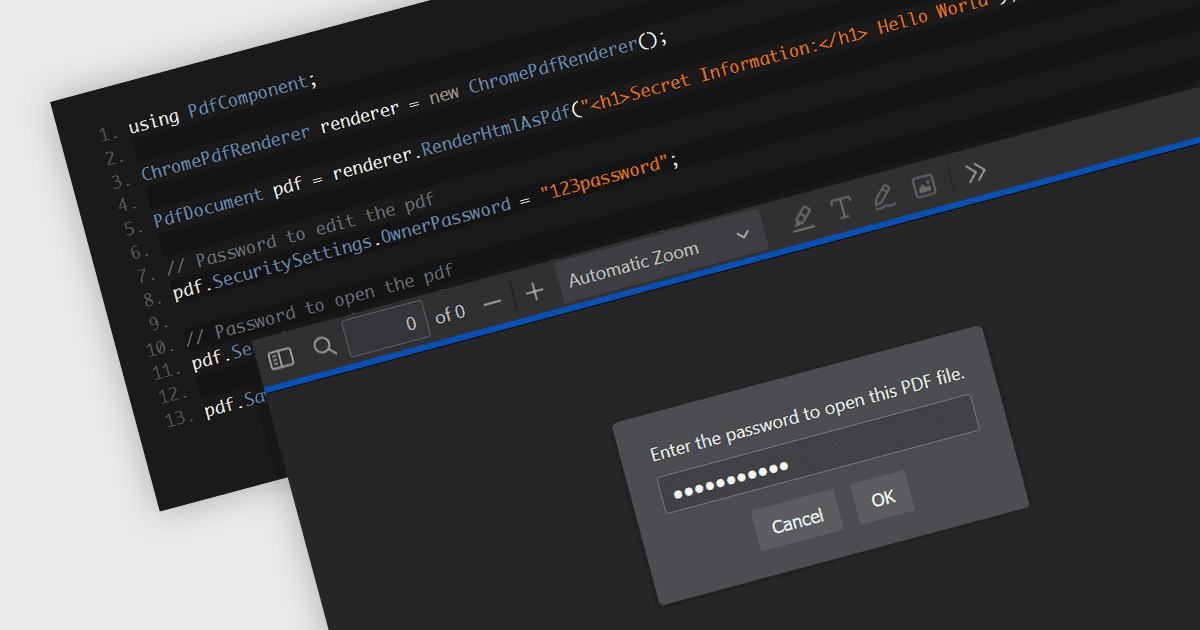
PDF 구성 요소의 암호 보호는 PDF 문서를 암호화하여 무단 액세스를 제한할 수 있게 해주는 보안 기능입니다. 민감한 데이터를 처리하는 애플리케이션에서는 암호를 설정함으로써 승인된 사용자만 문서를 보고 또는 변경할 수 있어 기밀 정보가 무단 액세스 및 데이터 유출로부터 보호됩니다. 이 기능은 문서 콘텐츠를 누가 보고, 수정하고, 인쇄하고, 복사할 수 있는지를 제어하여 민감한 정보를 보호하며, 기밀 데이터에 대한 필수적인 보호 계층을 제공하고 해당 문서를 보유한 애플리케이션의 신뢰도를 높여 줍니다.
여러 Windows Presentation Foundation (WPF) PDF 구성 요소에서는 다음을 포함해 PDF 파일에 암호 보호를 추가할 수 있습니다:
- MESCIUS의 ComponentOne Studio WPF PDF를 사용하면 WPF 애플리케이션에서 안전한 문서 액세스와 제어를 보장하며 PDF 파일에 암호 보호를 손쉽게 추가할 수 있습니다.
- Telerik UI PDF for WPF (Telerik UI for WPF의 일부)에서는 PDF에 암호 보호를 추가할 수 있어, 무단 액세스와 수정이 발생하지 않도록 제한함으로써 보안을 강화합니다.
- IronPDF for .NET (Iron Software)에서는 개발자가 PDF에 사용자 및 관리자 암호를 추가할 수 있으며, WPF 애플리케이션을 위한 포괄적인 PDF 보호 기능을 제공합니다.
- XFINIUM.PDF WPF/UWP EDITION에서는 사용자 및 소유자 암호를 통한 암호 보호를 포함하여 여러 PDF 보안 기능을 제공하며, 민감한 데이터가 안전하게 유지되도록 합니다.
기능과 가격에 대한 자세한 분석은 WPF PDF 구성 요소 비교를 참고하세요.