대화 상자 양식을 사용해 보고서 매개 변수 설정
직관적인 양식으로 .NET 구성 요소를 사용해 분석을 위한 보고 앱을 만들고, 사용자가 데이터를 선택하며 보고서 출력을 맞춤화할 수 있도록 합니다.
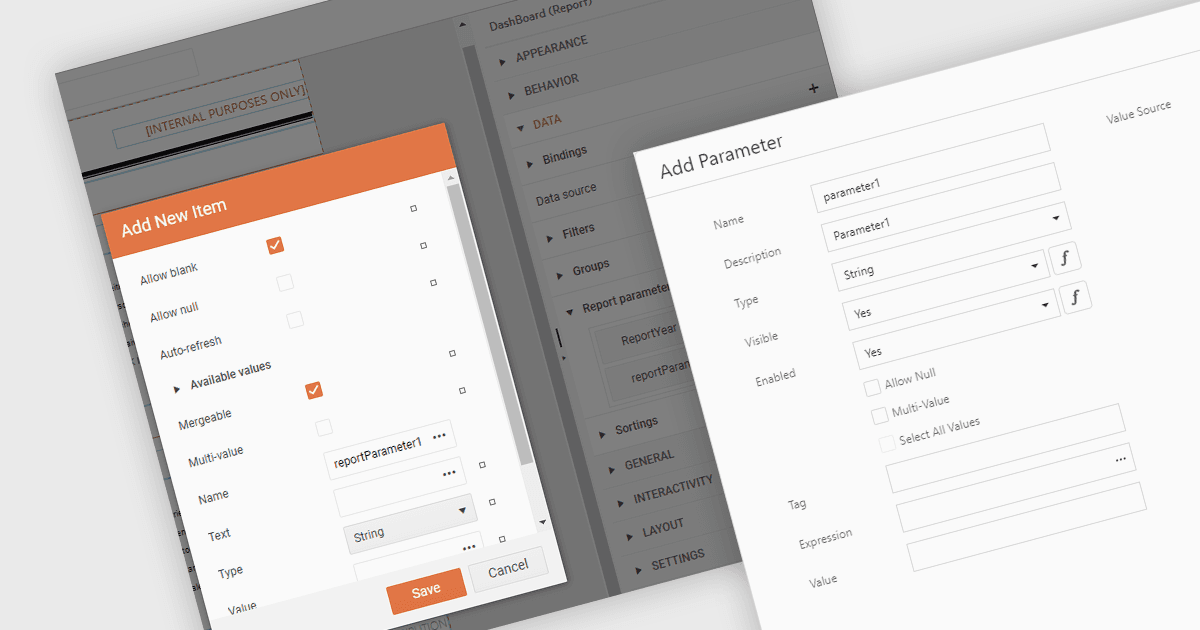
.NET 보고(Reporting) 구성 요소의 매개 변수용 대화 상자 양식은 보고서 매개 변수를 정의하고 수정하기 위한 사용자 친화적인 인터페이스를 제공합니다. 직관적인 입력 필드, 드롭다운 메뉴, 찾아보기 옵션을 제공함으로써 이러한 양식은 보고서 생성 프로세스를 간소화하고 오류 발생 가능성을 줄여 줍니다. 이는 특히 비기술 사용자에게 유용하며, 보고서 구문이나 데이터 구조에 대한 광범위한 지식 없이도 손쉽게 맞춤형 보고서를 생성할 수 있습니다. 예시 사용 사례로는 특정 제품 범주나 기간을 기준으로 매출 보고서를 만들고, 맞춤형 필터가 있는 재무 제표를 생성하며, 개인의 선호도에 따라 맞춤형 고객 보고서를 생성하는 경우를 들 수 있습니다.
여러 .NET 보고 구성 요소에서는 매개 변수용 대화 상자 양식을 만들 수 있습니다. 예를 들면:
- DevExpress Reports (Multi-Platform) (DevExpress Reporting의 일부)는 사용자가 직관적인 대화 상자 양식을 통해 보고서 매개 변수를 정의할 수 있도록 하여 보고서 생성을 간소화합니다.
- ActiveReports.NET (MESCIUS 제작)는 사용자 친화적인 매개 변수 대화 상자로 보고서 생성을 간편하게 하며, 정의된 옵션에서 선택할 수 있게 해 줍니다.
- Telerik Reporting은 대화 상자 양식을 통해 대화형 보고서 매개 변수 구성을 지원하여 사용자 경험을 향상시킵니다.
- Stimulsoft Reports.Net은 사용자가 명확하고 간결한 대화 상자 양식으로 보고서 매개 변수를 손쉽게 설정할 수 있도록 해 줍니다.
기능과 가격을 자세히 알아보려면 .NET 보고 구성 요소 비교를 참고하세요.