정밀함으로 소프트웨어 설치를 맞춤 구성
레지스트리 편집기의 세밀한 제어를 활용해 소프트웨어가 최종 사용자 시스템과 어떻게 상호작용할지 정확하게 정의하세요.
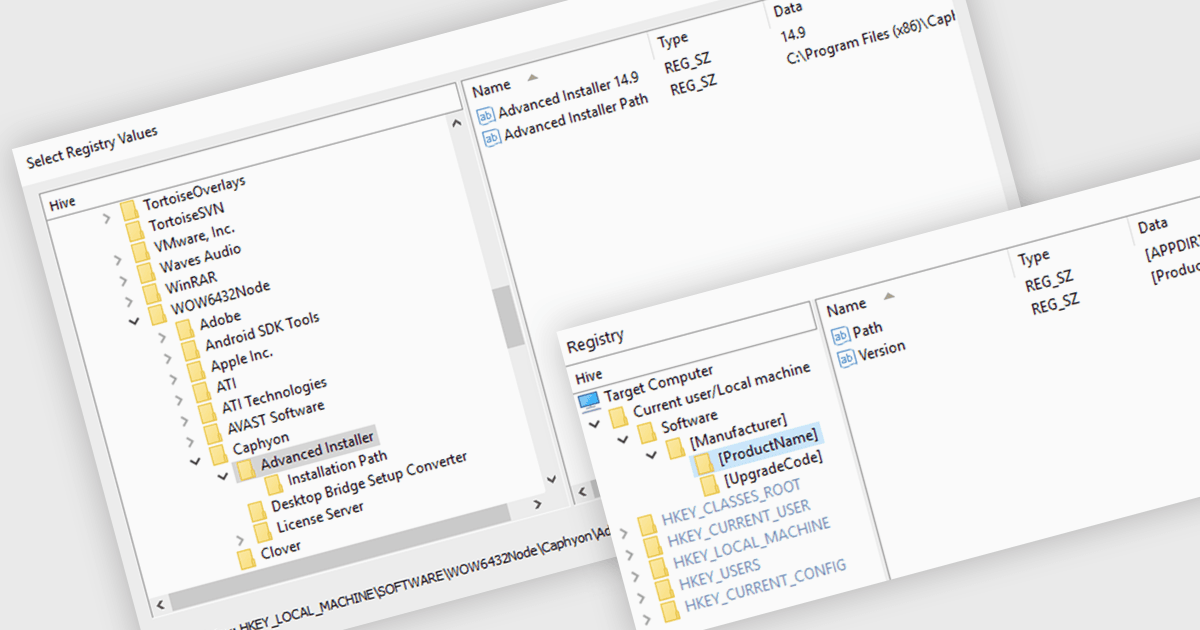
레지스트리 편집기는 Windows 레지스트리를 수정하고 관리하도록 설계되었습니다. Windows 레지스트리는 중요한 시스템 설정과 정보를 저장하는 중앙 데이터베이스입니다. 이를 통해 개발자는 파일을 어디에 저장할지, 어떤 레지스트리 키에 액세스할지, 어떤 서비스를 시작할지 등 소프트웨어가 시스템과 어떻게 상호작용할지 정밀하게 정의할 수 있습니다. 이러한 세밀한 제어는 설치 프로세스를 원활하고 신뢰할 수 있게 하며, 잠재적인 충돌과 오류를 최소화합니다. 또한 레지스트리 편집기는 사용자 또는 환경에 맞춰 소프트웨어를 조정할 수 있는 사용자 지정 구성을 만드는 데에도 사용할 수 있습니다.
여러 설치 도구가 레지스트리 편집기 기능을 제공합니다. 여기에는:
- InstallShield by Revenera를 사용하면 사용자 환경에 맞게 설치를 조정하면서 사용자 지정 레지스트리 키와 값을 만들 수 있습니다.
- Advanced Installer Professional by Caphyon을 사용하면 레지스트리 변경 사항을 정확하게 정의하여 소프트웨어와의 원활한 통합을 보장합니다.
- Setup Factory by Indigo Rose는 레지스트리 조작을 손쉽게 처리하여 설치 프로세스를 간소화합니다.
기능과 가격을 자세히 분석하려면 설치 도구 비교를 확인하세요.