자동 테스트로 정확한 배포 보장
환경 전반에서 원활한 설치를 위한 자동 패키지 테스트로 소프트웨어 신뢰성을 높이고 배포 리스크를 줄이세요.
2024년 11월 4일기능 강조
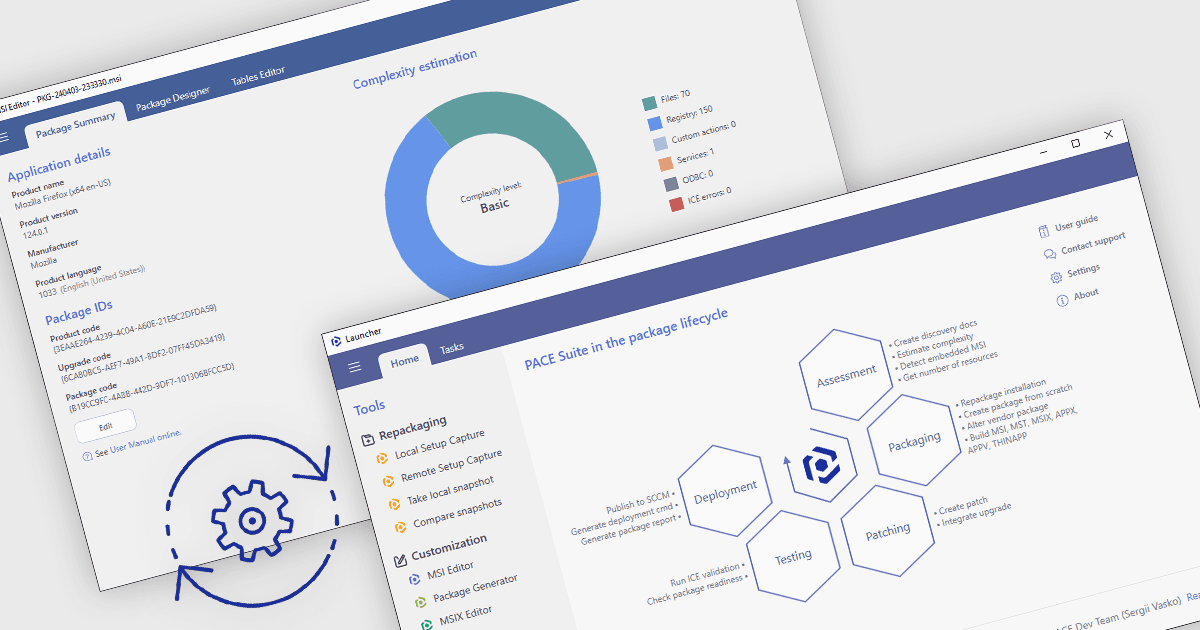
설치 도구에서의 자동 패키지 테스트는 스크립트와 프레임워크를 사용해 소프트웨어 설치를 검증함으로써, 환경 전반에서 올바르게 구성되도록 보장합니다. 이 방식은 릴리스 주기를 단축하고 오류를 조기에 식별하며, 배포 리스크를 줄여 소프트웨어의 신뢰성과 품질을 향상시킵니다. 일반적인 사용 사례로는 멀티 OS 환경에서 엔터프라이즈 패키지를 검증하고, 업데이트가 호환성을 유지하는지 확인하며, 규제 산업에서의 준수 여부를 확인하는 일이 있습니다. 이러한 테스트를 자동화함으로써 팀은 배포 준비성과 일관성에 대한 확신을 바탕으로 개발에 더 집중할 수 있습니다.
여러 설치 비교 도구에서는 패키지 테스트 자동화를 지원하며, 예를 들어:
- InstallAnywhere by Revenera는 플랫폼 전반에서 원활한 설치 및 구성을 보장하기 위한 자동 테스트를 제공하여, 소프트웨어 신뢰성과 배포 속도를 개선합니다.
- AdminStudio Enterprise by Flexera는 호환성을 검증하기 위한 자동 패키지 테스트를 지원하여, 애플리케이션 준비를 간소화하고 배포 오류를 줄입니다.
- RayPack Studio by Raynet은 패키지 설치를 위한 자동 테스트를 지원함으로써 복잡한 구성에서의 정확성을 높이고, 다양한 환경에서도 일관된 결과를 보장합니다.
- PACE Suite by Infopulse는 간소화된 배포를 위해 패키지 테스트를 자동화할 수 있도록 하여, 설치 문제를 최소화하고 안정적인 애플리케이션 준비 상태를 보장합니다.
기능과 가격에 대한 자세한 분석은 당사 설치 도구 비교를 방문하세요.