서식 있는 텍스트로 보고서를 한층 더 높이세요
글꼴 크기, 스타일, 정렬, 간격 같은 텍스트 서식 지정을 사용해 보고서에서 텍스트의 모양을 쉽게 조작함으로써 가독성을 개선할 수 있습니다.
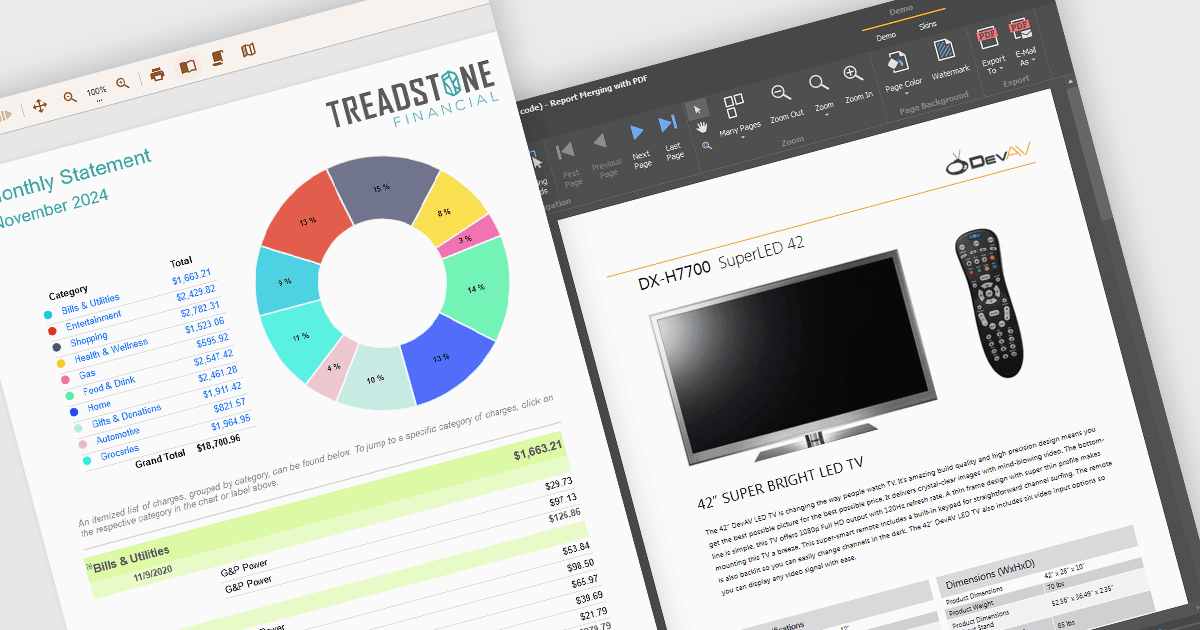
보고 구성 요소의 텍스트 서식 지정 기능을 사용하면 보고서 내 텍스트의 모양을 글꼴, 크기, 색상, 정렬, 간격, 굵게 또는 기울임꼴 같은 스타일을 포함하여 사용자 지정할 수 있습니다. 많은 구성 요소에서는 조건부 서식, 서식 있는 텍스트, HTML 렌더링과 같은 고급 기능도 지원하므로, 개발자가 데이터를 기반으로 콘텐츠에 동적으로 스타일을 적용하거나 복잡한 시각 요소를 포함할 수 있습니다. 이 기능은 읽기 쉽고 시각적으로 매력적인 전문적이고 완성도 높은 보고서를 만드는 데 필수적이며, 사용자가 주요 동향과 인사이트를 빠르게 파악할 수 있도록 도와줍니다. 활용 사례는 정밀한 정렬과 강조가 중요한 재무 보고부터 데이터를 효과적으로 전달하기 위해 시각적으로 인상적인 프레젠테이션이 필요한 마케팅 대시보드까지 다양합니다.
여러 WinForms 보고 컨트롤은 다음과 같은 서식 있는 텍스트를 지원합니다.
- DevExpress Reports (Multi-Platform)은 서식 있는 텍스트와 HTML을 연상시키는 서식을 지원하여 개발자가 비즈니스 요구에 맞춘 전문 보고서를 만들 수 있도록 지원합니다.
- ActiveReports.NET은 RichTextBox 컨트롤을 통해 강력한 텍스트 서식 지정을 제공하며, RTF 및 HTML 콘텐츠를 통합해 시각적으로 매력적인 보고서를 만들 수 있습니다.
- Telerik Reporting은 서식 있는 텍스트 서식 지정, 조건부 스타일링, HTML 기반 텍스트 렌더링을 제공하여 보고서의 가독성과 효과를 높여줍니다.
- List & Label Enterprise Reporting Edition은 동적 스타일링, 서식 있는 텍스트 편집, 국제화를 지원하므로 고품질의 전 세계에서 사용할 수 있는 보고서를 만드는 데 이상적입니다.
기능과 가격에 대한 자세한 분석을 보려면 WinForms 보고 컨트롤 비교를 방문하세요.